Deliver messages that matter, on any channel
Sharing company news is easy with LumApps. Deliver targeted, personalized messages in just one click. Use our omni-channel communication tools to reach specific groups on their favorite apps and boost team engagement.
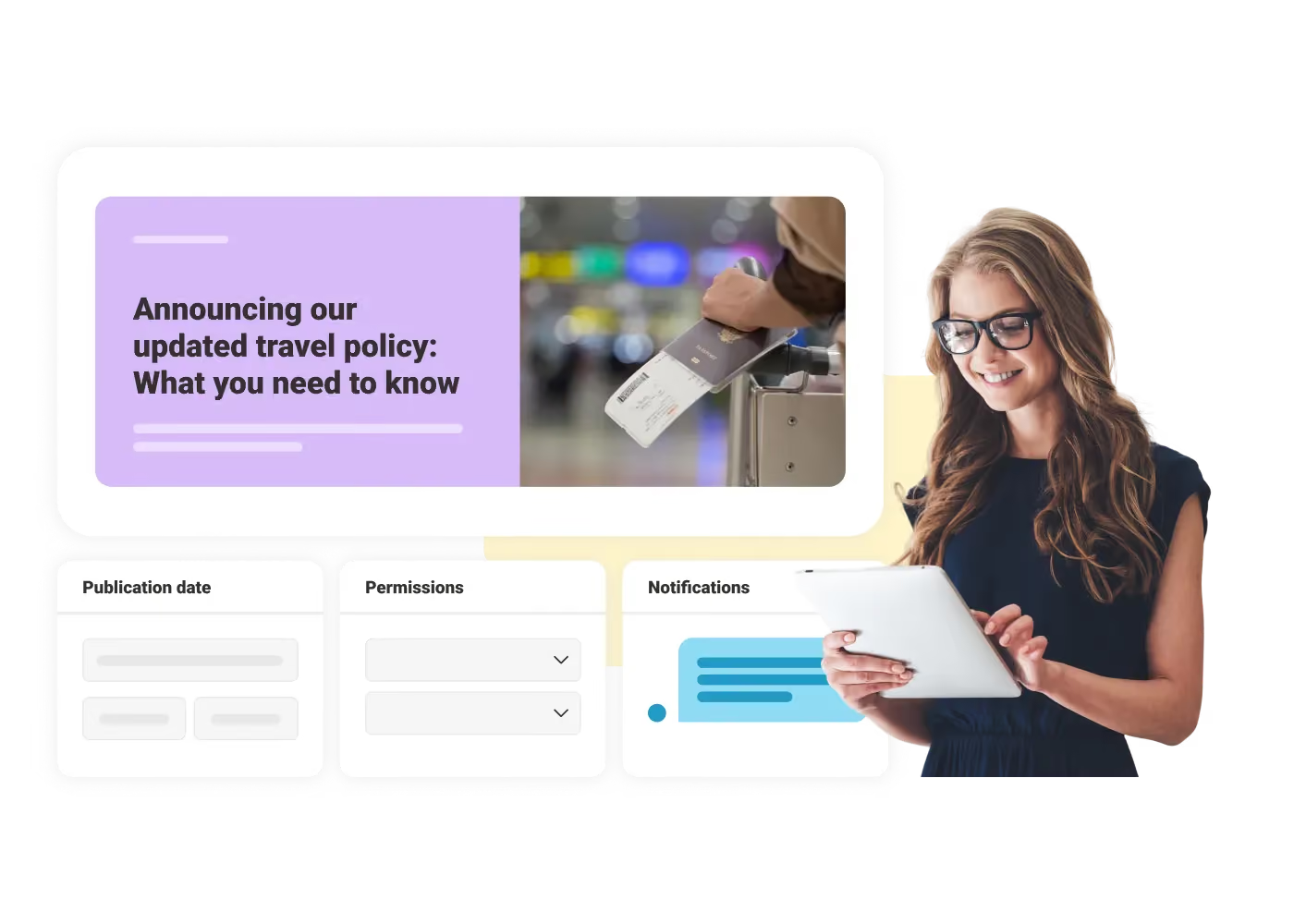

Targeted delivery
Group your teams by location or role. Send personalized messages to reach the right people at the perfect moment.

Channel selection
Choose how you want to send messages via Microsoft Teams, mobile push notification, and more.

Track and improve
Know who's reading, clicking, and responding. Quickly adjust your campaigns for even better results.
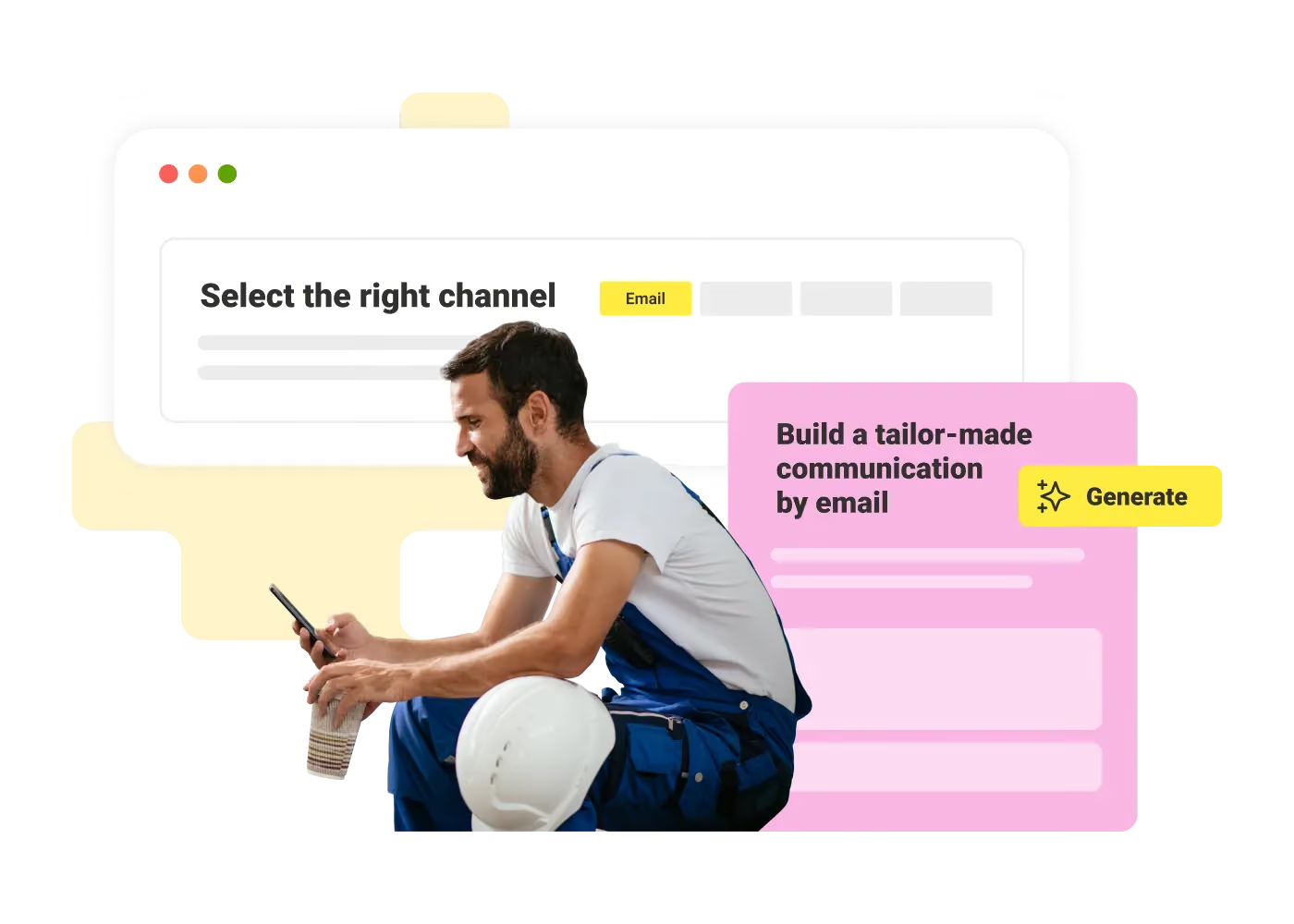
Build your campaign
Draft your message in the text editor and select who receives it. Choose how the message arrives by selecting a channel like email or Microsoft Teams. When you're ready, send it immediately or schedule it for later.
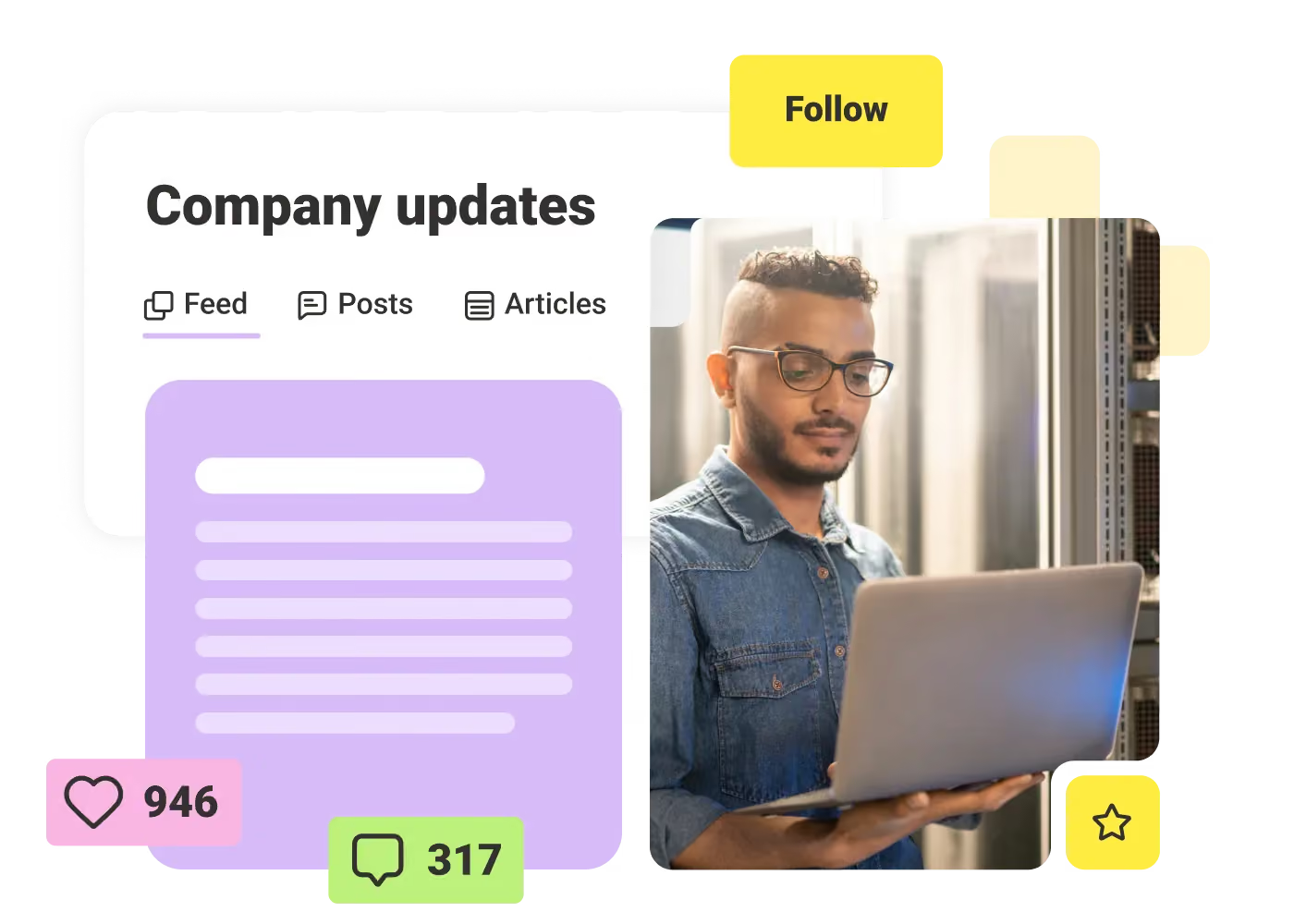
Reach all employees at any work location
Choose how to deliver messages or let employees set their preferences. With tailored notifications and nudges, employees will never miss an important announcement – whether they're desk-based or a frontline worker.
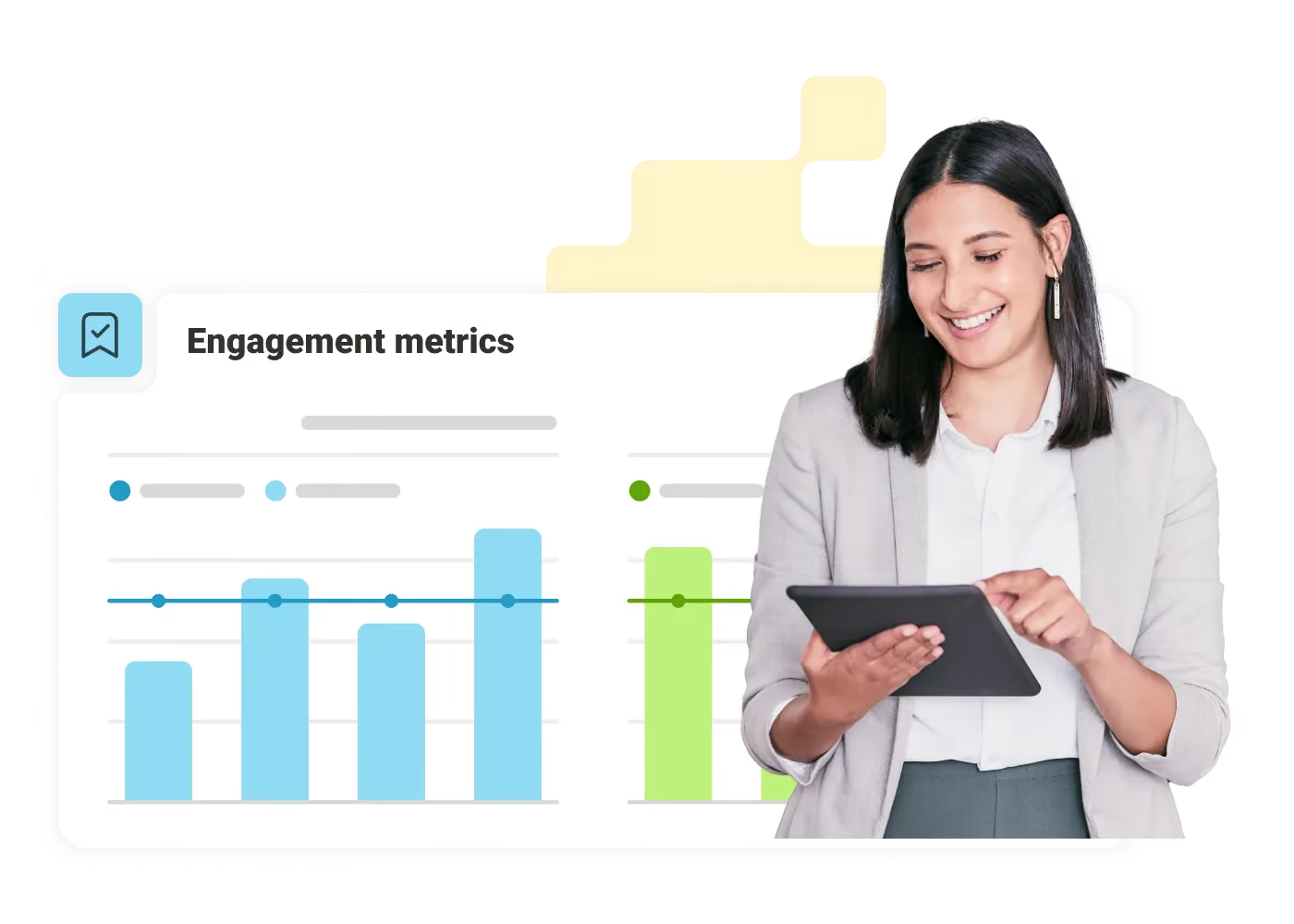
Understand campaign performance
See how your campaigns are doing in real time. Your dashboard offers a clear, consolidated view of all your campaign data, allowing you to see how your messages performed. Check open rates, read rates, and more.
"We're now able to share the messages from our executive leadership team with our teammates around the globe in a way we've never been able to do before."

"The Kitchen has played a key part in allowing us to drive a clear and consistent message during a time of intense change. It has quickly become part of the 'everyday' for JETers globally."
"LumApps mobile app is very easy to use, and everything is close to you on your smartphone without having to open the laptop. Always being up to date with the latest news. For IT and mobility support also very easy to look up and find resources."
Questions
Omni-channel communication is a seamless, integrated approach to engaging with customers or employees across multiple channels. It ensures consistent messaging and experience, whether through email, mobile apps, intranets, social platforms, or in-person interactions.
Multi-channel strategies utilize various channels independently, while omni-channel approaches integrate them to create a cohesive, seamless experience. For instance, a conversation that begins over email can effortlessly transition to a mobile app or another platform without losing context.
By using integrated tools to deliver updates, reminders, or resources across multiple platforms, employees stay informed no matter where they are. This reduces miscommunication, ensures timely responses, and keeps workflows uninterrupted.
Platforms like LumApps, which integrate with tools like Google Workspace and Microsoft Teams, offer robust support for omni-channel communication. They centralize interactions while adapting to various channels and devices effortlessly.
Audience segmentation helps by delivering tailored content to specific groups. This reduces irrelevant messages and ensures that updates or calls-to-action align with the needs of each segment, improving overall impact and engagement.
Key performance indicators (KPIs) include engagement rates, message open and click rates, user satisfaction, and task completion metrics. Real-time analytics from integrated platforms can help assess the strategy's overall effectiveness.
Get a personalized demo of the AI Employee Hub — built around how your teams actually work.