Public sector

Turn fragmented work into faster public service

Connect departments, systems, and field teams in one employee hub, so agency staff can deliver a better, more efficient citizen experience.
Request a demo
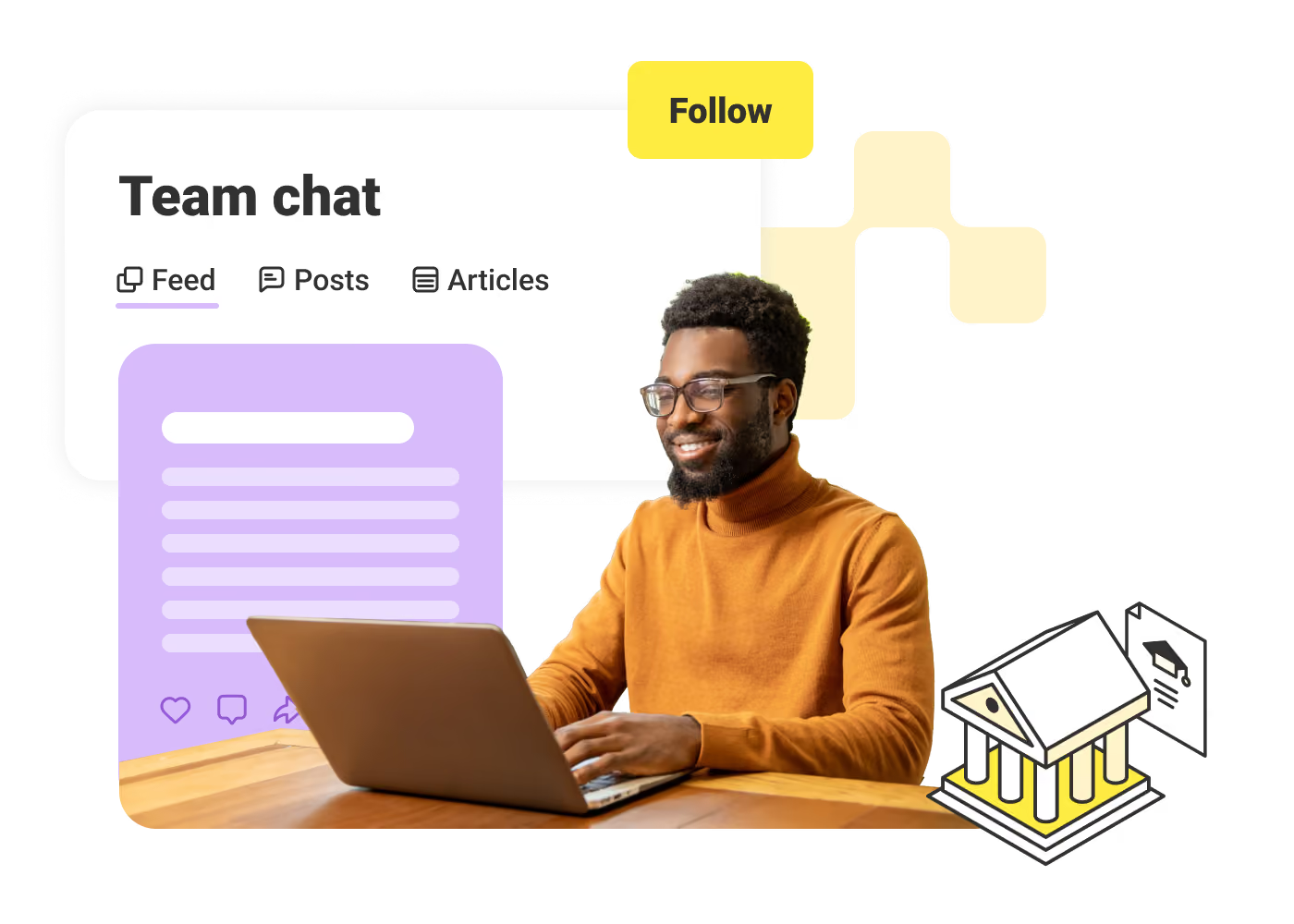
Man in orange sweater works on a laptop with team chat interface and education icon in background.
Improve service
Improve service
Help staff resolve citizen requests faster with the information and tools they need in one place.
Reduce paperwork
Reduce paperwork
Cut time spent on manual processes with digital forms, workflows, and automated approvals.
Strengthen security
Strengthen security
Protect sensitive data with role-based access, secure communication, and controlled system access.
Simplify tech
Simplify tech
Reduce tool sprawl by bringing communication, workflows, and access into one hub staff use daily.
Improve coordination
Connect every department, from field staff to agency leadership, so information flows and work moves faster.
Maintain compliance
Maintain compliance
Stay audit-ready with centralized records of communications, workflows, and approvals.
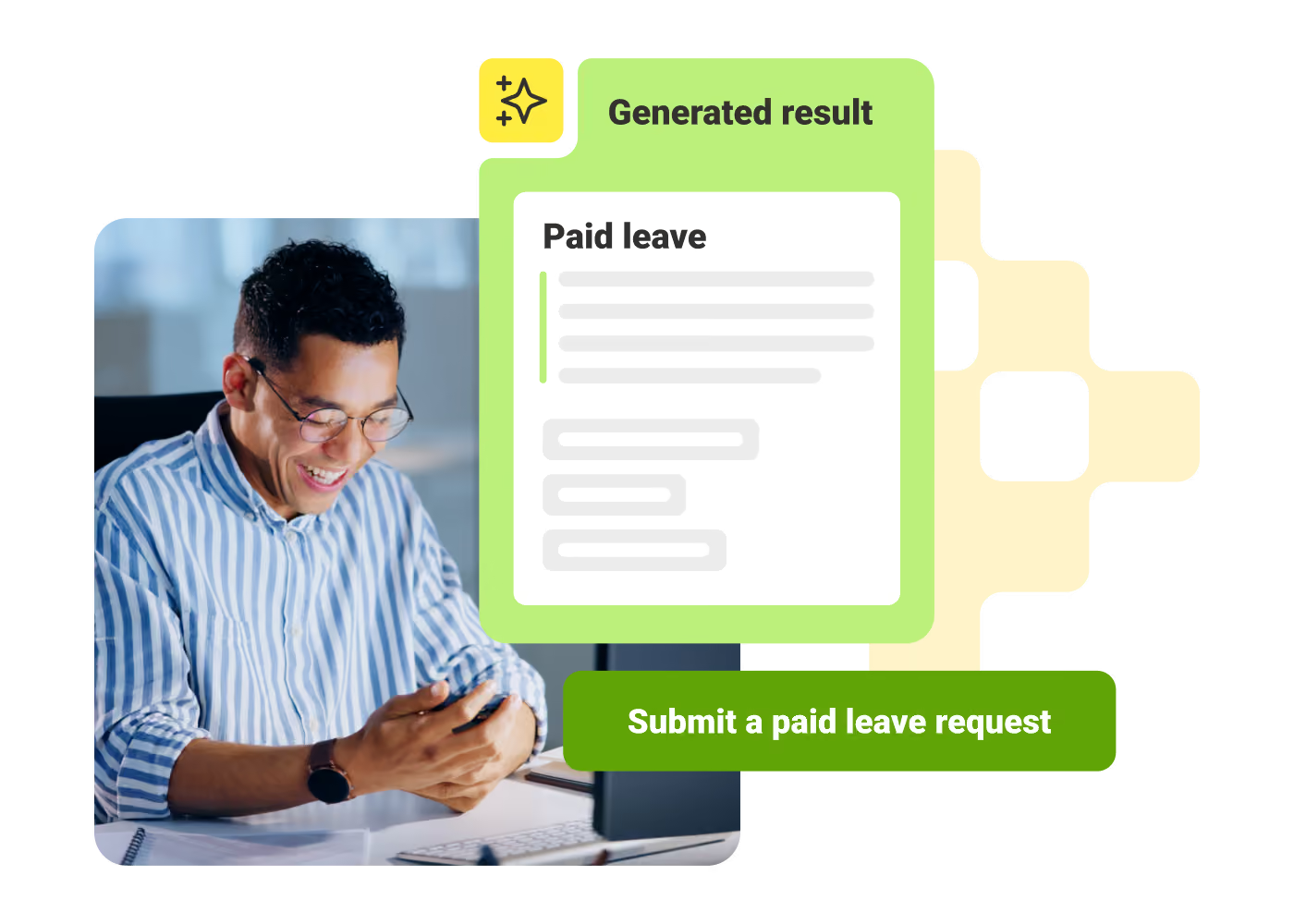
Man smiling and looking at phone beside a digital form titled Paid leave with a submit button.

Access updates and tools in one place

Employees log into one hub to see role-based updates, access third-party business tools, and find what they need. Personalized dashboards and AI-powered search help field and office teams quickly locate policies, resources, and regulatory info.
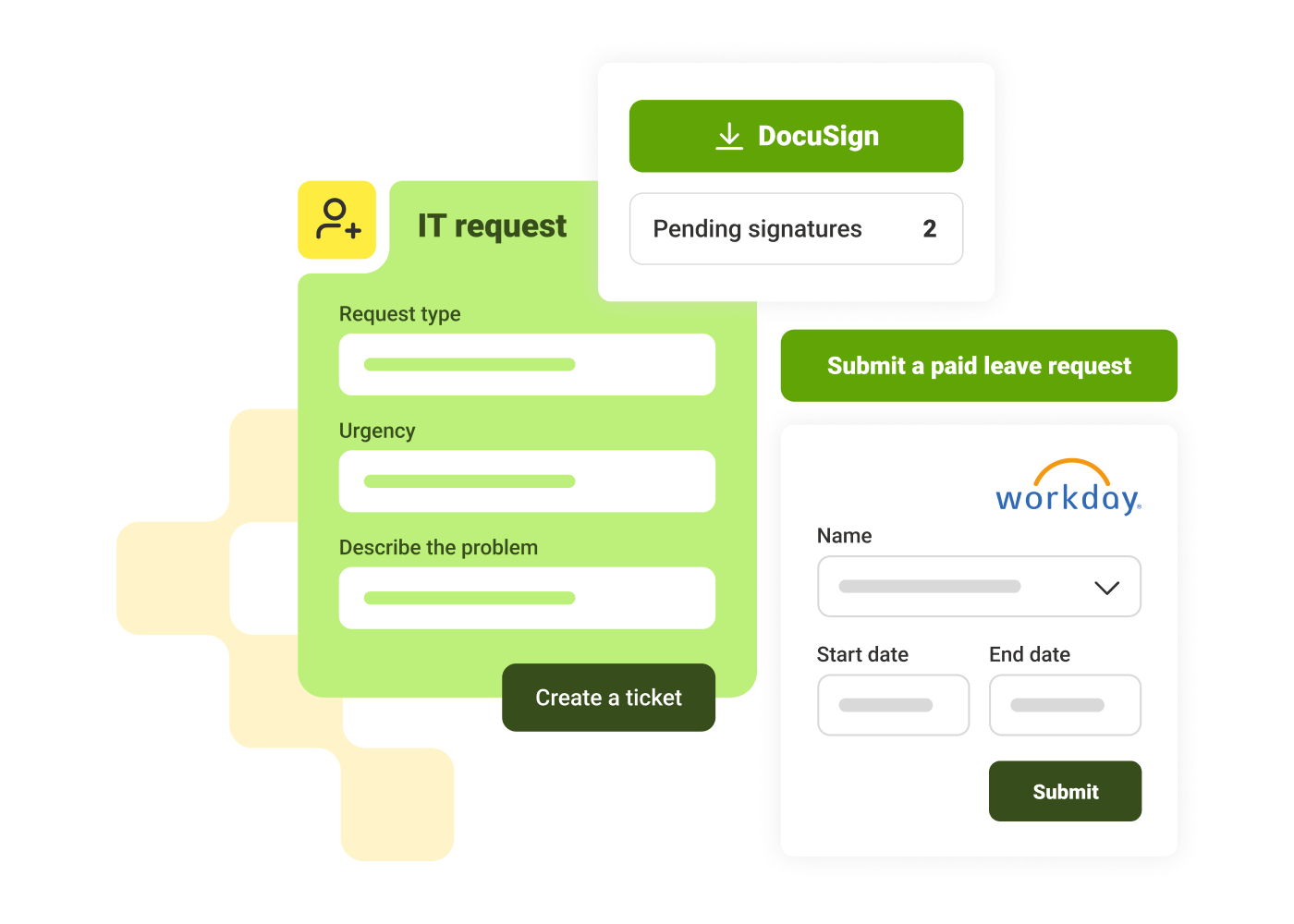
Three app interfaces: IT request form, DocuSign with 2 pending signatures, and Workday leave request form.

Submit forms and approvals from any device

Give your field and remote teams the ability to submit digital forms and checklists straight from their phones. Micro-apps connect to third-party systems and surface tasks directly in the hub so employees don’t have to switch between tools.
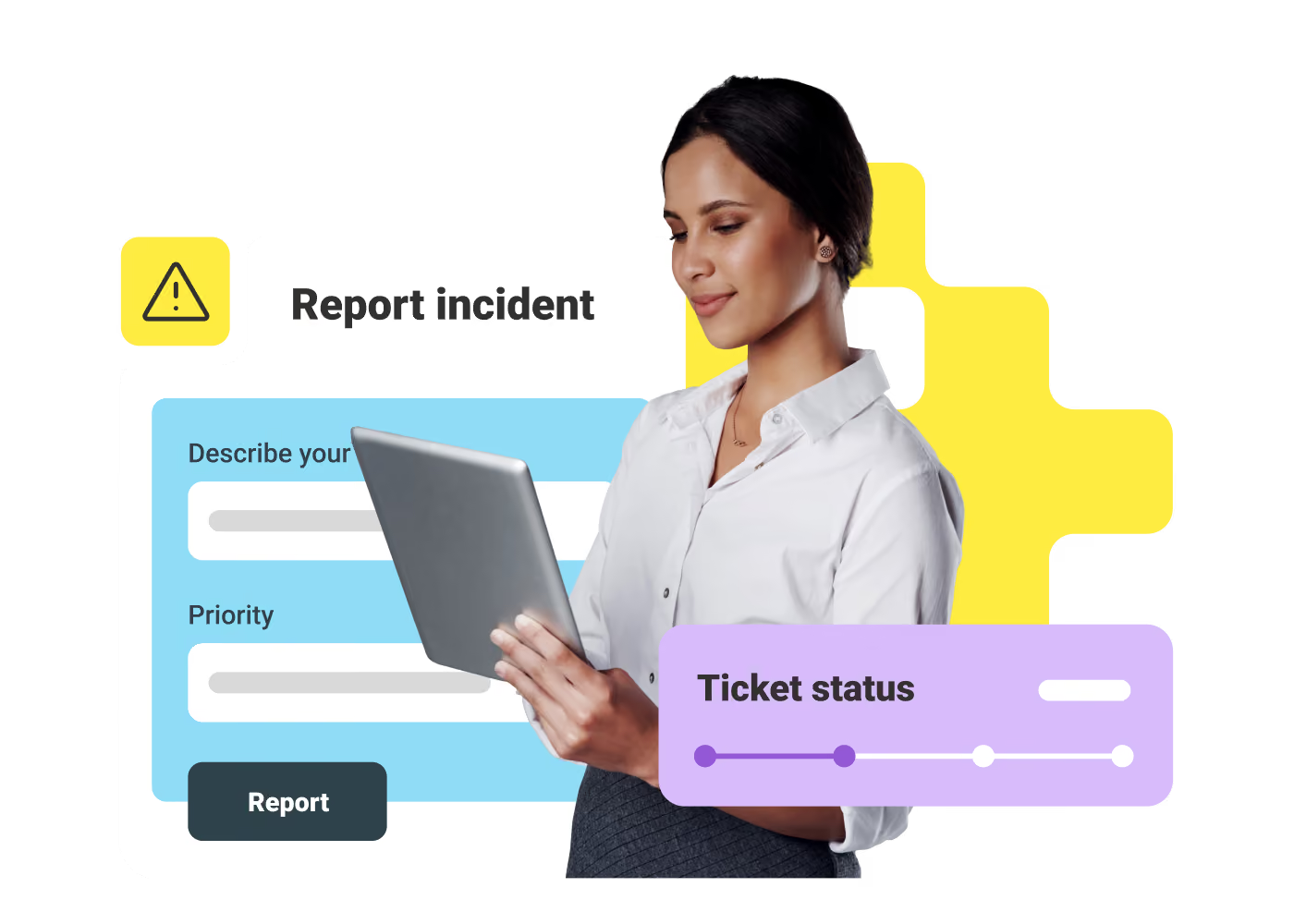
Woman in white shirt holding tablet with report incident form and ticket status graphics.

Keep teams aligned across departments

Post updates, report issues, and coordinate efforts across departments and locations. Chat, announcements, and alerts keep teams informed, while feedback and recognition features support a strong, connected culture.
Jolien Van Damme
"A social intranet is no longer a luxury. Our 550 people are not in the same fire stations at the same time. Our objective is to bring our 550 employees together, but in a digital way. The mobile app makes a huge difference!"
Jolien Van Damme
,
Communication Manager
at
Hulpverleningszone Waasland (HVZ)
Jose Morla
"Our communication is now easier and more transparent."
Jose Morla
,
Deputy Rescue Services and IT/Data Protection Officer
at
German Red Cross
Kristoff Geens
"To make our LumApps product completely our own, we have added a design layer together with g-company. The look-and-feel of Vonk is now really on fire!"
Kristoff Geens
,
Product owner
at
Antwerp Fire Brigade

Get a personalized demo of the AI Employee Hub — built around how your teams actually work.
Request a demo
Illustration of a female customer service agent with headset, calendar, and notification bell.
Button Text

From our experts and community

Visit Resource Center
June 15, 2026
Blog Post

Why frontline engagement is harder than it looks

Resource Card
June 15, 2026
Blog Post

Internet vs. Intranet vs. Extranet: Key Differences Explained

Resource Card
June 15, 2026
Blog Post

9 Best employee communication apps for enterprises in 2026

Resource Card
Two coworkers talking in an office with one taking notes and another wearing headphones around neck.
Checklist

Is Your Intranet Working? Free Legacy Intranet Checklist

Resource Card
May 29, 2026
Four construction workers in safety gear smiling with orange geometric overlay and checklist icon.
Checklist

How to improve communication and compliance on every job site

Resource Card
May 26, 2026
Event readiness timeline planner
Checklist

Event readiness timeline planner

Resource Card
May 21, 2026
The essential HR checklist for healthcare teams
Checklist

The essential HR checklist for healthcare teams

Resource Card
May 21, 2026
Modern office with a group meeting around a table and one woman sitting on a black chair using a laptop.
Checklist

Internal Communication Strategy

Resource Card
May 26, 2026
Smiling woman in white shirt holding an open sign in a bright coffee shop setting.
Checklist

Must-Have Features for Retailers

Resource Card
May 26, 2026
Two construction workers with helmets, one using a walkie-talkie, the other checking a tablet.
Checklist

Modernizing Communications with Frontline Employees

Resource Card
May 26, 2026
Smiling woman with earbuds uses laptop and holds smartphone at wooden table with coffee cup.
Checklist

Hybrid Work Checklist

Resource Card
May 26, 2026
Smiling man in glasses and checkered shirt working on a laptop at a bright home office desk.
Checklist

Data Driven Employee Experience: The IT Leader's To-Do List for Mastering Analytics

Resource Card
May 26, 2026
Two men fist bumping across a table with laptops, notebooks, and coffee cups in a casual workspace.
Checklist

6 ways to improve collaboration with an intranet

Resource Card
May 26, 2026
Four colleagues engaged in a lively discussion holding papers and notebooks near a laptop and window.
Checklist

7 steps to build the business case for an intranet

Resource Card
May 26, 2026
Three coworkers smiling and discussing work in a modern office with a wooden wall background.
Checklist

Battle of the Intranets: Meta Workplace vs LumApps

Resource Card
May 26, 2026
Man working on laptop at a wooden desk with another laptop, mouse, phone, and coffee mug nearby.
Checklist

Is your SharePoint intranet truly meeting your team’s needs?

Resource Card
May 11, 2026