Intranet Design: Best Practices and 5 Examples That Drive Adoption
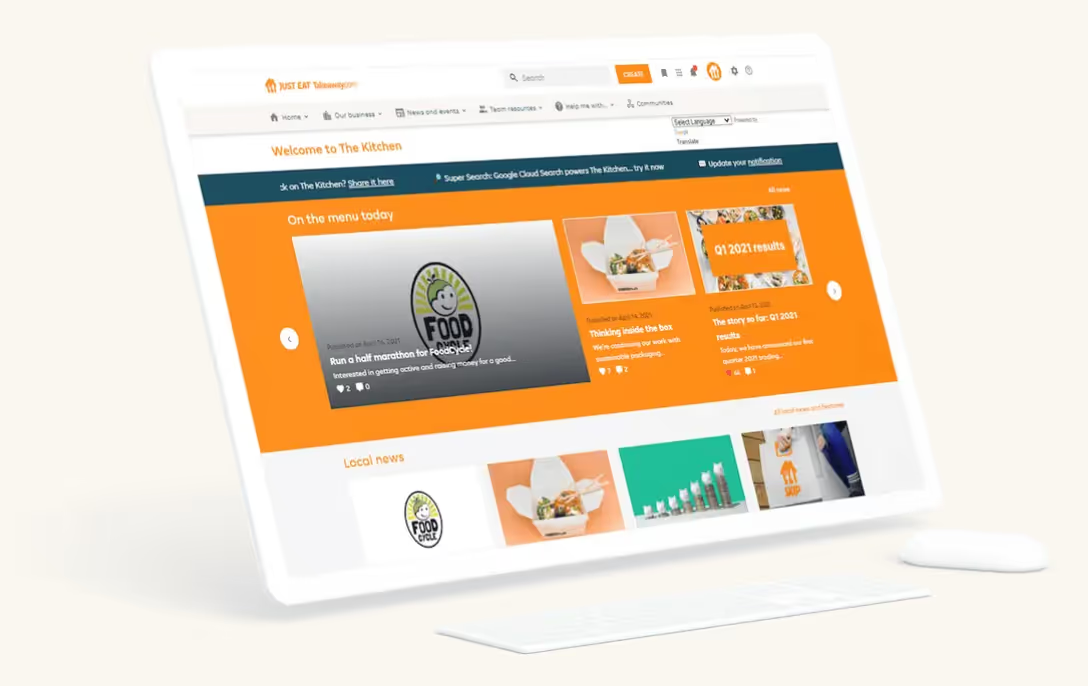
Intranet design has evolved far beyond picking colors and arranging a homepage. Today, modern intranet design is a discipline that blends usability, personalization, governance, and scalability.
These are necessary to support how employees connect, find knowledge, receive important messages, and interact with personalized information.
Across industries, organizations are rethinking their company intranet design to reduce digital noise, improve knowledge sharing, and create more engaging employee experiences.
Designing an intranet that people use requires looking beyond trends or launching a redesign every few years. In this guide, we’ll explore proven intranet design best practices and real-world design patterns that drive adoption, engagement, and long-term value across the enterprise.
What Is Intranet Design?
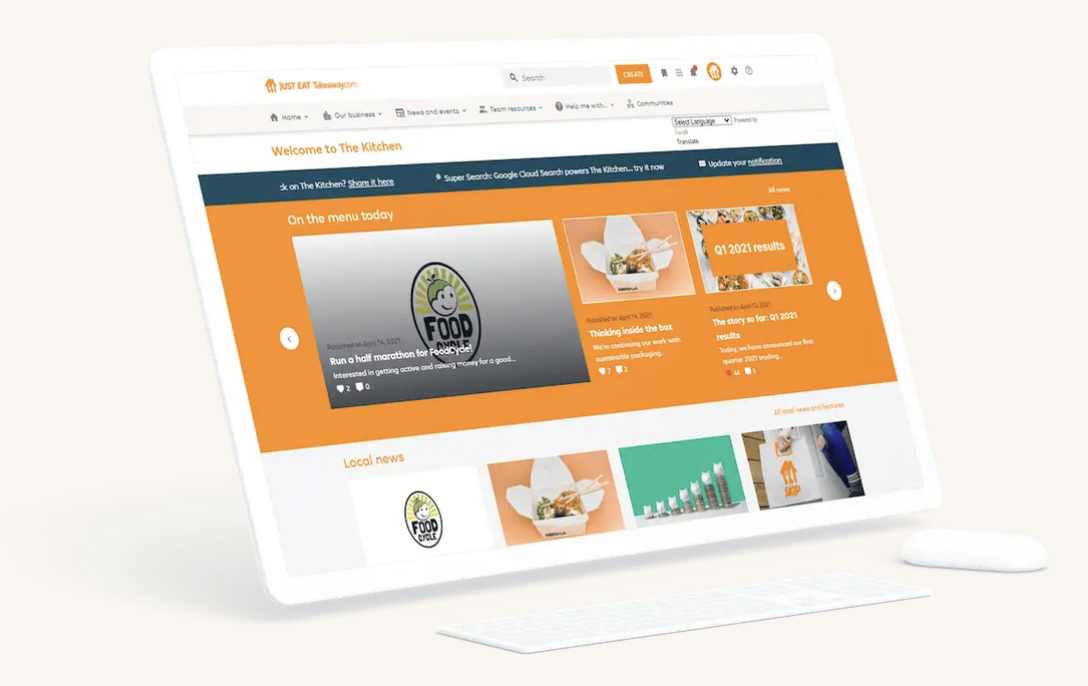
Intranet design refers to the structure, layout, usability, and overall experience of an organization’s internal digital workplace. It includes two interconnected layers:
- Visual design: Branding, layout, typography, and page structure.
- Experience design: How employees navigate, search, discover information, and complete tasks within the interface.
While visual aesthetics matter, experience design has a greater impact on whether employees return to the intranet after their first visit.
A well-designed intranet reduces friction, surfaces relevant content, and makes everyday work easier. A poorly designed one becomes just another ignored system. The best intranet designs focus on usability, clarity, and personalization, not just aesthetics.
What Makes a Modern Intranet Design Effective?
In today’s digital landscape, modern intranet design must support distributed workforces, address information overload, and adapt to evolving employee expectations. The most effective designs share a few defining characteristics.
Clear Information Architecture
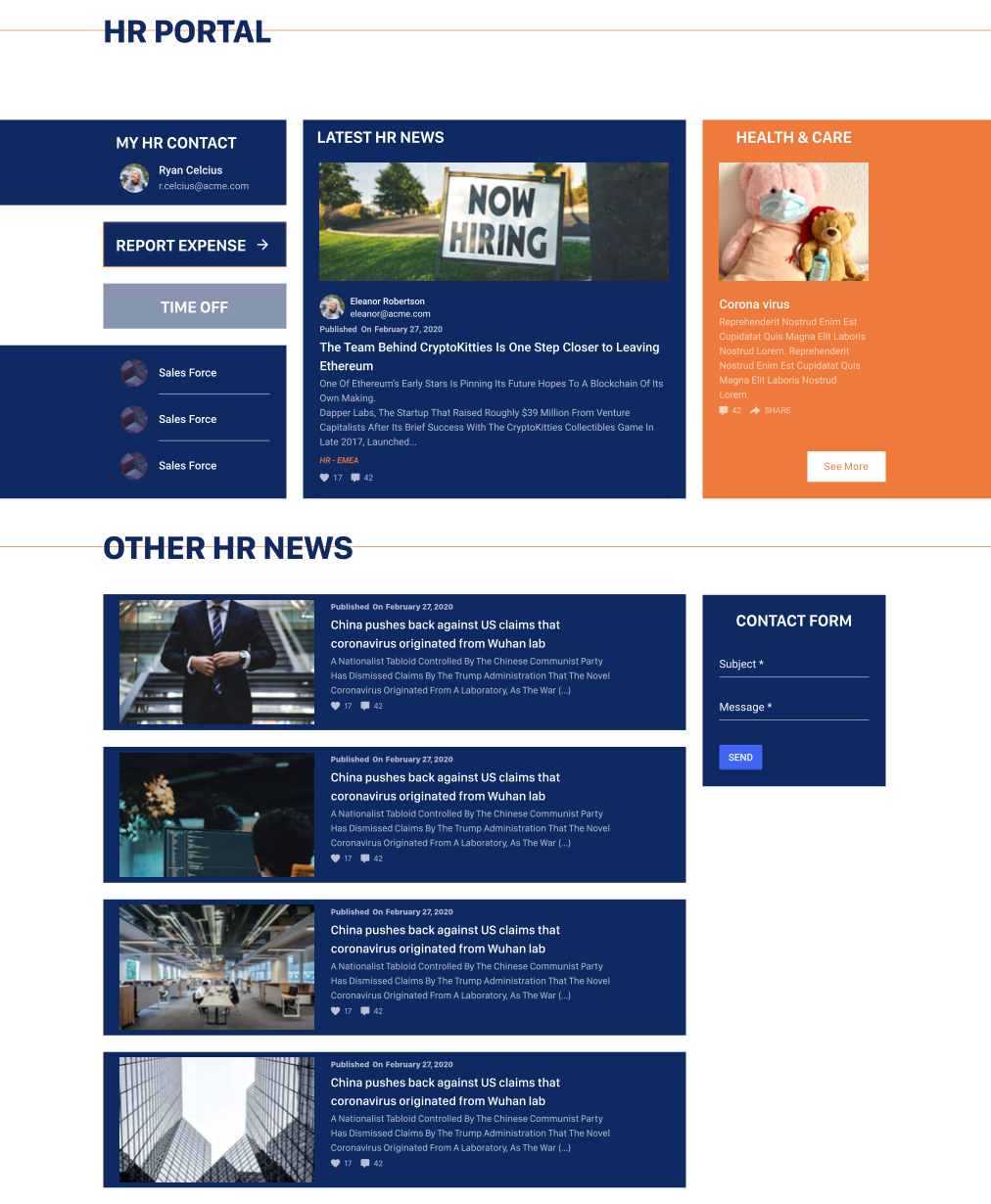
Employees should intuitively understand where to go for news, tools, knowledge, and team resources based on your intranet architecture. Logical navigation, consistent labels, and predictable page structures reduce confusion and frustration.
Personalized Entry Points
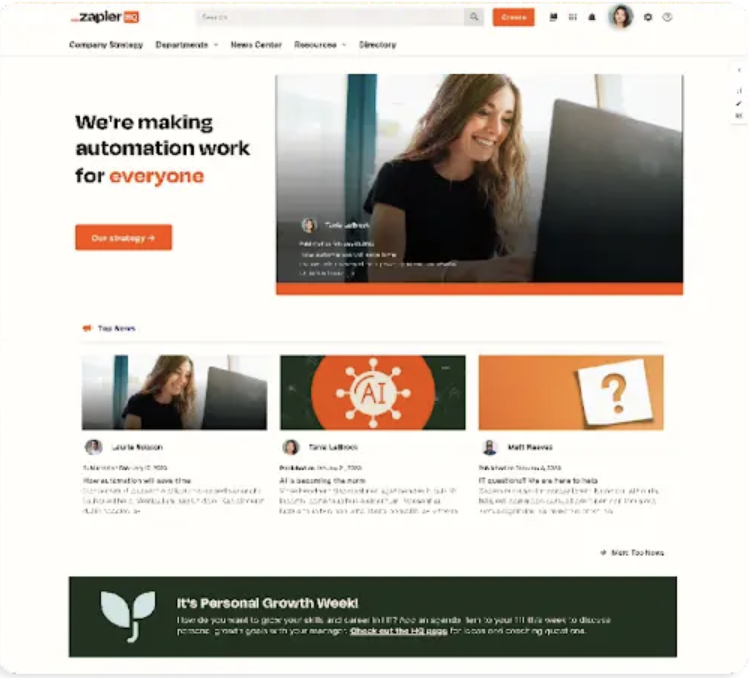
A modern intranet homepage is not one-size-fits-all. Role-based content, targeted announcements, and personalized shortcuts ensure employees see information that’s relevant to them, not everything at once.
Mobile Access
Employees increasingly rely on mobile access, whether they’re frontline workers or traveling executives. Modern intranet design ensures mobile experiences offer the same functionality and clarity as desktop experiences, rather than a stripped-down version.
Accessibility and Inclusivity
Good intranet design follows accessibility standards so all employees can navigate and engage comfortably. This includes elements like readable typography, strong contrast, keyboard navigation, and screen reader compatibility that comply with the Americans with Disabilities Act (ADA) guidelines.
Consistent Governance and Brand Alignment
Design consistency builds trust. Intranet governance and brand alignment ensure that, as the organization grows, layouts, naming conventions, and branding remain cohesive rather than fragmented across departments.

Intranet Design Best Practices for Enterprise Teams
While intranet trends come and go, a solid design centered on key best practices will set your organization up for long-term success.
These best practices for intranet design help organizations create scalable, user-centered digital workplaces that are easy for employees to navigate and find what they need:
- Design for Roles, Not Org Charts: Most employees think in terms of their everyday work, not company structure. Instead of organizing the intranet strictly by departments, design it around employee roles and tasks. Sales teams, HR partners, and frontline staff all need different entry points and resources.
- Prioritize Search and Findability: Even the best intranet designs can’t rely solely on navigation. Strong search functionality, metadata, and content tagging make it easier for employees to find what they need quickly. Findability should be a core design priority, not an afterthought.
- Reduce Noise Through Targeting: Too much content reduces engagement. Targeted communications, personalized feeds, and role-based publishing help ensure employees see the updates most relevant to them and avoid information overload.
- Design Once, Scale Everywhere: A strong company intranet design uses reusable templates and components that maintain consistency across departments and regions. This prevents design fragmentation while still allowing teams to manage their own content.
- Measure and Iterate With Analytics: Good intranet design is constantly improved. Use data to analyze what employees search for, where they drop off, and which pages drive the most engagement. Continuous optimization based on real usage data leads to long-term success.
Designing or redesigning an intranet with these best practices in mind ensures your organization creates an experience that improves adoption and increases engagement.
Modern Intranet Design Examples From Leading Organizations
When looking at best intranet designs in practice, you’ll notice common patterns that help employees find what they need, stay connected, and complete work more efficiently.
These workable patterns show how intranet design can address real organizational needs. They can boost adoption across diverse teams across industries, including:
- Intranet design examples for retail.
- Intranet design examples for healthcare.
- Intranet design examples for manufacturing.
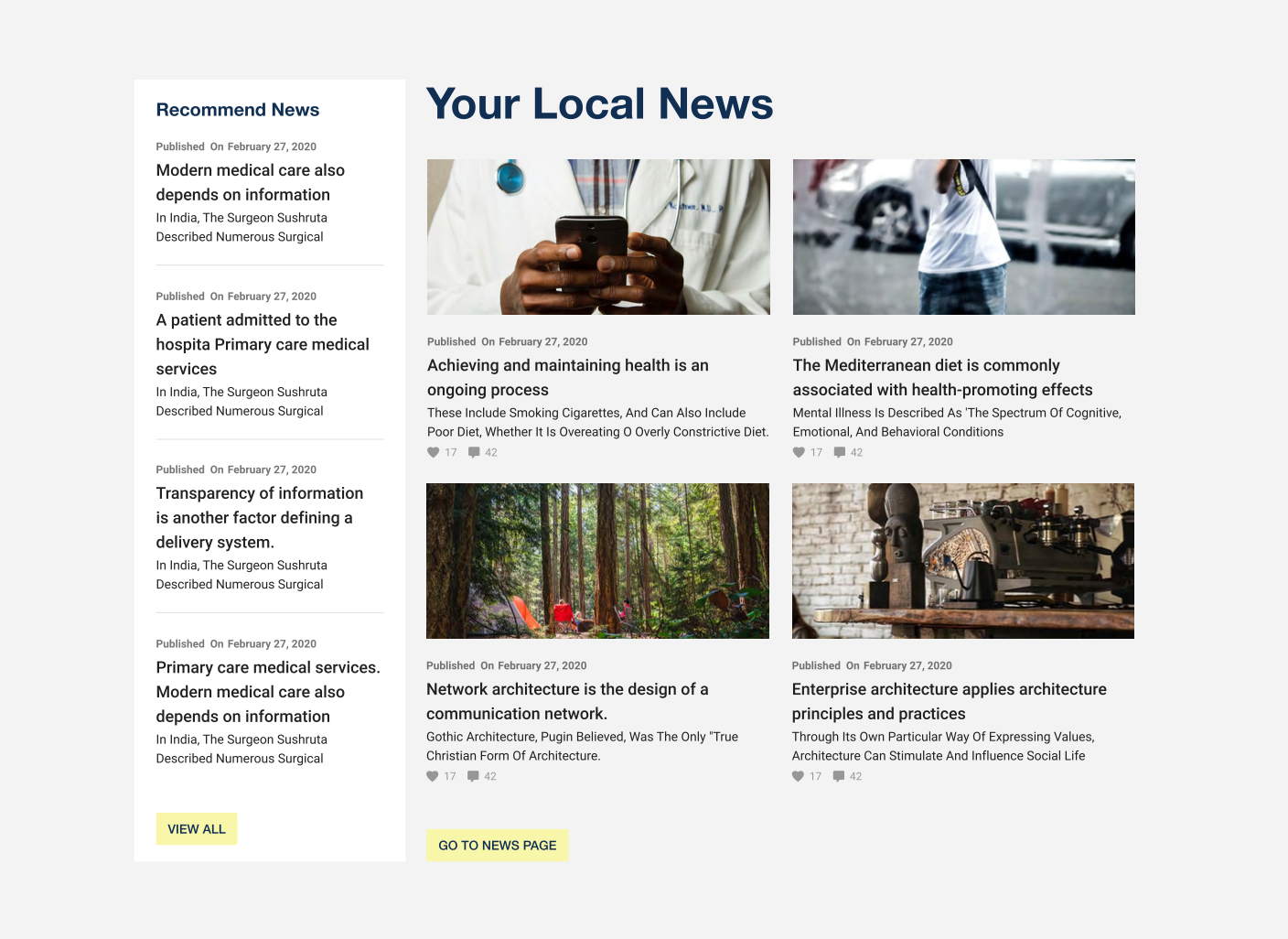
1. Communication-Centered Designs
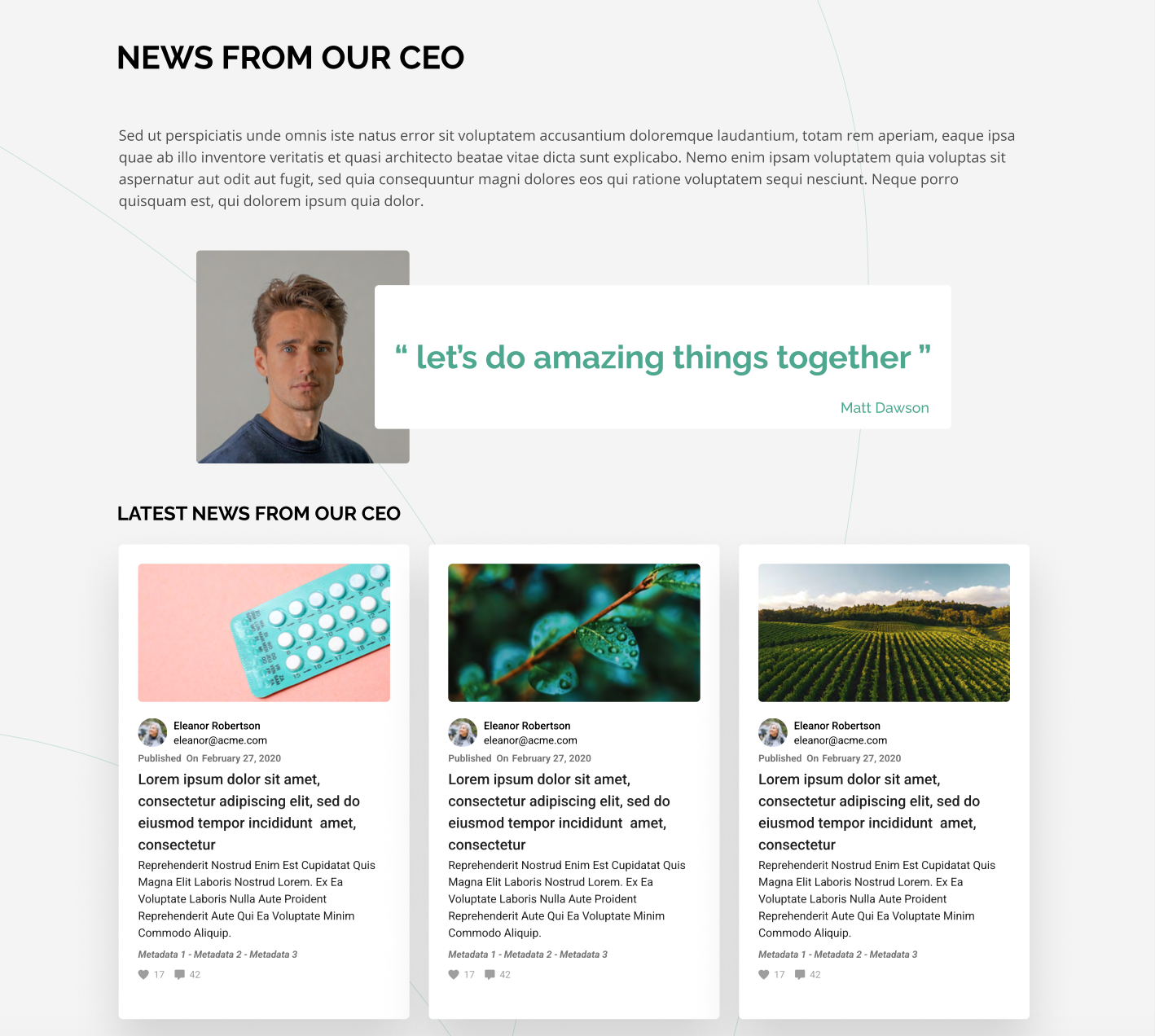
Great intranet design places communications front and center, especially during times of change or major organizational updates. Instead of burying key messages in email or chat tools, communication-based designs:
- Feature clear announcement panels on the homepage.
- Surface leadership messages with visual emphasis.
- Use targeted widgets to tailor news by audience or location.
A communication-centered design features prominent news feeds, activity banners, and spotlight modules. A communication-based design approach reduces noise and ensures relevant information reaches the right people, helping keep staff aligned and informed.
2. Personalized Experience Patterns
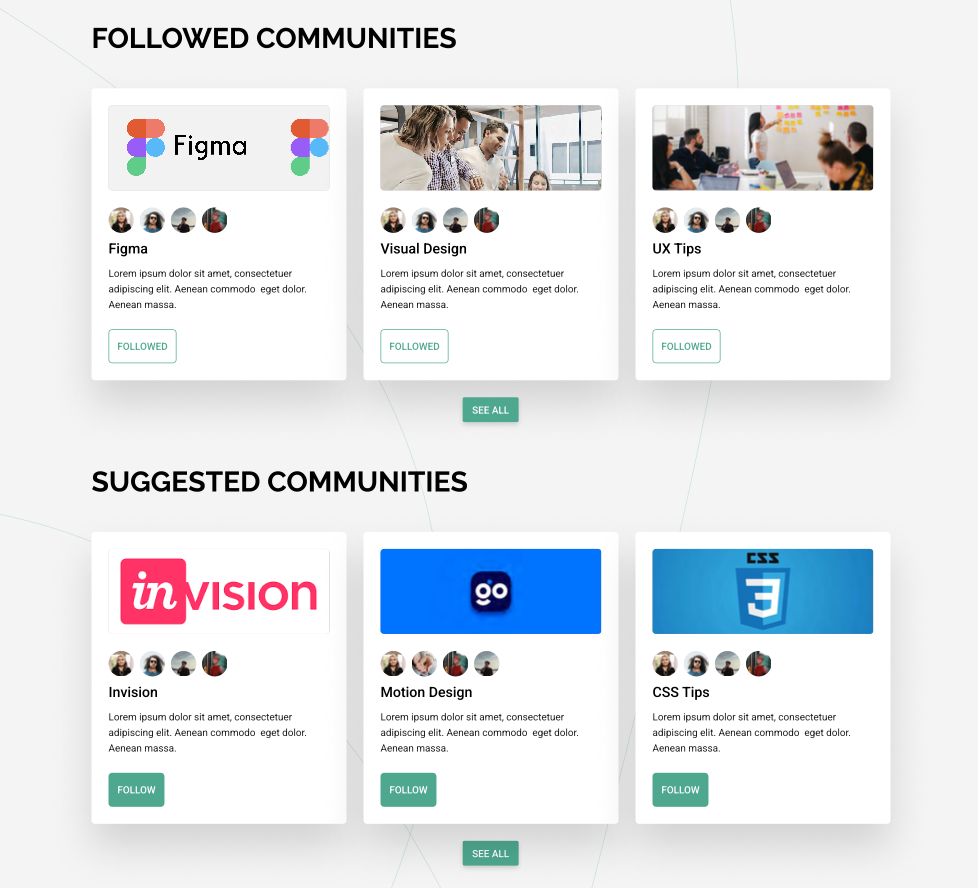
Top intranet designs give each employee a personalized starting point. Instead of a generic homepage, employees see content tailored to their role, department, or work location. Key elements of personalized experience design include:
- Custom widgets for role-centric apps and tools.
- Personalized dashboards that show relevant tasks, updates, and links.
- Quick access to frequently used resources.
Visual clues at the forefront of personalized design experiences include modular dashboard cards, “recommended for you” sections, and dynamic menus.
Personalized design patterns reduce clutter and increase relevance, thereby boosting intranet adoption across teams with diverse needs.
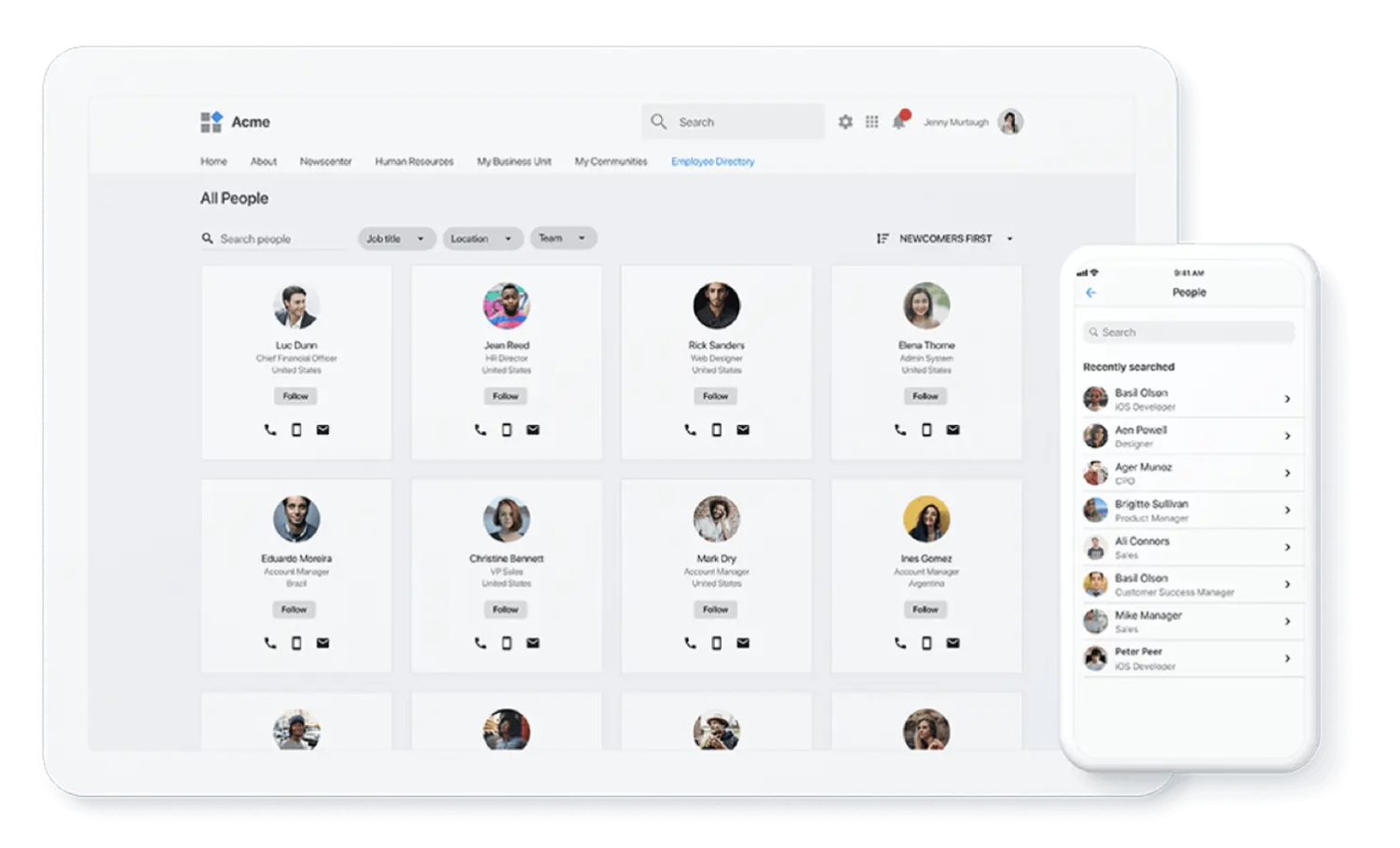
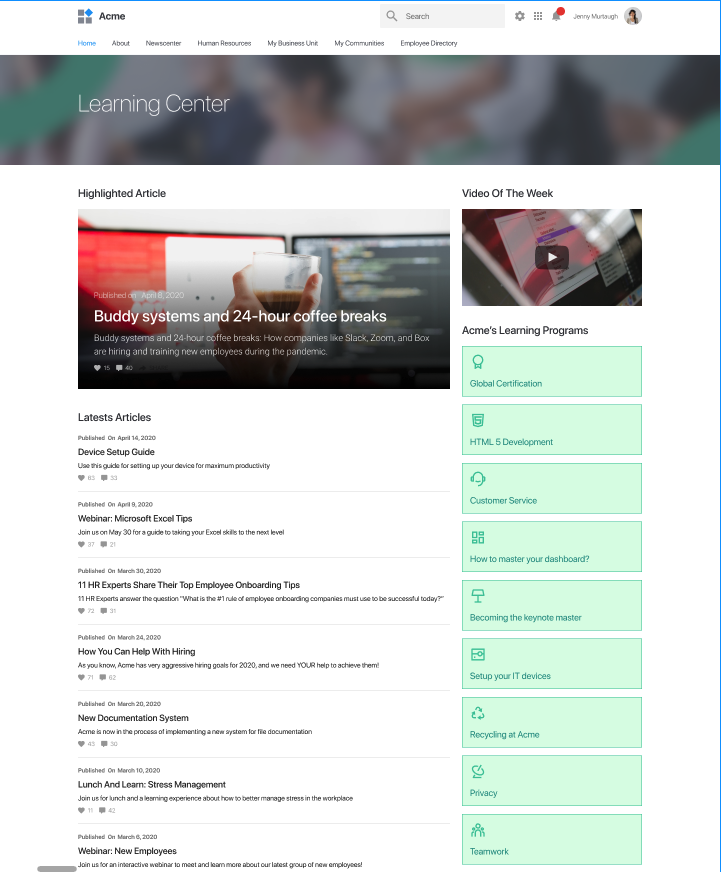
3. Knowledge-First Layouts
Intranets that support a continuous learning culture and strong knowledge discovery make it easy for employees to find what they need when they need it. Effective knowledge-first design implementations include:
- Put search and knowledge hubs front and center.
- Organize articles and documents with rich metadata.
- Include directories and centralized libraries for key content.
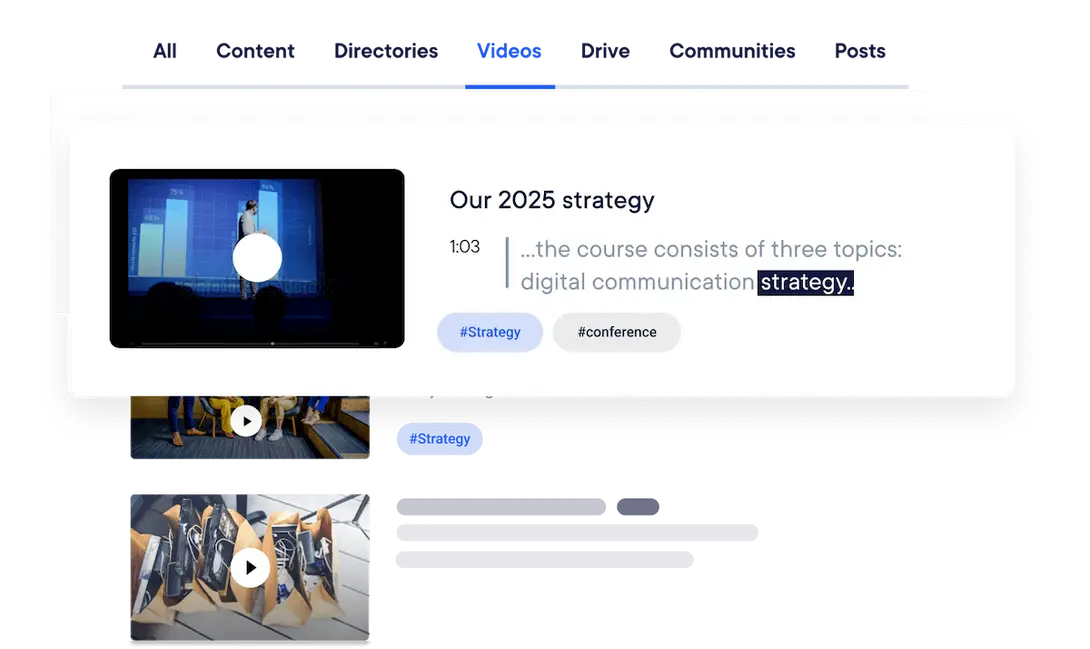
Designs for knowledge-first layouts display prominent search bars above the fold, categorized knowledge blocks, and content cards with tags. Rather than siloing information by department, these layouts reduce friction and support self-service access to institutional knowledge.
4. Integration-Rich Dashboards
Another strong piece of modern intranet design is integrating everyday tools and platforms into the intranet experience itself to ensure a seamless experience. Teams increasingly expect:
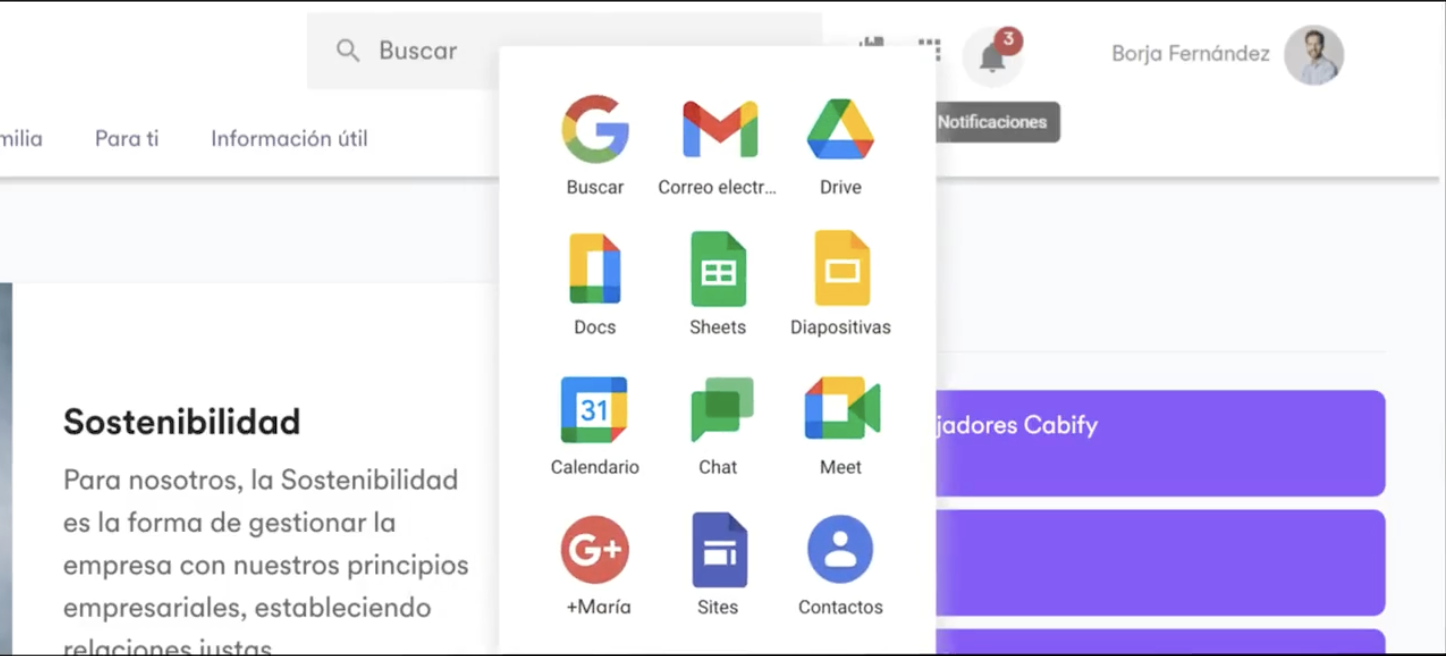
- Access to productivity suites, like Google Workspace and Microsoft 365.
- Native integration with core systems like HR, customer relationship management (CRM), and service desks.
- Embedded workflows that reduce context switching.
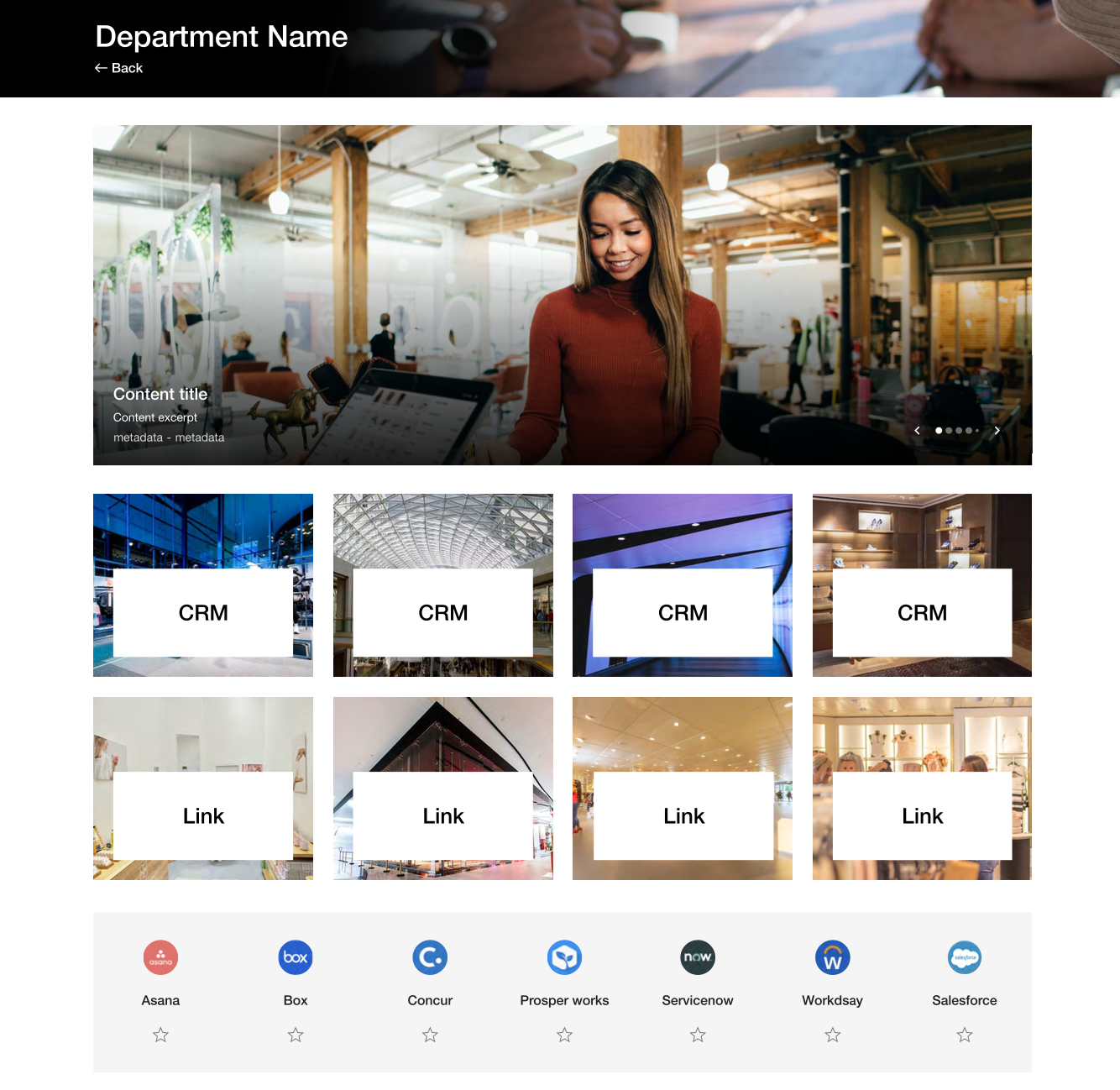
Integration-rich dashboards include app widgets, live data tiles, and tool-specific icons. These bring key tools and integrations into a unified hub to reduce clicks and support more productive workdays.

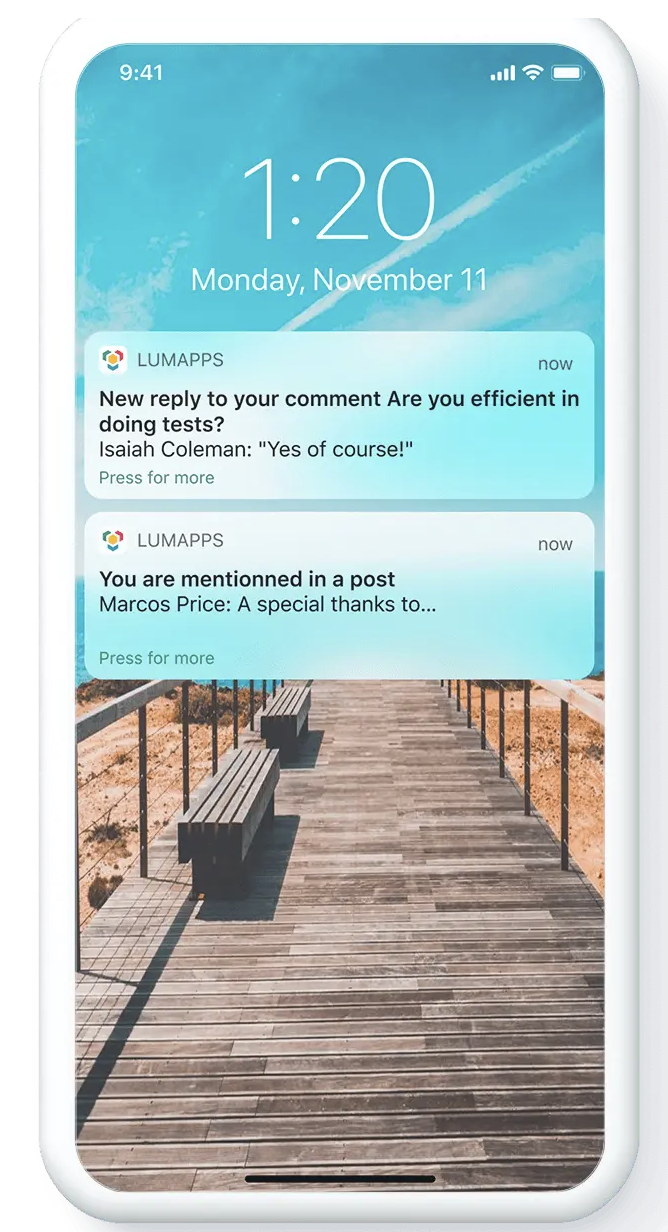
5. Mobile-First and Accessible Experiences
Mobile compatibility is now a baseline expectation in good intranet design, not an afterthought. Leading mobile designs ensure clarity and accessibility by:
- Adapting layouts for phones and tablets.
- Including push notifications for urgent updates, especially for frontline and remote workers.
- Designing responsive menus that fit smaller screens.
Mobile-first design elements include adaptive navigation, responsive content blocks, and in-app alerts. These make your intranet useful for both desk-based teams and remote employees.
These design patterns are the foundations of what many organizations now consider modern intranet design best practices.
These design practices transform intranets from static “digital filing cabinets” into dynamic employee experience platforms that promote increased adoption and engagement.
Common Intranet Design Mistakes to Avoid
Even well-intentioned intranet redesigns can fall short. Watch out for these pitfalls when designing a scalable, functional intranet.
- Overloading the homepage with too many widgets, banners, and announcements creates clutter and reduces clarity.
- Designing for one department results in an intranet that may work well for corporate teams but leaves frontline or field employees feeling lost.
- Treating mobile as a secondary channel results in inconsistent experiences that discourage use outside the office.
- Confusing branding with usability prioritizes visual elements over navigation, findability, and task completion.
- Fragmented navigation caused by inconsistent naming and structure makes it harder for employees to build familiarity over time.
Avoiding these mistakes is just as important as following intranet design best practices.
How Intranet Design Impacts Employee Experience and Adoption
Intranet design is a business lever, not just a design project. A well-designed intranet improves onboarding by giving new hires clear pathways to tools, policies, and training resources.
It strengthens communication reach by making targeted updates visible and accessible, rather than burying them in email. It enhances knowledge discoverability, allowing employees to solve problems independently and work more efficiently.
Most importantly, thoughtful design supports long-term engagement. When employees consistently find value, the intranet becomes a daily tool rather than an occasional destination.
Designing an Intranet That Scales With Your Organization
As organizations grow, intranet complexity increases. Sustainable intranet design requires governance and flexibility working together.
Strong governance ensures consistent layouts, naming conventions, and content standards across teams. Flexibility allows departments to manage their own spaces without breaking the overall experience, which is why platforms matter more than templates.
The right platform enables personalization, scalability, and analytics without requiring constant redesigns. Scalable design ensures the intranet evolves with the organization rather than becoming outdated.
Why Enterprise Teams Choose LumApps for Intranet Design
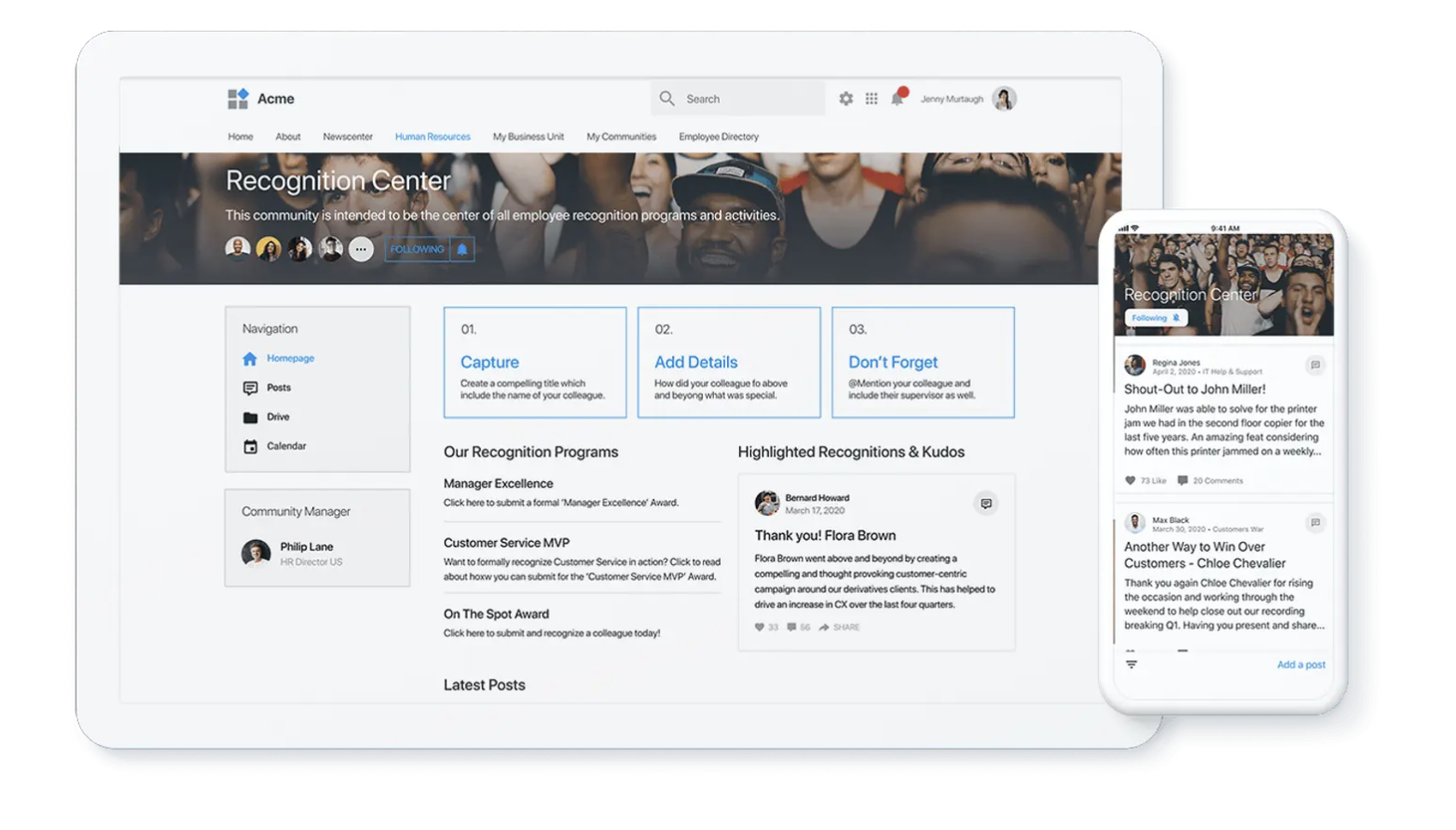
Enterprise organizations choose LumApps because its intranet design approach goes beyond surface-level visuals. The LumApps employee experience platform supports experience-led design with personalization at scale.
It allows organizations to deliver targeted content, role-based experiences, and consistent governance across global teams. Built-in analytics help teams continuously optimize engagement, while a wide range of integrations connect employees to the tools they use every day.
Watch a demo to see how the LumApps modern intranet design can create a unified employee hub for your organization and scale with your long-term business goals.

Questions
A good intranet has clear information architecture and personalized entry points. It offers full mobile access, accessibility for all employees, and consistent governance and branding. These help employees find what they need quickly, which drives adoption.
Design around employee roles and tasks rather than the org chart. Make search and findability a core priority, and target content to reduce noise. Use reusable templates so the design scales. Then measure usage to keep improving.
Five common patterns stand out. They are communication-centered designs, personalized experience patterns, and knowledge-first layouts. The others are integration-rich dashboards and mobile-first, accessible experiences.
Visual design covers branding, layout, typography, and page structure. Experience design, or UX, covers how employees navigate, search, and complete tasks. Experience design has the greater impact on whether employees come back.
Use analytics to see what employees search for and where they drop off. Also track which pages drive the most engagement. Then keep improving the design based on that real usage data.