LumApps Among First Applications Compatible With Microsoft Surface Neo and Duo
Microsoft held Microsoft BUILD as a live conference May 19-20, 2020 to highlight new technologies and upcoming releases for the public and professionals. In light of this occasion, LumApps announces that it is one of the first applications in its category to be compatible with the upcoming new Microsoft Neo and Duo devices, slated to be released in summer 2020.
May 20, 2026 10:32 AM

Maya Riebel

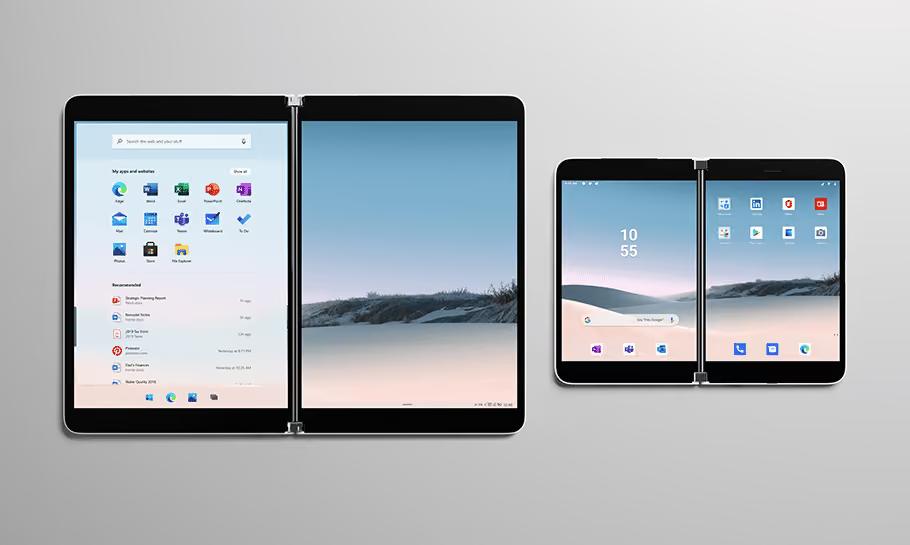
Two dual-screen devices side by side showing desktop and app icons on each screen.

So what are the newly introduced Microsoft Neo and Duo devices?

They are the latest portable devices launched by Microsoft built as dual-screen devices, planned to be released in summer 2020. Surface Neo is a Windows tablet, while Surface Duo is an Android smartphone. Both devices feature two screens in a simple folding design, in order to facilitate the simultaneous use of multiple apps by users. Screens can be used back to back or side-by-side, forming a single large screen.

The Surface Neo and Surface Duo should make it easier than ever for people to work efficiently without a laptop or desktop computer. The value of these new Microsoft devices is clear for professionals who work on-the-go, frontline workers or even remote employees.

Studies show that workers simultaneously open and juggle multiple applications every day. The dual screen facilitates multitasking and makes employees more productive by keeping important tools at the ready.

LumApps Use Cases

LumApps mobile application fits right into this new working configuration and as such, is one of the first applications that is compatible with these new devices. LumApps already supports organizations in their efforts to connect and inform remote and other employees who suffer from an information gap. LumApps serves as a centralized platform where employees can find all corporate information, communities and work tools they need.

The double-screen set-up in the Surface Neo or Surface Duo boosts LumApps’ ability to help employees multitask and be more productive in a mobile environment. With LumApps on a double screen, users can keep lists or homepages open on one screen, while they engage, create content or preview documents on the other screen.

Search results and display a result

Show all search results in one screen and display an individual result in the second screen.

Communities

Users can browse a community on one side while they create a new post in the second screen.

Foldable device showing US Sales Team Community posts on left and create a new post screen on right.

Preview news articles

Browse all corporate news from your home screen on one side and preview individual news posts in the second screen.

Surface-newsfeed-lumapps

About LumApps and Microsoft’s partnership

As a Microsoft Gold Partner, LumApps has now shared over 2 years of collaboration and co-innovation with Microsoft’s teams, following a common roadmap to improve user experience for our solutions and Microsoft integrations.

LumApps was among the first partners to leverage Microsoft Graph APIs into our product to improve notifications and other features.

Last year, LumApps teams happily attended the BUILD conference 2019 and joined digitally in 2020 under the special circumstances. During the conference, LumApps was identified as a key technological partner by Kevin Gallo.

We follow a common roadmap to improve user experience for our solutions and Microsoft integrations.
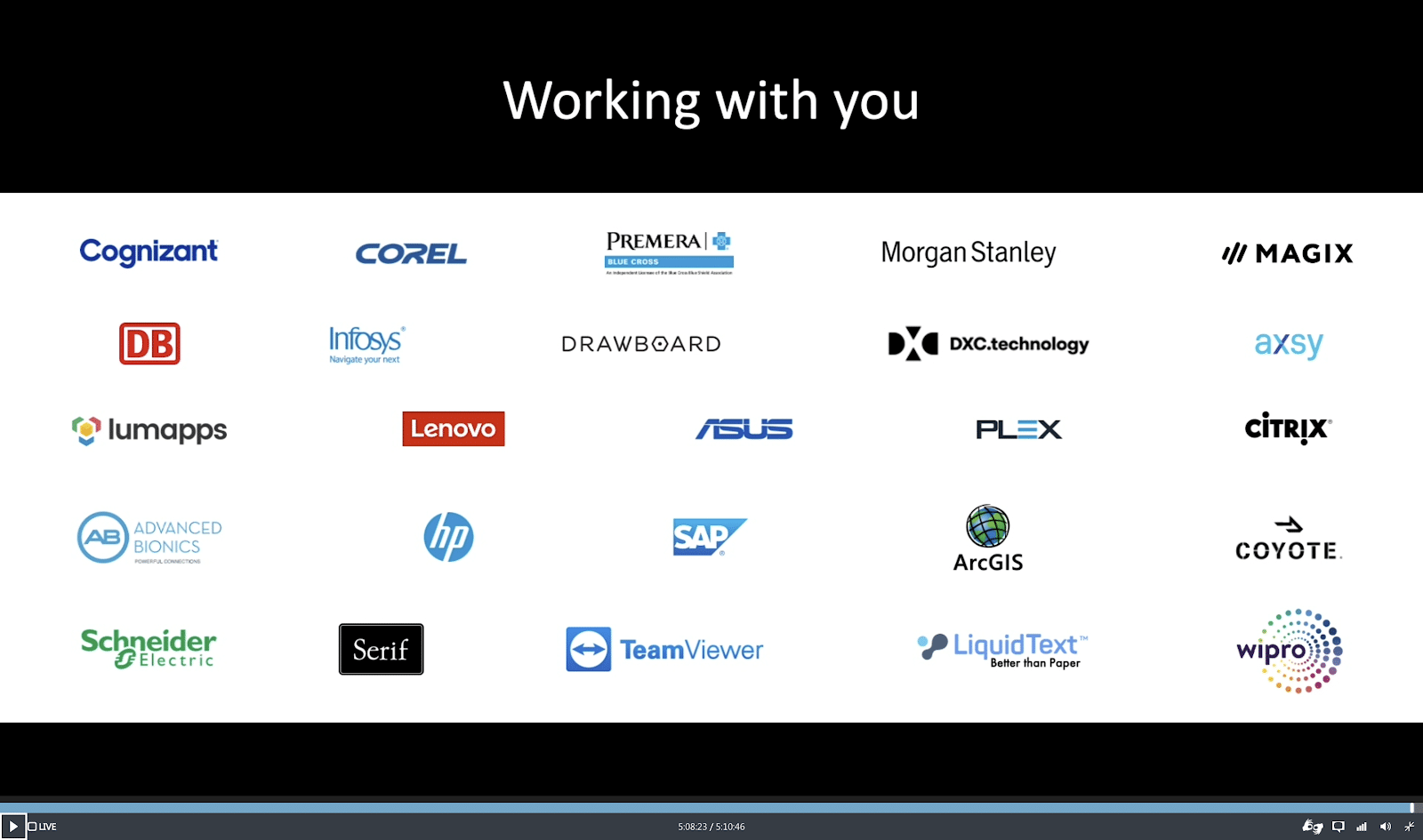
LumApps identified as a key technological partner during Microsoft BUILD Conference 2020
“The Kitchen helped us deliver clear, consistent communication during intense change and has become part of everyday life for JETers worldwide.”

John Doe
Growth manager
at
Just Eat Takeaway
Button Text

From our experts and community

Visit Resource Center
June 15, 2026
Blog Post

Why frontline engagement is harder than it looks

Resource Card
June 8, 2026
Blog Post

Internet vs. Intranet vs. Extranet: Key Differences Explained

Resource Card
June 5, 2026
Blog Post

9 Best employee communication apps for enterprises in 2026

Resource Card
Two coworkers talking in an office with one taking notes and another wearing headphones around neck.
Checklist

Is Your Intranet Working? Free Legacy Intranet Checklist

Resource Card
May 29, 2026
Four construction workers in safety gear smiling with orange geometric overlay and checklist icon.
Checklist

How to improve communication and compliance on every job site

Resource Card
May 26, 2026
Event readiness timeline planner
Checklist

Event readiness timeline planner

Resource Card
May 21, 2026
The essential HR checklist for healthcare teams
Checklist

The essential HR checklist for healthcare teams

Resource Card
May 21, 2026
Modern office with a group meeting around a table and one woman sitting on a black chair using a laptop.
Checklist

Internal Communication Strategy

Resource Card
May 26, 2026
Smiling woman in white shirt holding an open sign in a bright coffee shop setting.
Checklist

Must-Have Features for Retailers

Resource Card
May 26, 2026
Two construction workers with helmets, one using a walkie-talkie, the other checking a tablet.
Checklist

Modernizing Communications with Frontline Employees

Resource Card
May 26, 2026
Smiling woman with earbuds uses laptop and holds smartphone at wooden table with coffee cup.
Checklist

Hybrid Work Checklist

Resource Card
May 26, 2026
Two men standing in an office, one using a tablet, the other looking on with arms crossed.
Checklist

9 Steps to Build an Employee Experience Tech Stack

Resource Card
May 26, 2026
Smiling man in glasses and checkered shirt working on a laptop at a bright home office desk.
Checklist

Data Driven Employee Experience: The IT Leader's To-Do List for Mastering Analytics

Resource Card
May 26, 2026
Two men fist bumping across a table with laptops, notebooks, and coffee cups in a casual workspace.
Checklist

6 ways to improve collaboration with an intranet

Resource Card
May 26, 2026
Four colleagues engaged in a lively discussion holding papers and notebooks near a laptop and window.
Checklist

7 steps to build the business case for an intranet

Resource Card
May 26, 2026
Three coworkers smiling and discussing work in a modern office with a wooden wall background.
Checklist

Battle of the Intranets: Meta Workplace vs LumApps

Resource Card
May 26, 2026
Man working on laptop at a wooden desk with another laptop, mouse, phone, and coffee mug nearby.
Checklist

Is your SharePoint intranet truly meeting your team’s needs?

Resource Card
May 11, 2026