LumApps selected for the Recommended for Google Workspace Program second year in a row

LumApps has been selected for the Recommended for Google Workspace Program again this year, testifying to an advanced level of integration between our platform and the collaborative suite.
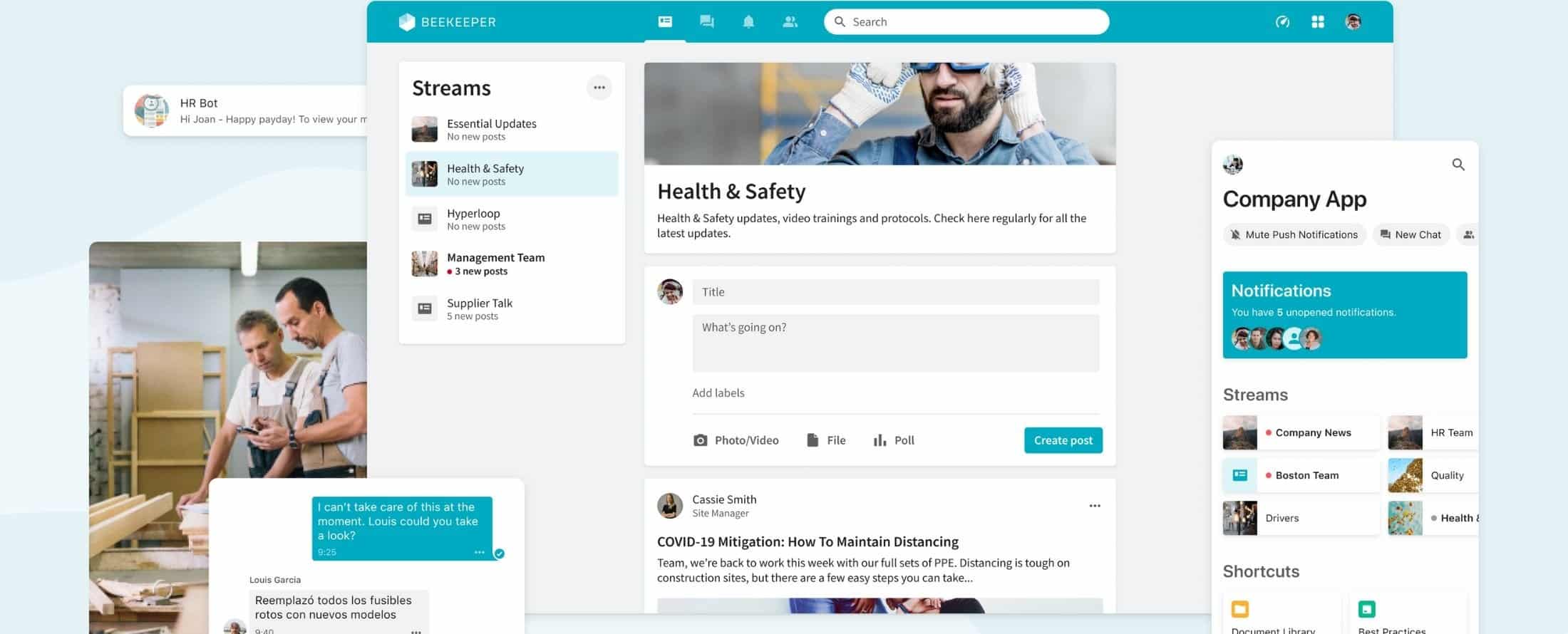
LumApps has a long-standing partnership with Google Cloud, multiple times awarded, and part of the Google Recommended program since 2016. The LumApps employee experience platform integrates seamlessly with Google Workspace assets and logins, providing companies with the best of both worlds to leverage their collaboration suite and improve the employee experience with a robust platform and personalized content. Out of 1,000+ apps on the GCP Marketplace, LumApps is proud to be the only employee experience platform recommended by Google.
“This recognition is important for us as it's yet another demonstration of the depth of our integration to the Google Cloud™ ecosystem, and of the complementarity of our solutions,” said Sébastien Ricard, LumApps CEO.
One-click integration to share engaging content
In 2023, LumApps was selected for the Recommended for Google Workspace Program for LumApps Publish, which was one of 15 apps selected for the program worldwide. This add-on app for Google Workspace allows internal communicators, HR professionals, community managers, and employees to create content in Google Workspace and easily share it into their LumApps platform with a one-click integration.
When asked about the importance of LumApps ease of use, Enrique Salgado, Global IT Manager at Cabify had this to say: “We use Google Workspace at a corporate level for practically everything, and the fact that our intranet platform, in this case LumApps, would work natively with all our applications was a decisive factor.” Read the full customer story.
LumApps integrations with Google Cloud supports the LumApps mission of enabling employees, no matter where they work or what device they use, to create content, collaborate, and support knowledge sharing with the entire organization.
We were really attracted to the social aspect of the intranet, because we were trying to connect our company, break the silos, and bring all the people together. All of these factors really pushed us in LumApps direction.
— Claire Garner, Group Communications Vice President at Imerys
Break silos and bring people together
The ability to seamlessly integrate with existing applications is important to LumApps customers. “LumApps was the intranet Recommended by Google, so we inclined towards that,” said Claire Garnier, Group Communications Vice President of Imerys (read the full customer story here). “Also, we were really attracted to the social aspect of the intranet, because we were trying to connect our company, break the silos and bring all the people together. All of these factors really pushed us in LumApps’ direction.”
This recognition from Google represents LumApps ability to serve customers by giving them a way to work in the platforms they use every day and use their Google accounts to login and share content, which increases adoption of the LumApps platform.
The LumApps Publish add-on works across Google Docs™, Google Sheets™, or Google Slides™, and allows you to do the following:
- Share a Google document as rich content in LumApps while keeping the formatting and images intact.
- Share a Google document as a community post with a link to the document.
- Perform actions such as reading and replying to comments directly from your Google document.
Learn how your business can upgrade the employee experience with LumApps and Google Workspace.
Ready to see why Google + LumApps = the best intranet?
Download our Google Lookbook to learn why Google + LumApps is the perfect match and see what you can do with this modern intranet combo.
Discover how we can help your company engage, enable, and empower employees.
Watch our video demo or schedule an introductory demo with a LumApps expert.
We would love to know more about your goals. How can we help?
Discover our latest content on Google Intranet
- 15 Reasons to Build a Google-based Intranet
- Recommended Intranet for Google Workspace (G Suite) | LumApps
- Google Currents Alternative with LumApps Communities
- How to Enhance your Google Workspace Employee Experience?
- LumApps selected for the Recommended for Google Workspace Program second year in a row
- Stay up to date with the Google Workspace Summit | LumApps
- LumApps Wins 2020 Google Cloud Technology Partner of the Year Award for Productivity and Collaboration
- Find Everything Quickly with the Google Cloud Search Integration
- Google Next22: Highlight of LumApps x Google Gold Partnership
- LumApps Joins Google Cloud Marketplace
- LumApps is now a Recommended for Google Workspace app
- LumApps Wins Google Cloud Communication and Service Provider 2021 Customer Award
- Google Workspace and Employee Experience | LumApps White Paper