LumApps launches its Software Development Kit (SDK) to create custom integrations between its platform and third-party applications
Austin, Texas – October 12, 2021 – In addition to the range of standard integrations it offers, LumApps, the SaaS platform dedicated to Employee Experience, is launching LumApps SDK to enable its customers and partners to develop custom integrations between its platform and business applications or services designed to improve the employee experience.
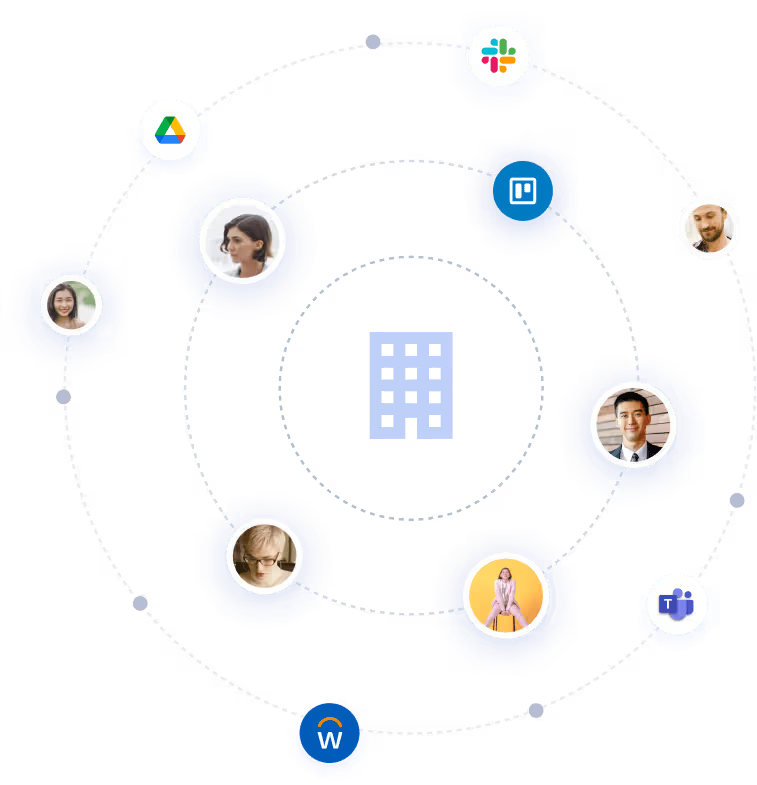
LumApps has more than 35 APIs with Microsoft 365 (including Microsoft Teams) and GoogleWorkspace collaboration suites, as well as communication and collaboration, employee services, and HR management solutions such as Slack, ServiceNow, and Zendesk. These integrations allow employees to access key data directly from the LumApps platform that they need to perform better and faster, or to share information between the platform and these applications. As each organization is unique, with its own IT needs and tools, LumApps completes its integration offer with a secure development environment based on the LumApps SDK.
By offering such integration capabilities with third-party business applications and professional services, LumApps goes far beyond traditional intranet use cases. Whether it’s for communication, HR, IT, or support, LumApps creates a true “Open Platform” with scalable use cases that promote adoption. By making the LumApps platform a true “employee hub”, the integrations transform the way organizations work and operate, and ultimately achieve the 3 elements of an effective employee experience: engagement, enablement, and empowerment.
Ecocea, a communication design consultancy, used the LumApps SDK during our early adopter program. “For a global luxury group equipped with LumApps, we developed, in less than 15 days and no prior knowledge of the LumApps product, 3 widgets which surface on their LumApps pages open positions as described in their proprietary HRIS.” – Vincent Moliné, Project Director, Ecocea
“LumApps SDK gives us the ability to quickly go from concept to delivery for an integration, ” added John Reynolds, VP, Technology at LumApps partner Social Edge Consulting. “It checks the boxes for us on ease of development using built-in extension templates, complete coverage for both the front and backend APIs, added utilities that provide context, strong security based on best practices, and high performance.” “Overall, the quality of the SDK allows us to extend LumApps with rich features that feel and act like ones that are native to the platform. As a result, we proactively talk to our customers about integration possibilities that are right for their requirements and use cases.” – John Reynolds, VP, Technology, Social Edge Consulting
Witivio is a SaaS vendor for employee experience. Their core product, Virtual Agent Studio, provides a conversational experience within the digital workplace. “LumApps being a leader in that field, it was logical to offer our common customers a seamless and simple integration with our virtual agents.” – Nicolas Humann, Co-founder and CEO, Witivio “With LumApps SDK, we developed in a few hours an integration of our Web Chat component. Communication between our respective Javascript frameworks was simple and no specific expertise required. The LumApps development environment and documentation enabled us to expedite this. Our integration’s upcoming goals are to capitalize on LumApps contents from Witivio chabot.”
Media Contact:
Red Lorry Yellow Lorry for LumApps
lumapps@rlyl.com