Automated workflows

Move tasks from stuck to done

From the field to the office, work often gets stuck in disconnected tools. Ensure consistent routine work execution across the organization by automating repetitive tasks, approvals, reminders, and other mission-critical workflows — all without requiring IT support.
Request a demo
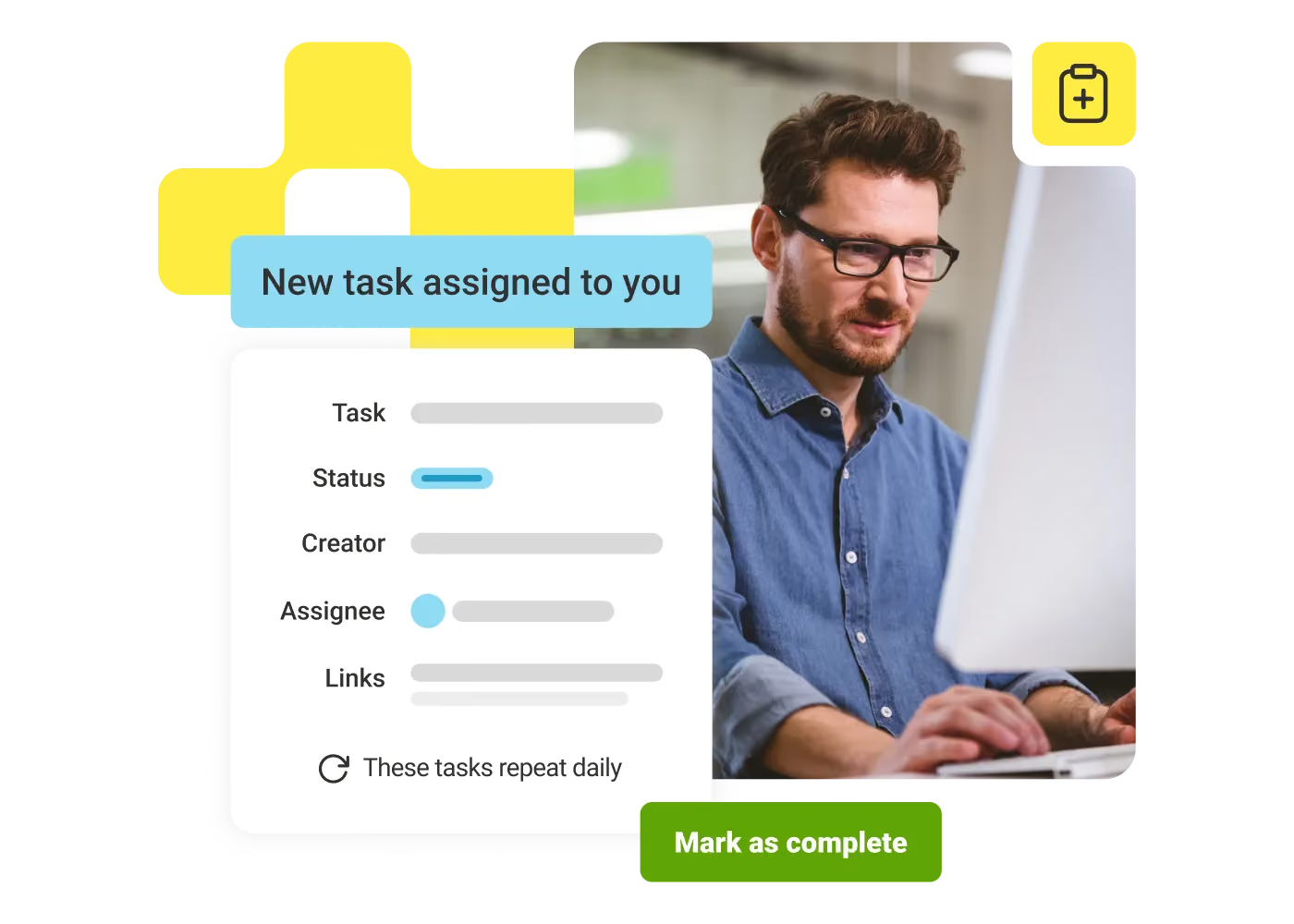
Man with glasses working on computer next to a task notification interface and 'Mark as complete' button.

Reduce bottlenecks

Avoid delays with workflows that automatically assign tasks, route approvals, and trigger next steps.

Improve safety

Reduce incidents and stay compliant with digital checklists, inspections, and tracked safety tasks.

Ramp new hires faster

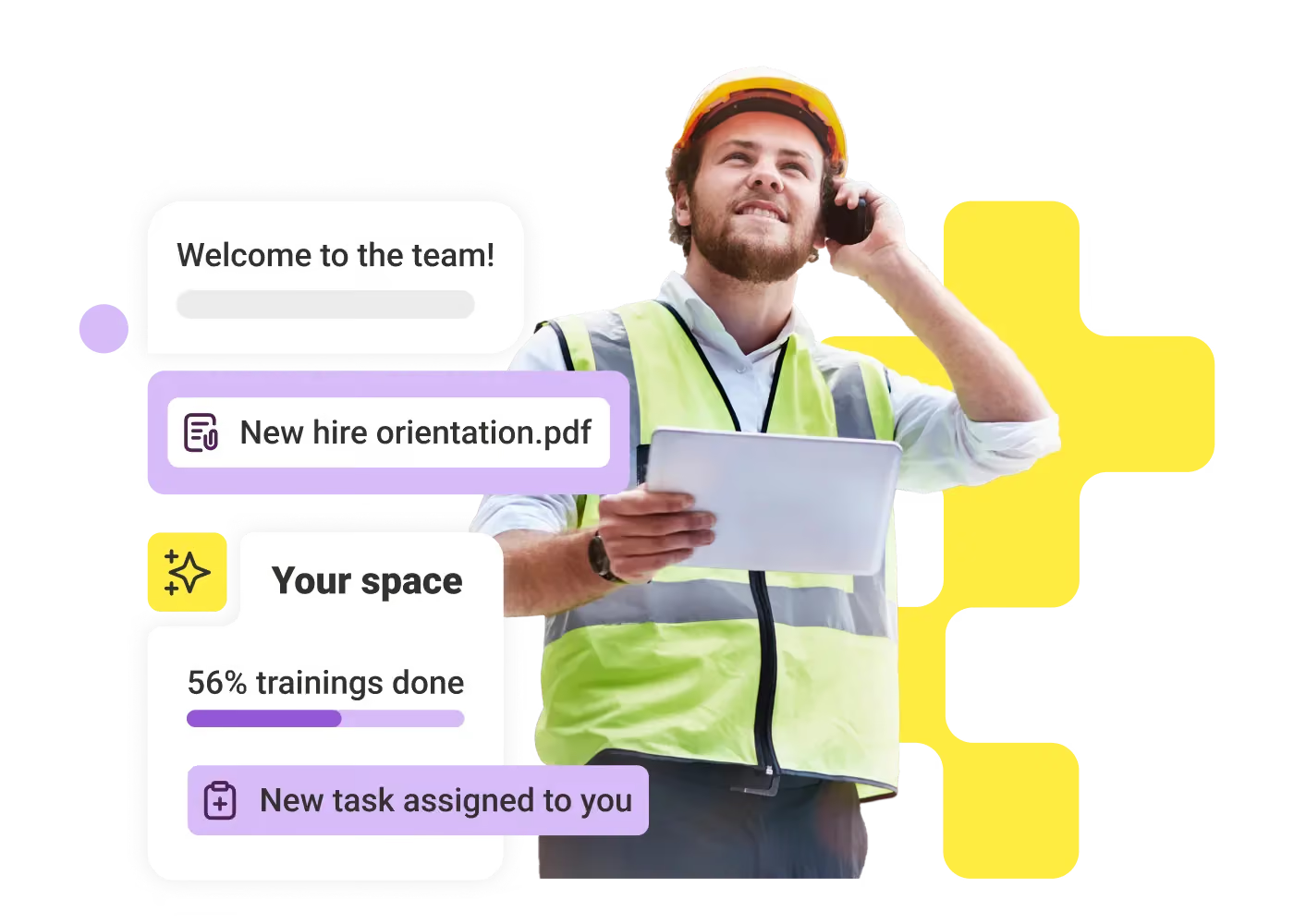
Get new hires productive quickly with guided tasks, forms, and step-by-step onboarding flows.

Eliminate ticket chaos

Replace emails and tickets with workflows for PTO, IT support, and everyday employee requests.

Automate daily work

Save time with recurring workflows that assign and track daily tasks across teams.

Work from anywhere

Complete tasks on mobile or desktop so frontline and desk-based employees can work anywhere.
Turn everyday tasks into simple digital workflows

Create dynamic forms, checklists, and task templates for safety inspections, onboarding, and more. Add images and due dates or create tasks from chat. Employees can submit updates and complete tasks from mobile or desktop — even in the field.
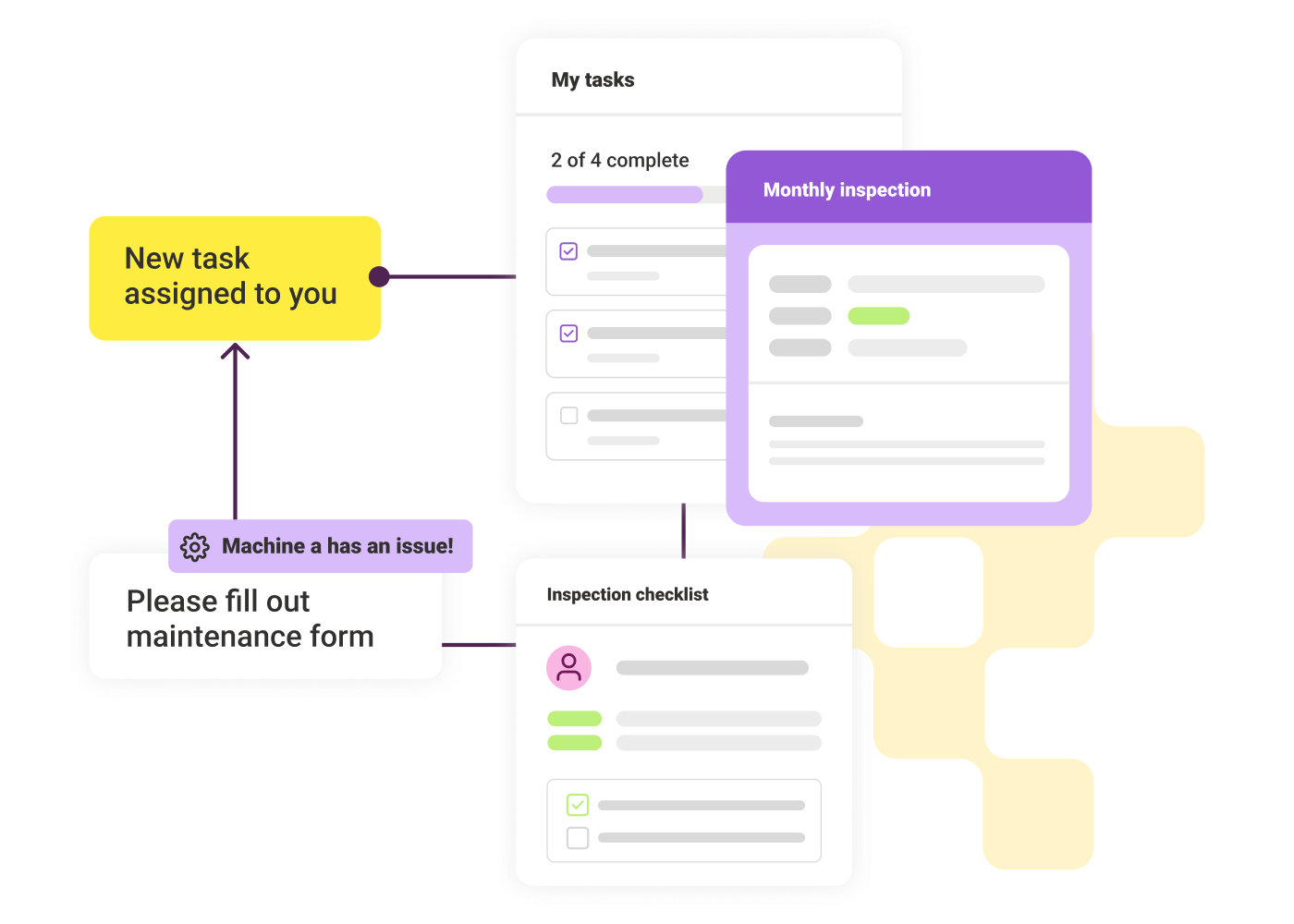
Workflow showing tasks: machine issue triggers maintenance form and assigns new monthly inspection task.

Route tasks and approvals without manual follow-up

Set rules that automatically assign tasks, request approvals, or escalate issues based on form responses or status changes. Build workflows that adapt to role, location, or scenario without relying on manual coordination. All without IT support!
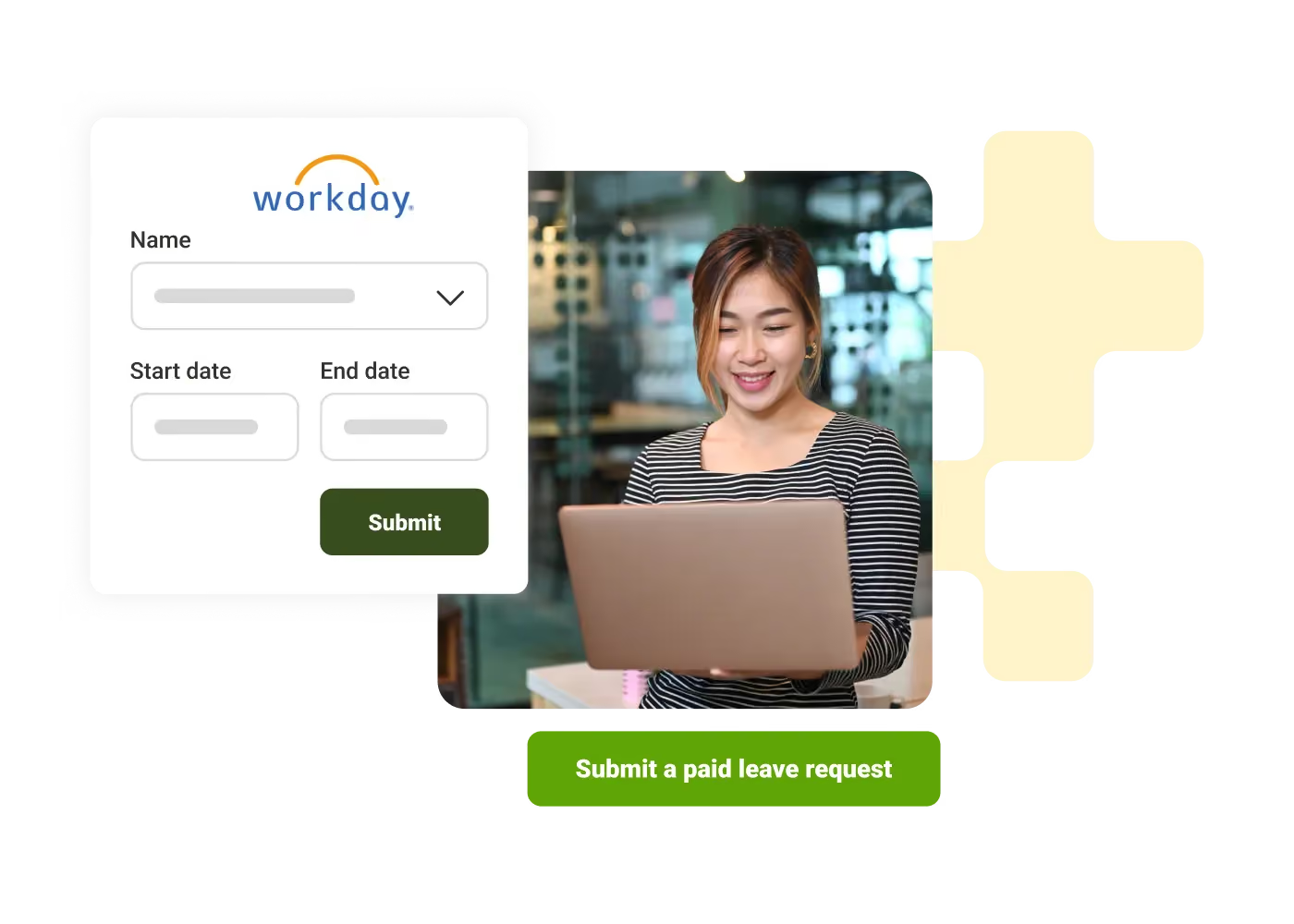
Woman smiling while working on a laptop with a digital form for submitting leave requests.

Complete and track work across your business systems

Use micro-apps and third-party integrations to connect workflows to HRIS, ITSM, and other tools. Employees can request PTO, submit IT tickets, or update information in one place. Track progress in real time and quickly see where work needs attention.
Sonja Breuer
"The on-time completion rate of our monthly safety audits has increased significantly, simply because managers can do them on the spot."
Sonja Breuer
,
Senior VP of HR
at
Hamra Enterprises
Andy Larrañaga
"LumApps has been a game-changer. We've been able to digitize many frontline workflows, including equipment inspections. It's helped us cut tractor inspection times by 50%."
Andy Larrañaga
,
Craft Communications Specialist
at
Mortenson Construction
Malia Goes
"Our onboarding is smoother than ever. New hires get automated reminders about benefits and are introduced to their coworkers instantly — it really sets the tone for connection from the start."
Malia Goes
,
HR Vice President
at
Senske Services

Get a personalized demo of the AI Employee Hub — built around how your teams actually work.
Request a demo
Illustration of a female customer service agent with headset, calendar, and notification bell.
Button Text

From our experts and community

Visit Resource Center
June 5, 2026
Blog Post

9 Best employee communication apps for enterprises in 2026

Resource Card
June 4, 2026
Man working on a laptop at a wooden desk with another laptop, green mug, smartphone, and headphones.
Blog Post

SharePoint alternative : Why It's Time to Replace SharePoint and What to Use Instead

Resource Card
June 4, 2026
Man in glasses using tablet and laptop at a desk in a bright office with two women talking behind him.
Blog Post

7 Best Intranet Platforms in 2026: Compare the Top Solutions

Resource Card
Two coworkers talking in an office with one taking notes and another wearing headphones around neck.
Checklist

Is Your Intranet Working? Free Legacy Intranet Checklist

Resource Card
May 29, 2026
Four construction workers in safety gear smiling with orange geometric overlay and checklist icon.
Checklist

How to improve communication and compliance on every job site

Resource Card
May 26, 2026
Event readiness timeline planner
Checklist

Event readiness timeline planner

Resource Card
May 21, 2026
The essential HR checklist for healthcare teams
Checklist

The essential HR checklist for healthcare teams

Resource Card
May 21, 2026
Modern office with a group meeting around a table and one woman sitting on a black chair using a laptop.
Checklist

Internal Communication Strategy

Resource Card
May 26, 2026
Smiling woman in white shirt holding an open sign in a bright coffee shop setting.
Checklist

Must-Have Features for Retailers

Resource Card
May 26, 2026
Two construction workers with helmets, one using a walkie-talkie, the other checking a tablet.
Checklist

Modernizing Communications with Frontline Employees

Resource Card
May 26, 2026
Smiling woman with earbuds uses laptop and holds smartphone at wooden table with coffee cup.
Checklist

Hybrid Work Checklist

Resource Card
May 26, 2026
Two men standing in an office, one using a tablet, the other looking on with arms crossed.
Checklist

9 Steps to Build an Employee Experience Tech Stack

Resource Card
May 26, 2026
Smiling man in glasses and checkered shirt working on a laptop at a bright home office desk.
Checklist

Data Driven Employee Experience: The IT Leader's To-Do List for Mastering Analytics

Resource Card
May 26, 2026
Two men fist bumping across a table with laptops, notebooks, and coffee cups in a casual workspace.
Checklist

6 ways to improve collaboration with an intranet

Resource Card
May 26, 2026
Four colleagues engaged in a lively discussion holding papers and notebooks near a laptop and window.
Checklist

7 steps to build the business case for an intranet

Resource Card
May 26, 2026
Three coworkers smiling and discussing work in a modern office with a wooden wall background.
Checklist

Battle of the Intranets: Meta Workplace vs LumApps

Resource Card
May 26, 2026
Man working on laptop at a wooden desk with another laptop, mouse, phone, and coffee mug nearby.
Checklist

Is your SharePoint intranet truly meeting your team’s needs?

Resource Card
May 11, 2026