AI + productivity

Micro-Apps to enhance productivity

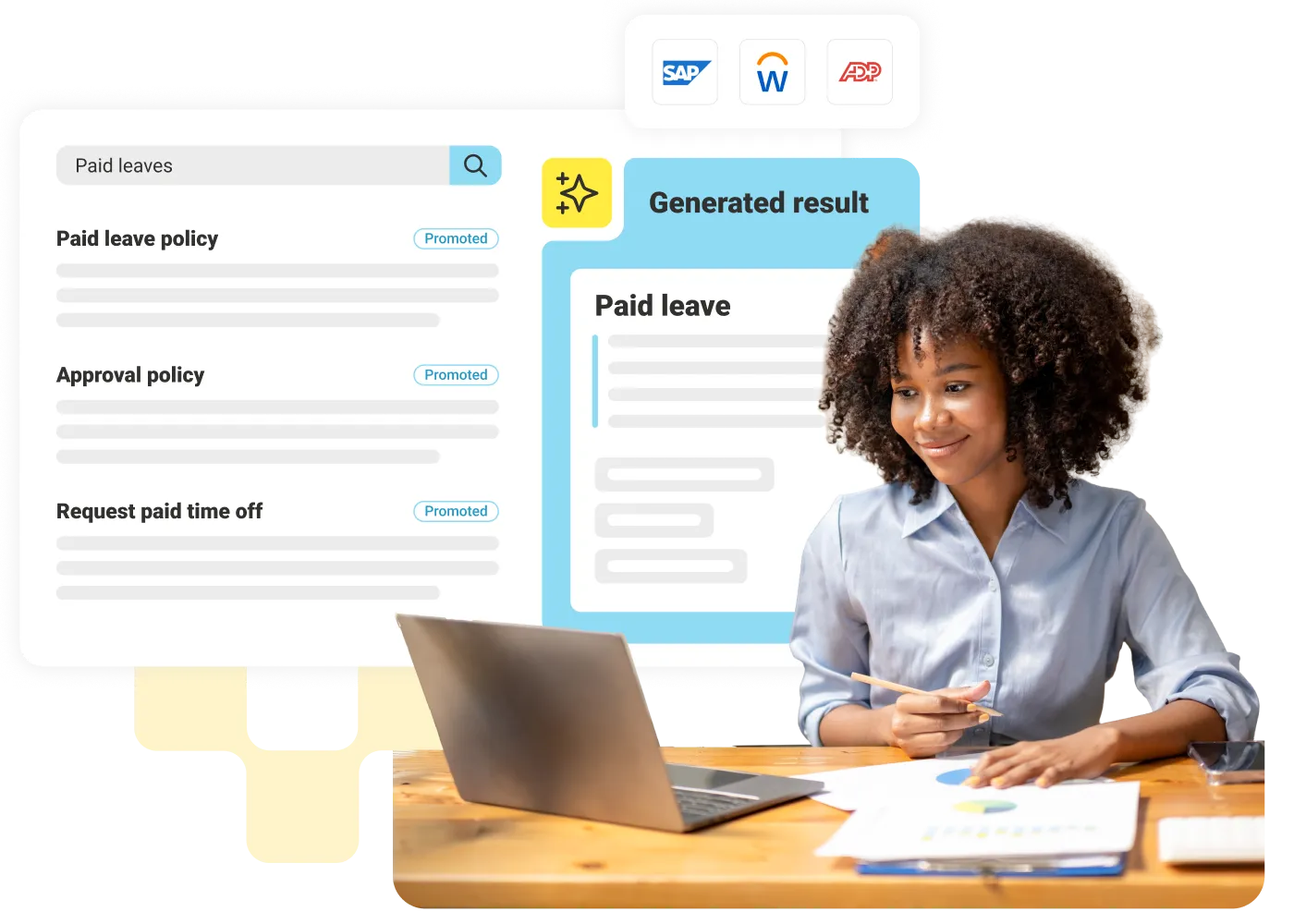
LumApps Micro-Apps bring your third-party business tools directly into your employee hub. This lets employees view data and take action on third-party systems, like handling requests and approvals, all without leaving their web or mobile intranet.
Request a demo
Woman with curly hair sitting at a desk with laptop and documents, smiling and holding pencil.

Simplify access

Connect to your third-party tools directly from your intranet and streamline your workday.

Customizable

Curate personalized experiences for every employee, featuring Micro-Apps tailored to their needs, and accessible from the web or mobile app.

Infinite use cases

Employees can access HR operations like leave requests, IT support for opening tickets, and campus-life features like booking meeting rooms.

Launch everywhere

Deploy Micro-Apps easily across pages, search, directory, email broadcasts, and more.

100+ pre-built connectors

Build from scratch or use one of our templates. Micro-Apps are 10x faster to develop with LumApps Studio.

Reduce context switching

Consolidate your mission-critical applications into a single interface and empower your employees to spend 40% less time searching for tools and more time focusing on the task at hand.
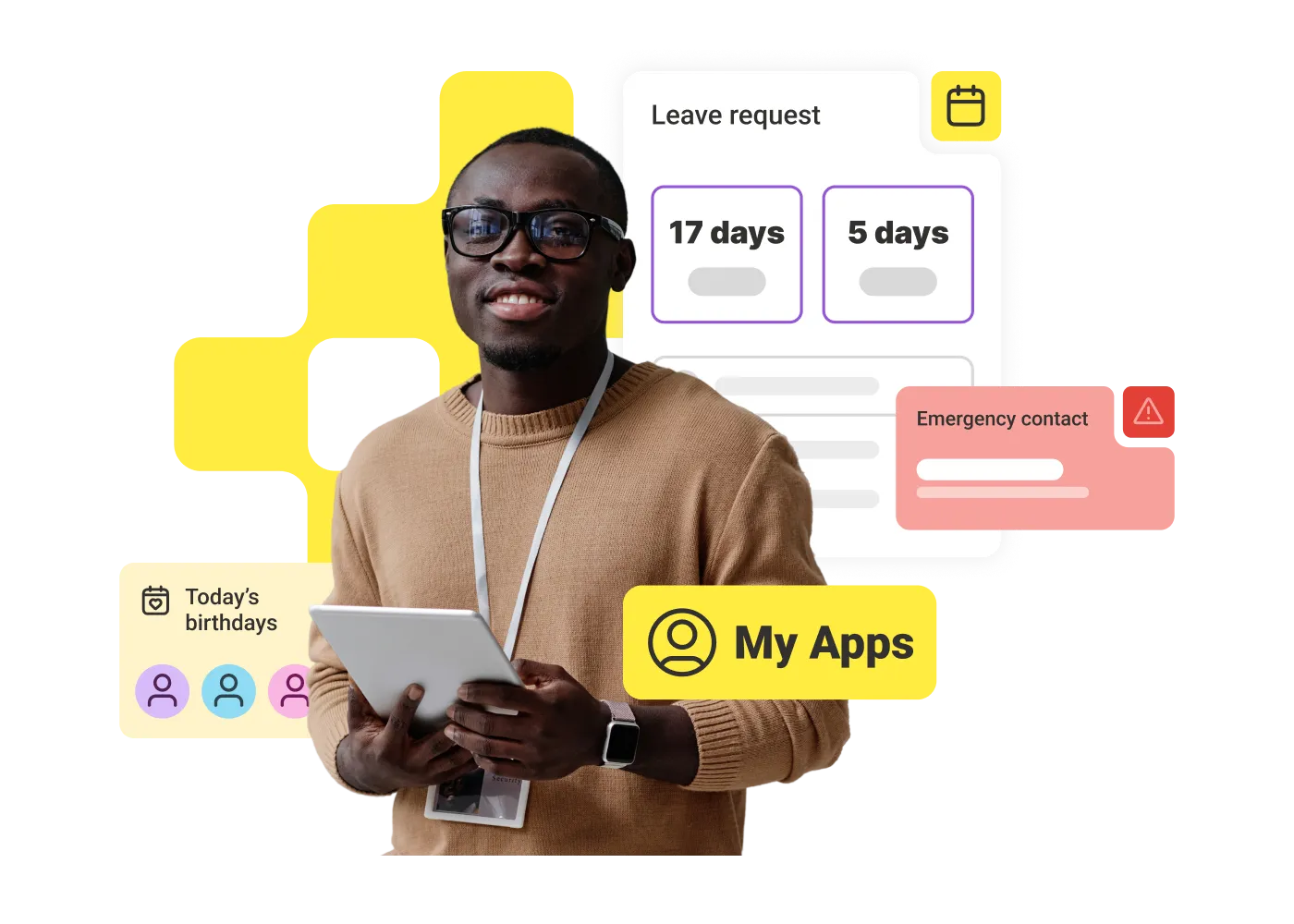
Transform your intranet into an action hub

Transform the intranet from a static news reader into an engaging one-stop shop. By embedding essential work tasks with LumApps Micro-Apps directly into the communication hub, you give employees a reason to return daily, naturally increasing the reach of your internal messaging.
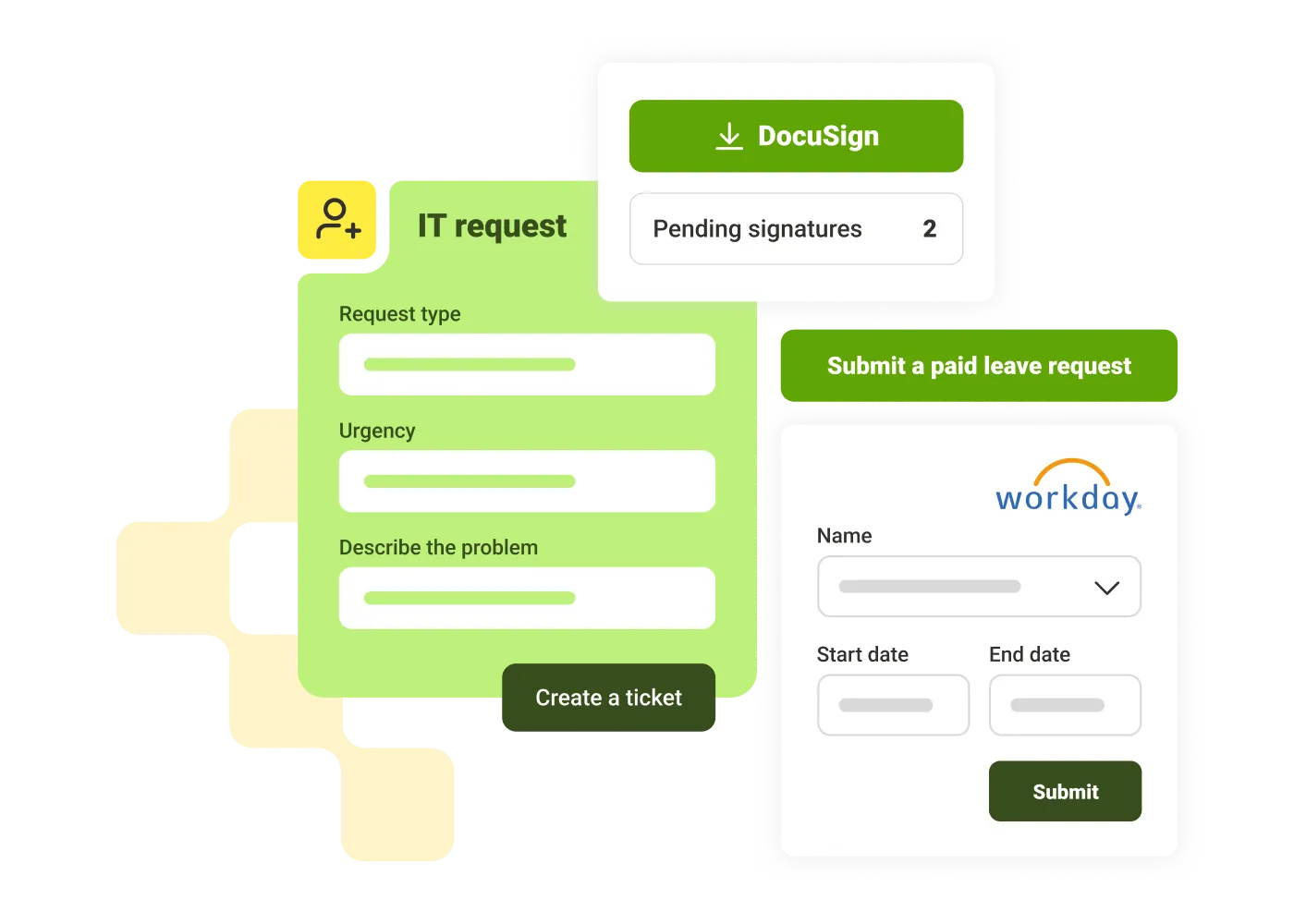
Interface showing IT request form, DocuSign pending signatures, and Workday leave request form with submit buttons.

Remove administrative hurdles from HR

Micro-Apps provide a centralized HR Self-Service Portal. Guide employee attention by delivering PTO requests, payslip access, and HR ticketing directly in the flow of work, bypassing complex HRIS navigation. This reduces support costs and boosts tool adoption.
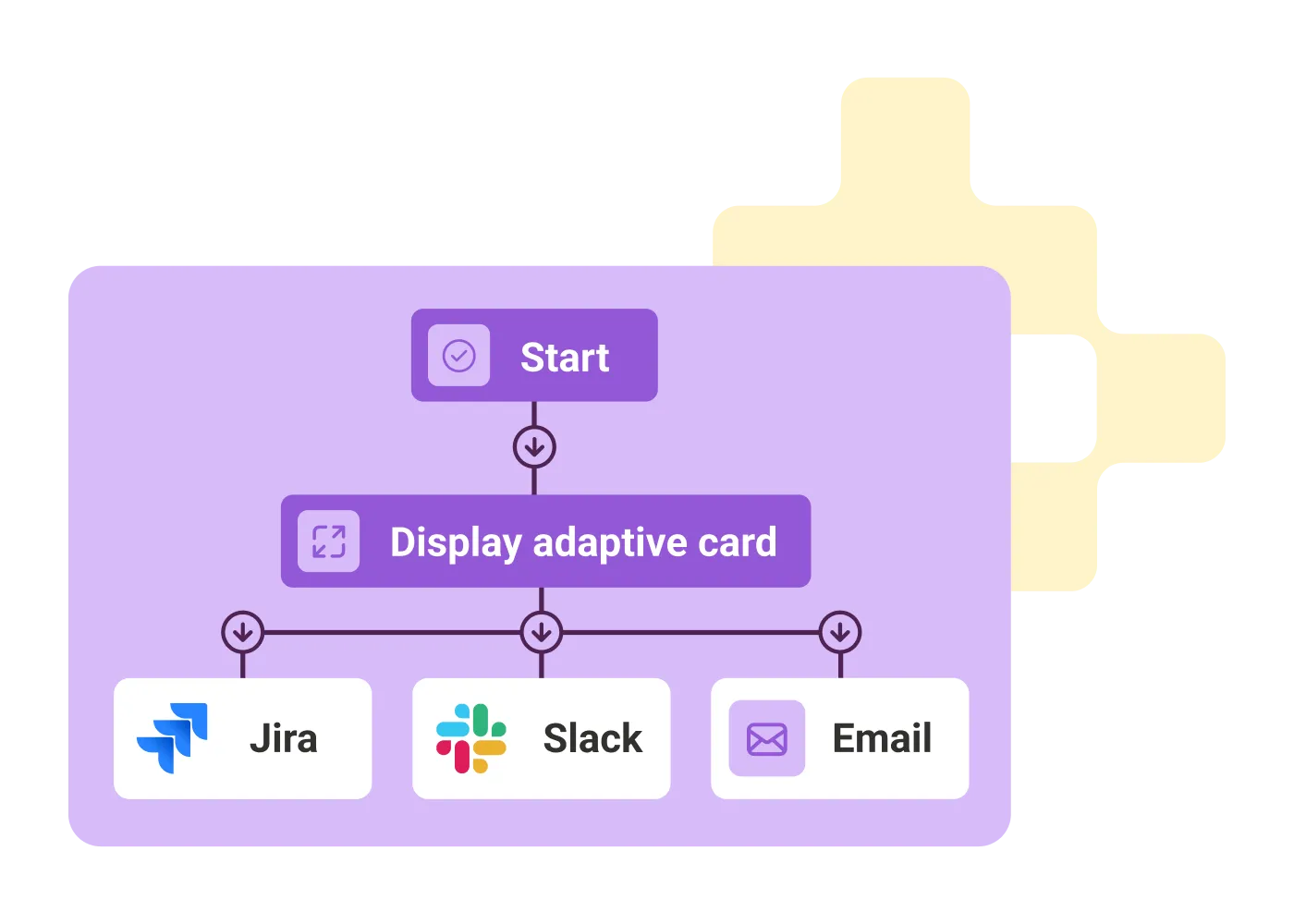
Flowchart with start, display adaptive card, leading to Jira, Slack, and Email options.

Maximize ROI and stop app switching

Micro-Apps surface your tech stack's functionality where work happens, maximizing ROI. Allow IT to build once and deploy everywhere, eliminating the 'toggle tax.' Use them to power agentic workflows and extend AI Agents' capabilities (tools) to external systems, transforming complex requests into single-click actions.
Henry Elworthy
"We've developed and deployed Micro-Apps, with huge success. The brilliant thing is, our users loved it, nearly 30,000 visitors in the first month…plus, shops are performing 40% ahead of where we expected them to be so far this year as a result of this program."

Henry Elworthy
,
Partner Comms & Engagement
at
John Lewis Partnership
Priscilla Touat
"With Lumapps, micro-apps developed by our IT team allow each restaurant manager to log information related to their location. This includes consultation, modification, and validation of their schedule."
Priscilla Touat
,
IT manager
at
API Restauration

Get a personalized demo of the AI Employee Hub — built around how your teams actually work.
Request a demo
Illustration of a female customer service agent with headset, calendar, and notification bell.
Button Text

From our experts and community

Visit Resource Center
May 21, 2026
Your Corporate Communication Tools Could Be Leaving Out 80% of the World’s Workforce — Here’s What to Do About It
Blog Post

Your Corporate Communication Tools Could Be Leaving Out 80% of the World’s Workforce — Here’s What to Do About It

Resource Card
May 21, 2026
labor shortage solutions feature
Blog Post

7 Labor Shortage Solutions That Give You Real Results

Resource Card
May 21, 2026
5 Business Communication Failure Examples and How to Avoid Them
Blog Post

5 Business Communication Failure Examples and How to Avoid Them

Resource Card
Four construction workers in safety gear smiling with orange geometric overlay and checklist icon.
Checklist

How to improve communication and compliance on every job site

Resource Card
May 26, 2026
Event readiness timeline planner
Checklist

Event readiness timeline planner

Resource Card
May 21, 2026
The essential HR checklist for healthcare teams
Checklist

The essential HR checklist for healthcare teams

Resource Card
May 21, 2026
Modern office with a group meeting around a table and one woman sitting on a black chair using a laptop.
Checklist

Internal Communication Strategy

Resource Card
May 26, 2026
Smiling woman in white shirt holding an open sign in a bright coffee shop setting.
Checklist

Must-Have Features for Retailers

Resource Card
May 26, 2026
Two construction workers with helmets, one using a walkie-talkie, the other checking a tablet.
Checklist

Modernizing Communications with Frontline Employees

Resource Card
May 26, 2026
Smiling woman with earbuds uses laptop and holds smartphone at wooden table with coffee cup.
Checklist

Hybrid Work Checklist

Resource Card
May 26, 2026
Two men standing in an office, one using a tablet, the other looking on with arms crossed.
Checklist

9 Steps to Build an Employee Experience Tech Stack

Resource Card
May 26, 2026
Smiling man in glasses and checkered shirt working on a laptop at a bright home office desk.
Checklist

Data Driven Employee Experience: The IT Leader's To-Do List for Mastering Analytics

Resource Card
May 26, 2026
Two men fist bumping across a table with laptops, notebooks, and coffee cups in a casual workspace.
Checklist

6 ways to improve collaboration with an intranet

Resource Card
May 26, 2026
Four colleagues engaged in a lively discussion holding papers and notebooks near a laptop and window.
Checklist

7 steps to build the business case for an intranet

Resource Card
May 26, 2026
Three coworkers smiling and discussing work in a modern office with a wooden wall background.
Checklist

Battle of the Intranets: Meta Workplace vs LumApps

Resource Card
May 26, 2026
Man working on laptop at a wooden desk with another laptop, mouse, phone, and coffee mug nearby.
Checklist

Is your SharePoint intranet truly meeting your team’s needs?

Resource Card
May 11, 2026