Agent Hub

AI agents your teams will actually use

LumApps AI Agent Hub helps bring role-specific agents into the flow of work. Not as another AI destination, but as practical support connected to your knowledge, systems, and workflows.
Request a demo
Watch a demo
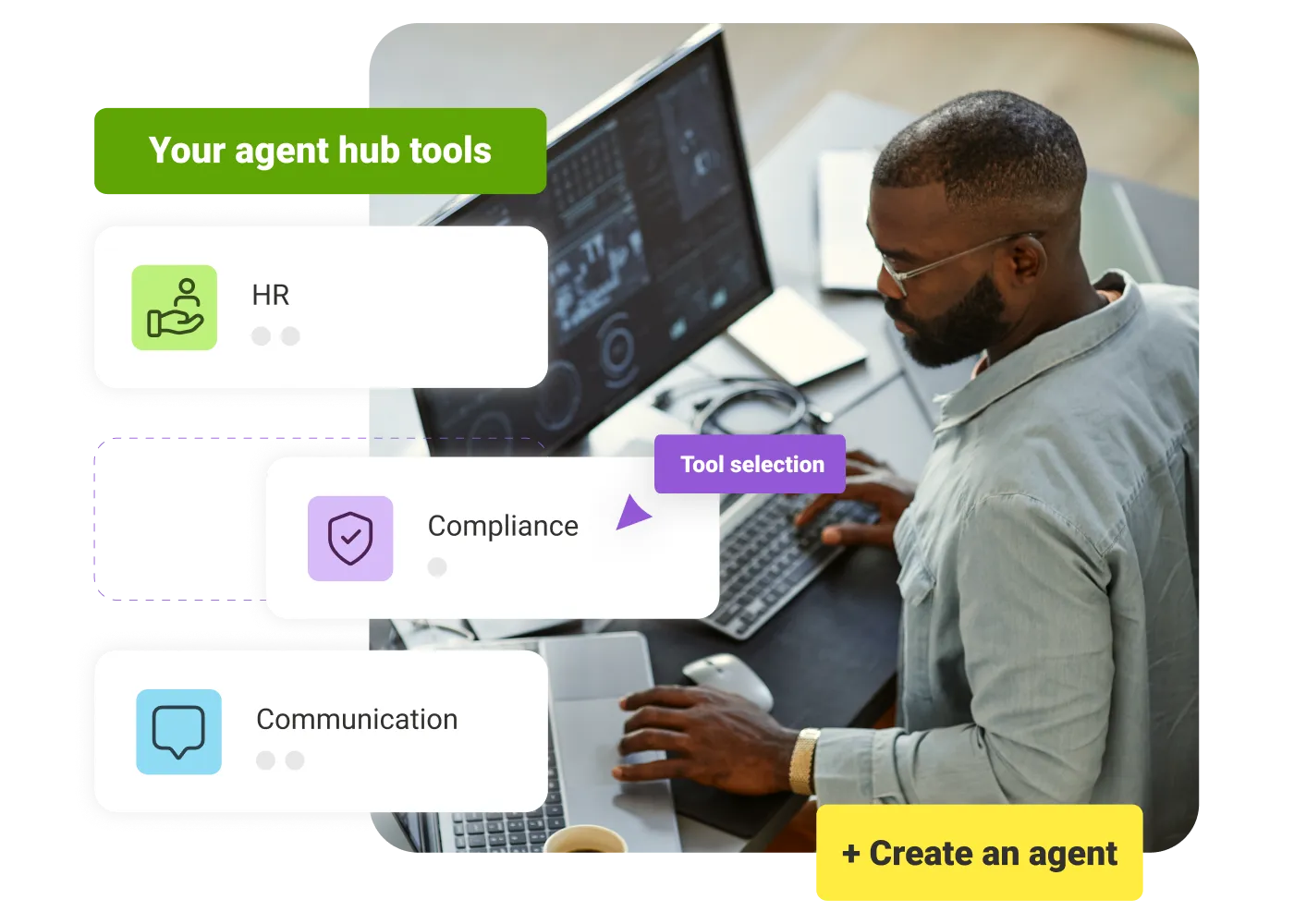
Man working on laptop with digital interface showing HR, Compliance, communication tools, and create agent option.

Enterprise AI

Eliminate “shadow AI”. Control exactly who uses which AI agents so your data stays secure and private.

Role-aware access

Control which agents employees can use based on role, team, location, and permissions.

Turn news into action

Agents can guide employees from company updates to the right action, workflow, or resource.

Task support

Employees can get guidance for everyday tasks, from finding safety steps to submitting requests.

Answer requests instantly

Agents handle common IT, HR, and Operations questions before they become support tickets.

Connected workflows

Connect agents to forms, requests, systems, and workflows so employees can act from one place.
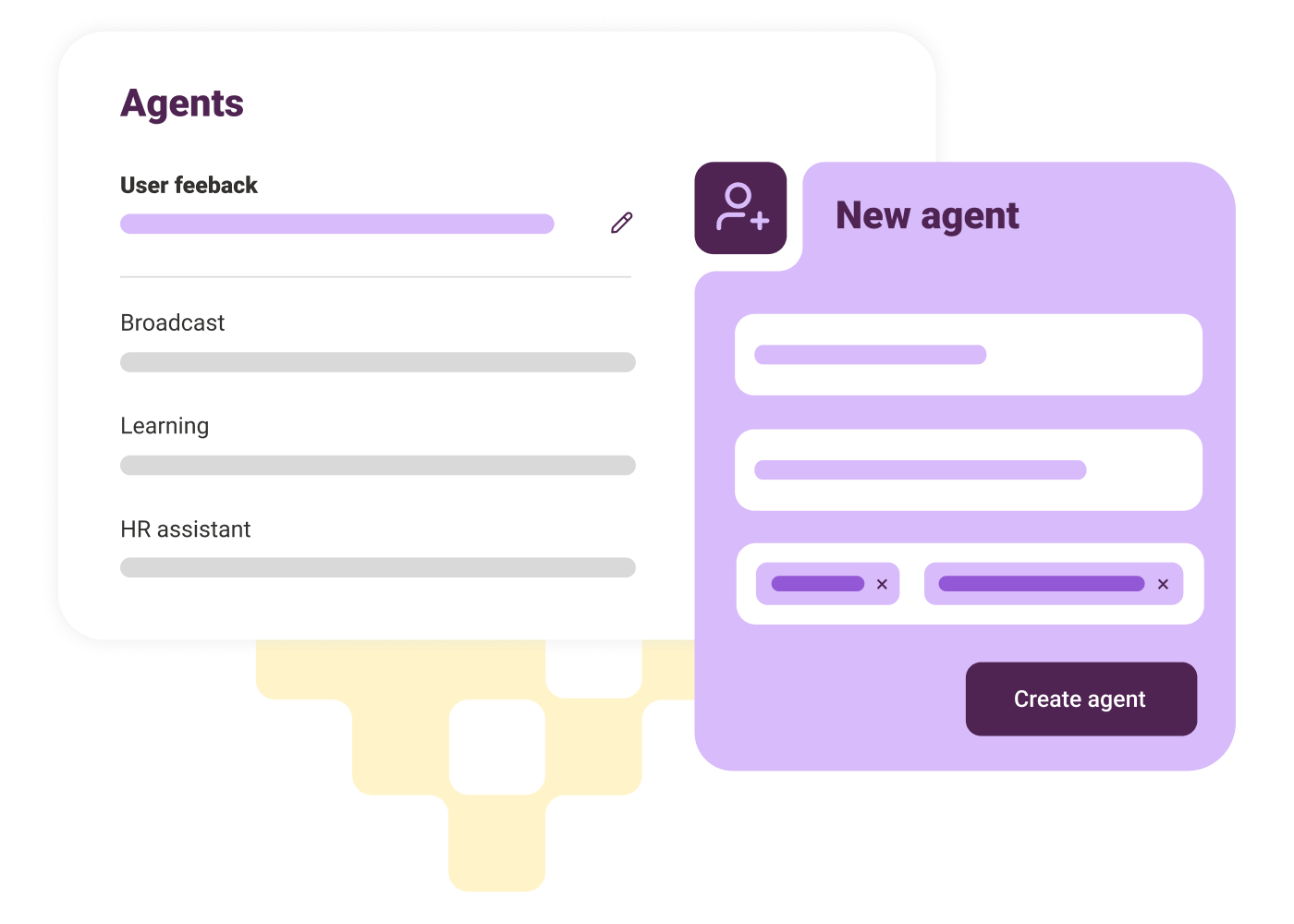
Build agents for real employee needs

Design agents trained on company knowledge and connected to the tools teams rely on. Build once, then deploy across groups, roles, and locations.
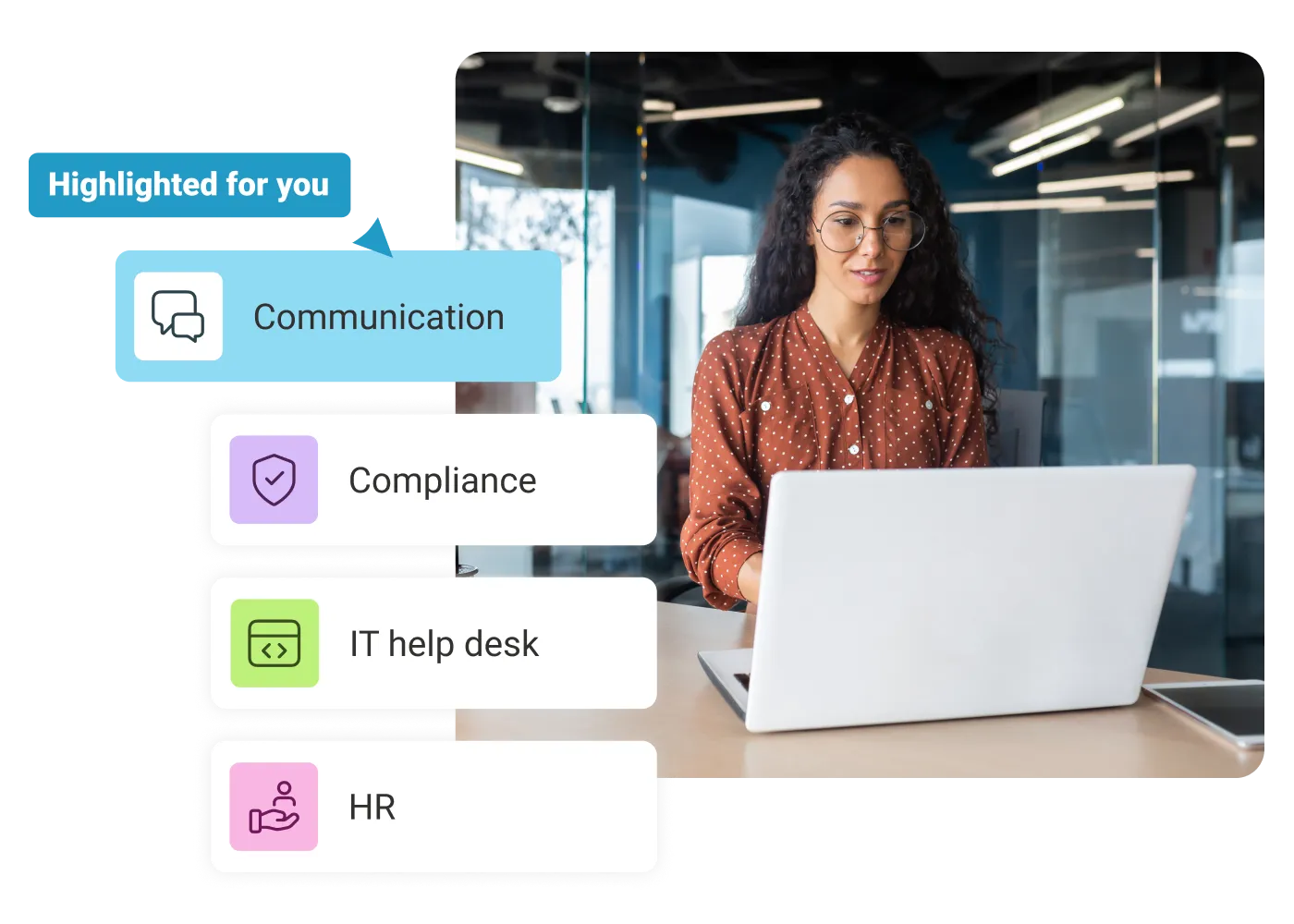
Woman in glasses using laptop in office with menu showing Communication, Compliance, IT help desk, and HR.

Activate agents in the moments employees need them

Make the right agent available when employees need it, whether they are reading an update, completing a task, or looking for support.
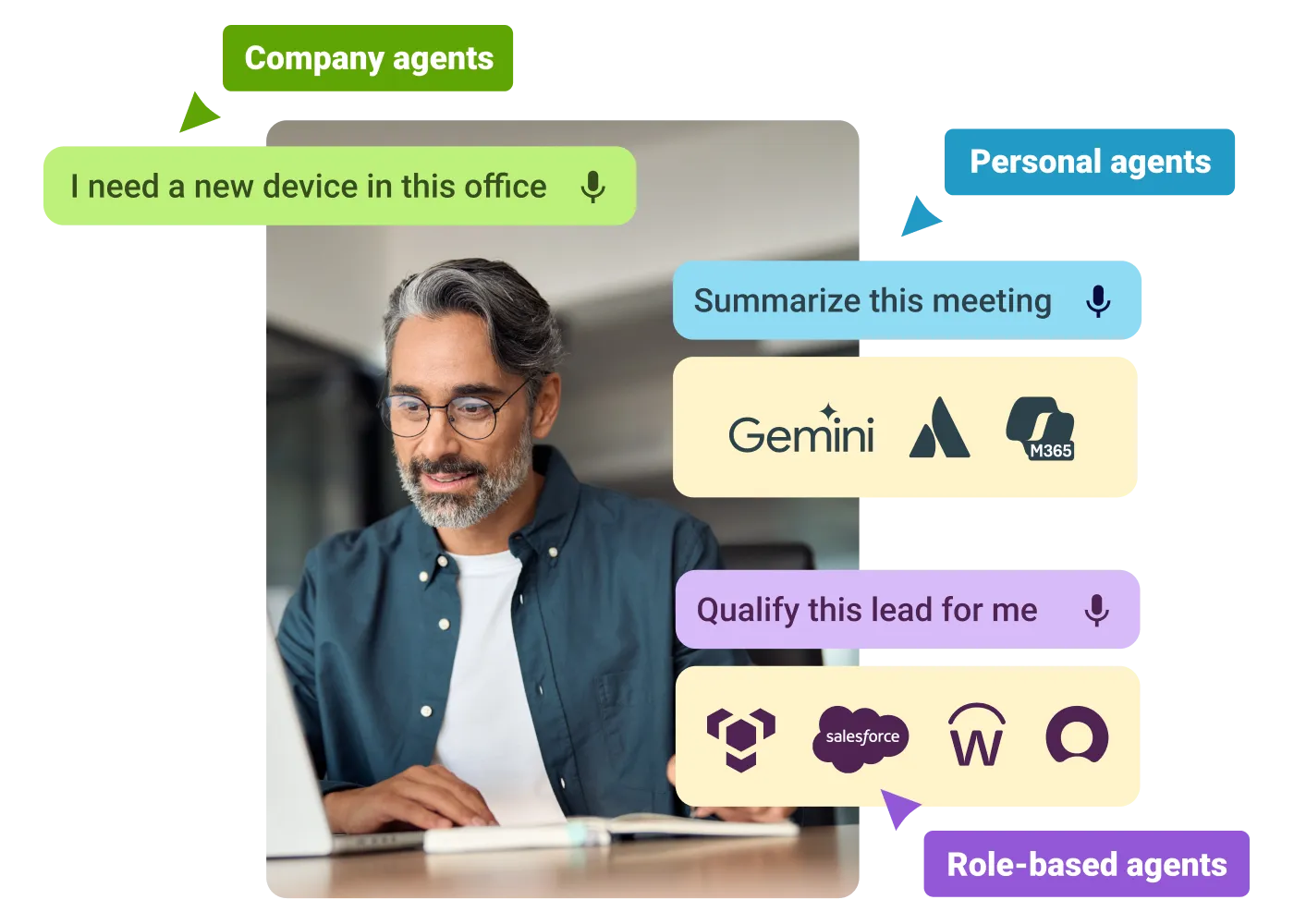
Man using a laptop surrounded by speech bubbles showing company, personal, and role-based agent commands and logos.

Control what every AI agent can see and do

Control who can use each agent, which actions it can take, and what knowledge it draws from — so employees get accurate, up-to-date information.

Keenan Kibrick
"LumApps is the best intranet out of many I've used. It's so easy to use and simple to manage and engage/push people to content. It's our place to consolidate information and our one-stop shop for information through the company".
Keenan Kibrick
,
Intranet Manager
at
National Veterinary Associates
Alan Riou
"LumApps is well thought-out, intuitive, easy to use and, above all, effective, enabling companies of all sizes to create a digital workplace without too much effort or time."
Alan Riou
,
Digital Comms Manager
at
Veolia

Get a personalized demo of the AI Employee Hub — built around how your teams actually work.
Request a demo
Illustration of a female customer service agent with headset, calendar, and notification bell.
Button Text

From our experts and community

Visit Resource Center
June 15, 2026
Man working on a laptop at a wooden desk with another laptop, green mug, smartphone, and headphones.
Blog Post

SharePoint alternative : Why It's Time to Replace SharePoint and What to Use Instead

Resource Card
June 15, 2026
Man in glasses using tablet and laptop at a desk in a bright office with two women talking behind him.
Blog Post

7 Best Intranet Platforms in 2026: Compare the Top Solutions

Resource Card
June 2, 2026
Blog Post

Why Hybrid Employees Lead in Workplace Engagement

Resource Card
Two coworkers talking in an office with one taking notes and another wearing headphones around neck.
Checklist

Is Your Intranet Working? Free Legacy Intranet Checklist

Resource Card
May 29, 2026
Four construction workers in safety gear smiling with orange geometric overlay and checklist icon.
Checklist

How to improve communication and compliance on every job site

Resource Card
May 26, 2026
Event readiness timeline planner
Checklist

Event readiness timeline planner

Resource Card
May 21, 2026
The essential HR checklist for healthcare teams
Checklist

The essential HR checklist for healthcare teams

Resource Card
May 21, 2026
Modern office with a group meeting around a table and one woman sitting on a black chair using a laptop.
Checklist

Internal Communication Strategy

Resource Card
May 26, 2026
Smiling woman in white shirt holding an open sign in a bright coffee shop setting.
Checklist

Must-Have Features for Retailers

Resource Card
May 26, 2026
Two construction workers with helmets, one using a walkie-talkie, the other checking a tablet.
Checklist

Modernizing Communications with Frontline Employees

Resource Card
May 26, 2026
Smiling woman with earbuds uses laptop and holds smartphone at wooden table with coffee cup.
Checklist

Hybrid Work Checklist

Resource Card
May 26, 2026
Smiling man in glasses and checkered shirt working on a laptop at a bright home office desk.
Checklist

Data Driven Employee Experience: The IT Leader's To-Do List for Mastering Analytics

Resource Card
May 26, 2026
Two men fist bumping across a table with laptops, notebooks, and coffee cups in a casual workspace.
Checklist

6 ways to improve collaboration with an intranet

Resource Card
May 26, 2026
Four colleagues engaged in a lively discussion holding papers and notebooks near a laptop and window.
Checklist

7 steps to build the business case for an intranet

Resource Card
May 26, 2026
Three coworkers smiling and discussing work in a modern office with a wooden wall background.
Checklist

Battle of the Intranets: Meta Workplace vs LumApps

Resource Card
May 26, 2026
Man working on laptop at a wooden desk with another laptop, mouse, phone, and coffee mug nearby.
Checklist

Is your SharePoint intranet truly meeting your team’s needs?

Resource Card
May 11, 2026