Meeting room management

Optimize meeting room availability

LumApps meeting room management solution helps you find, book, and manage rooms from Slack, Teams, Google Chat, or a custom app. Cut ghost meetings and reclaim up to 31% of wasted meeting space.
Request a demo
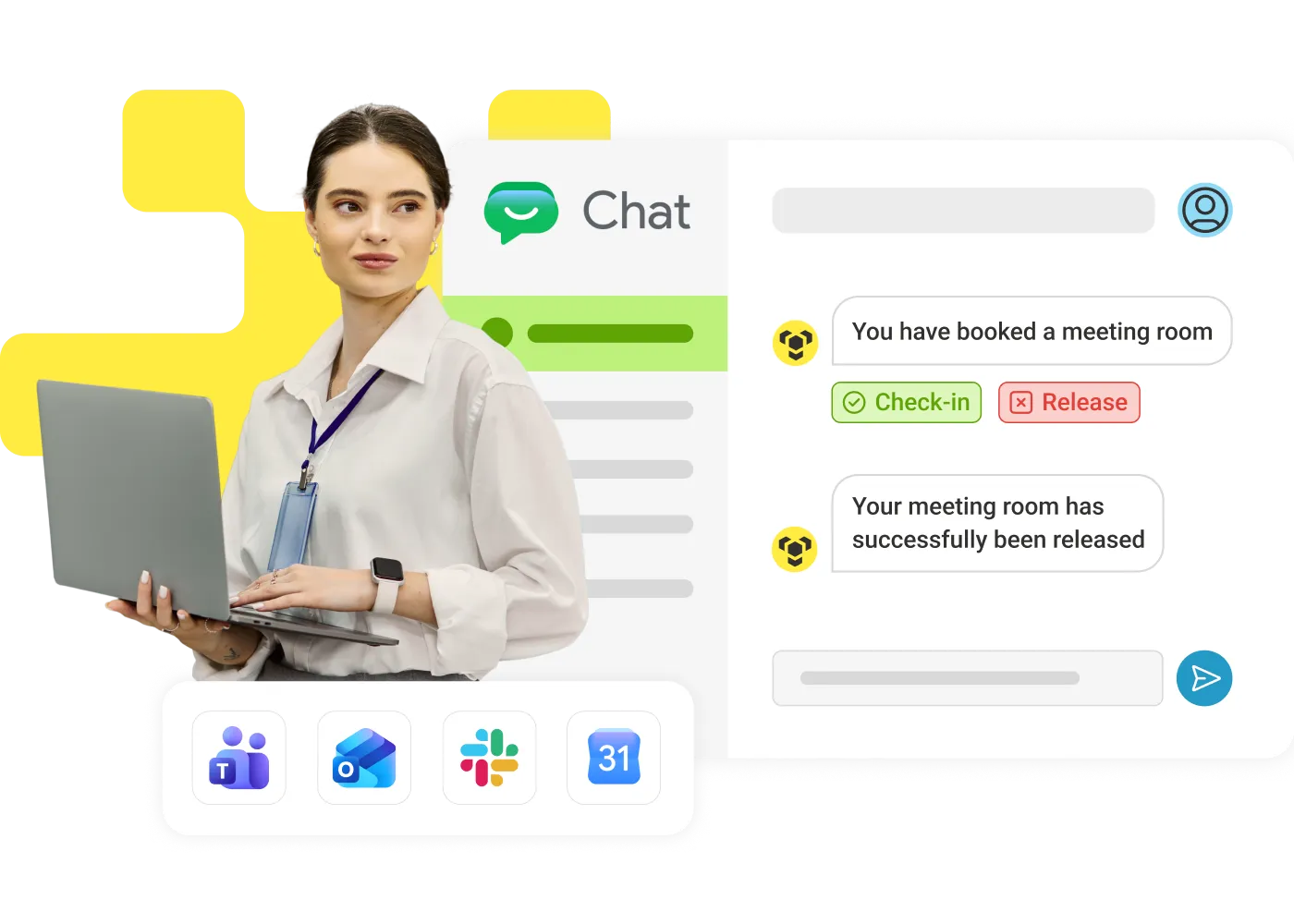
Woman with a laptop beside a chat app booking a meeting room, with check-in and release buttons and Teams, Outlook, Slack and Calendar integration icons.

Easy booking

Reserve a room from your calendar, a tablet, a floormap, or by asking the LumApps workplace agent in plain language.

Ghost meeting cut

Release booked-but-empty rooms so ghost meetings stop draining your real estate and your budget.

Interactive maps

From a desktop, phone or kiosk, help employees find available rooms by floor, location, capacity, or equipment.

Make your rules

Set booking windows, durations, and permissions by role, team, or location.

Decide with data

Track utilization, rebooking rates, and no-show trends to plan your space with facts instead of guesswork.

Fit your hardware

Works with the room hardware you already own. No rip-and-replace or vendor lock-in.

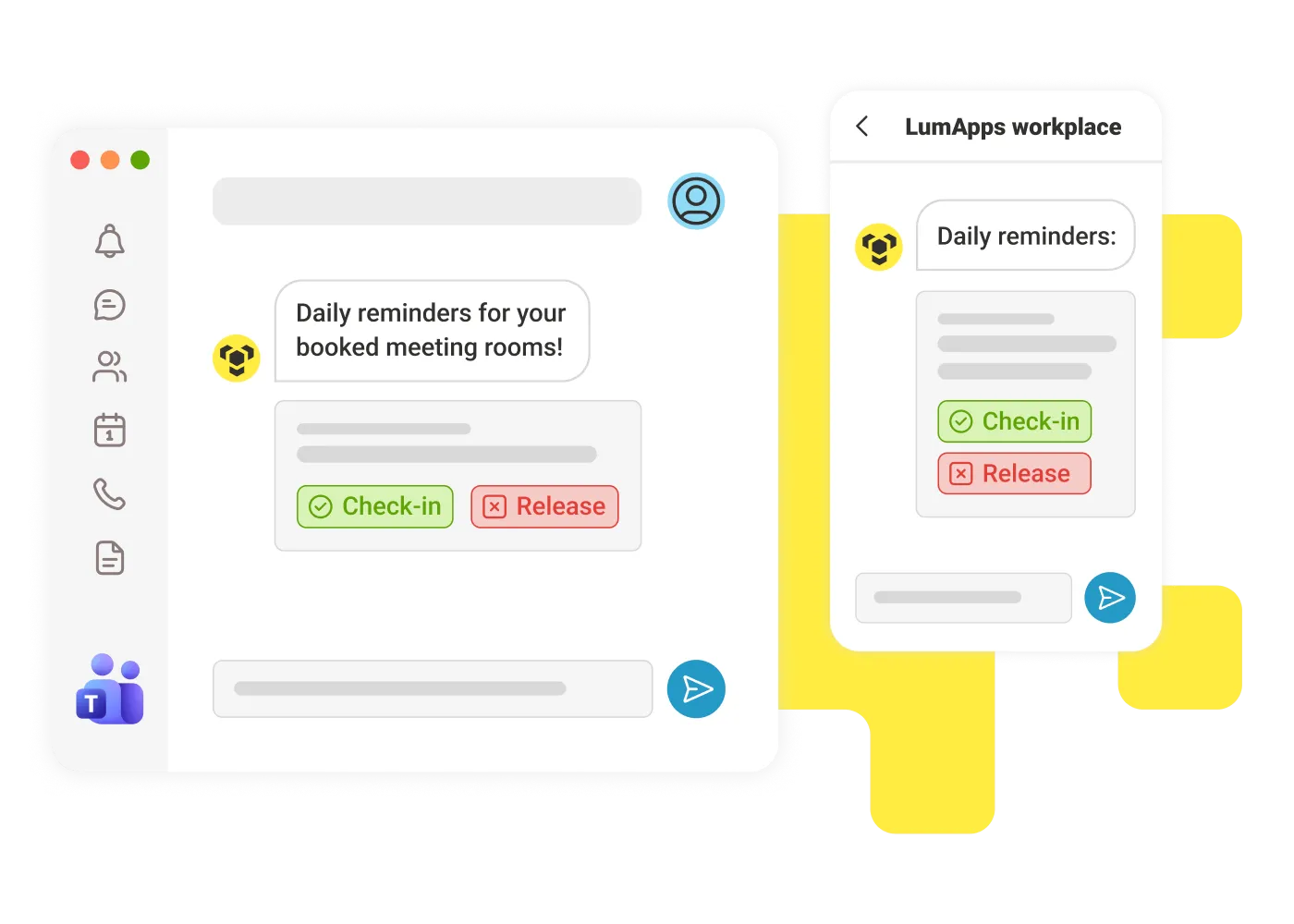
Chat app showing daily meeting-room reminders with check-in and release buttons on desktop and mobile.

Beat ghost meetings before they happen

Morning recap, mandatory check-in, and time-based auto-release, including recurring meetings, work quietly in the background, so unused rooms get freed up in Google Chat, Teams, or Slack, before anyone notices they're empty.
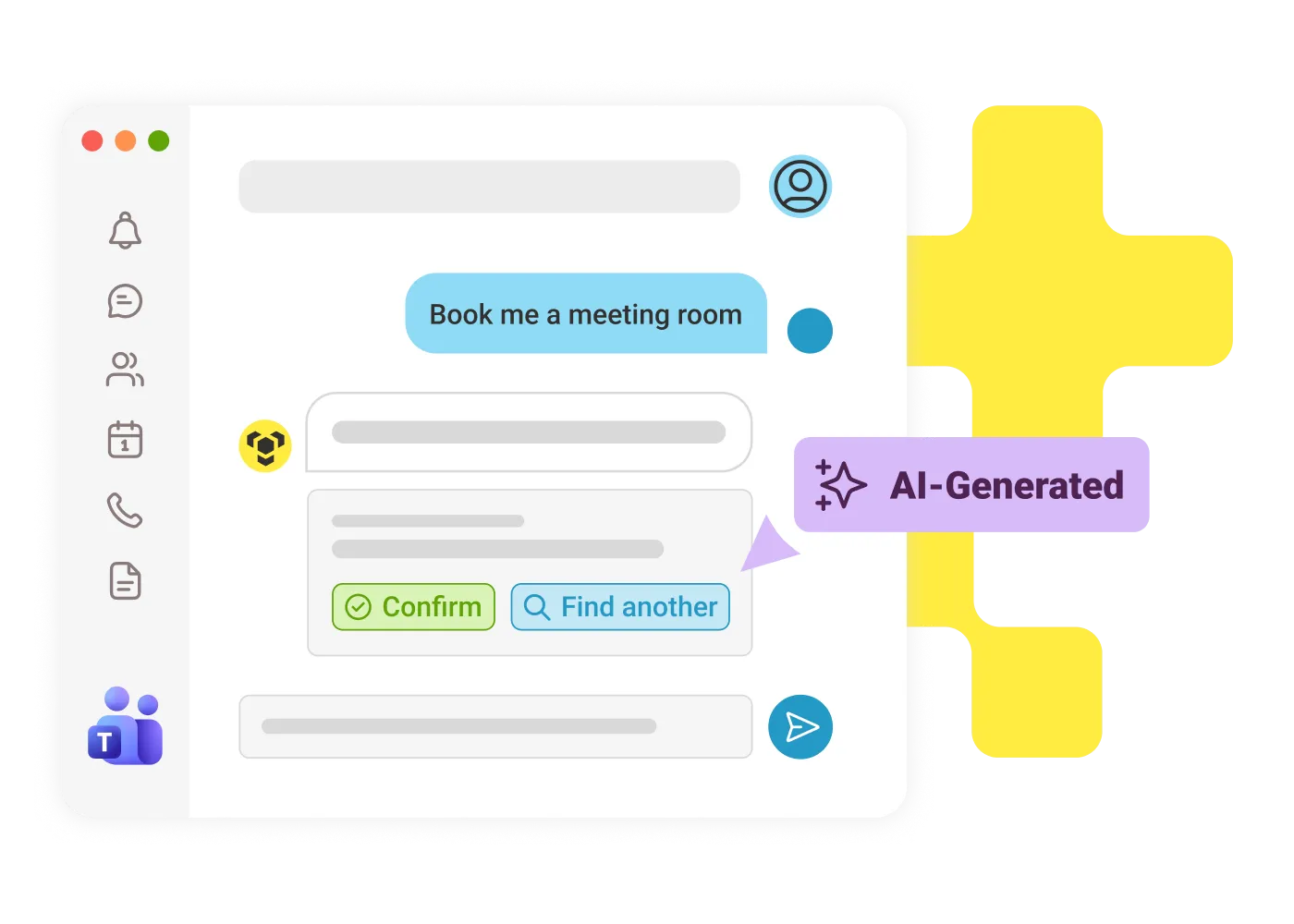
Chat conversation booking a meeting room by natural language, with an AI-generated suggestion and confirm and find-another buttons.

One AI assistant for your workplace requests

Search and book for a room with your own words and get suggestions based on availability, capacity, location, equipment, and context all from your usual tools.
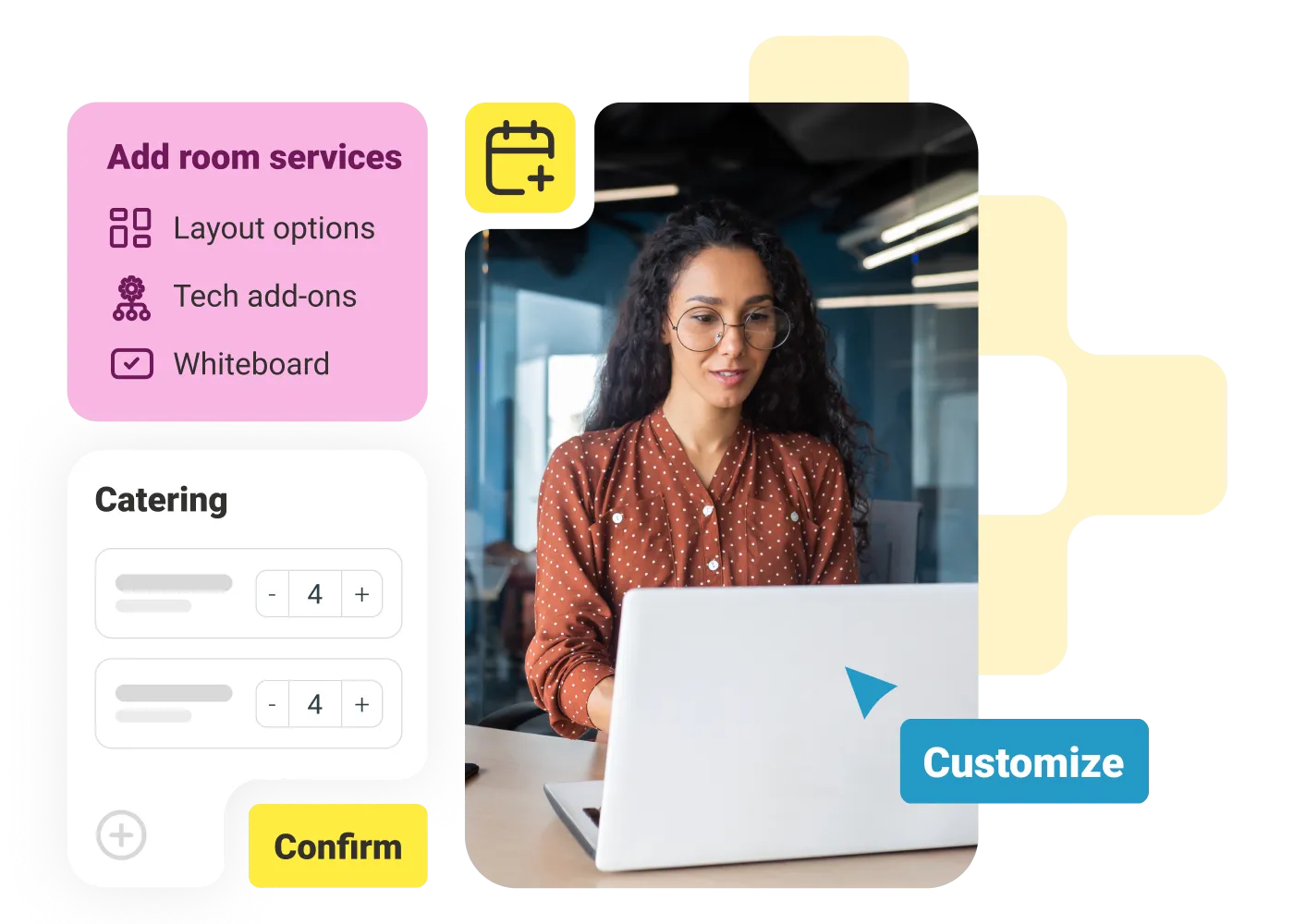
Woman at a laptop with an add-room-services panel for layout, tech add-ons and whiteboard, plus a catering request card.

Bring meeting room services in one place

Request catering, AV support, a specific layout, or any other room service, right when you book your space. One request-no extra emails, or apps.
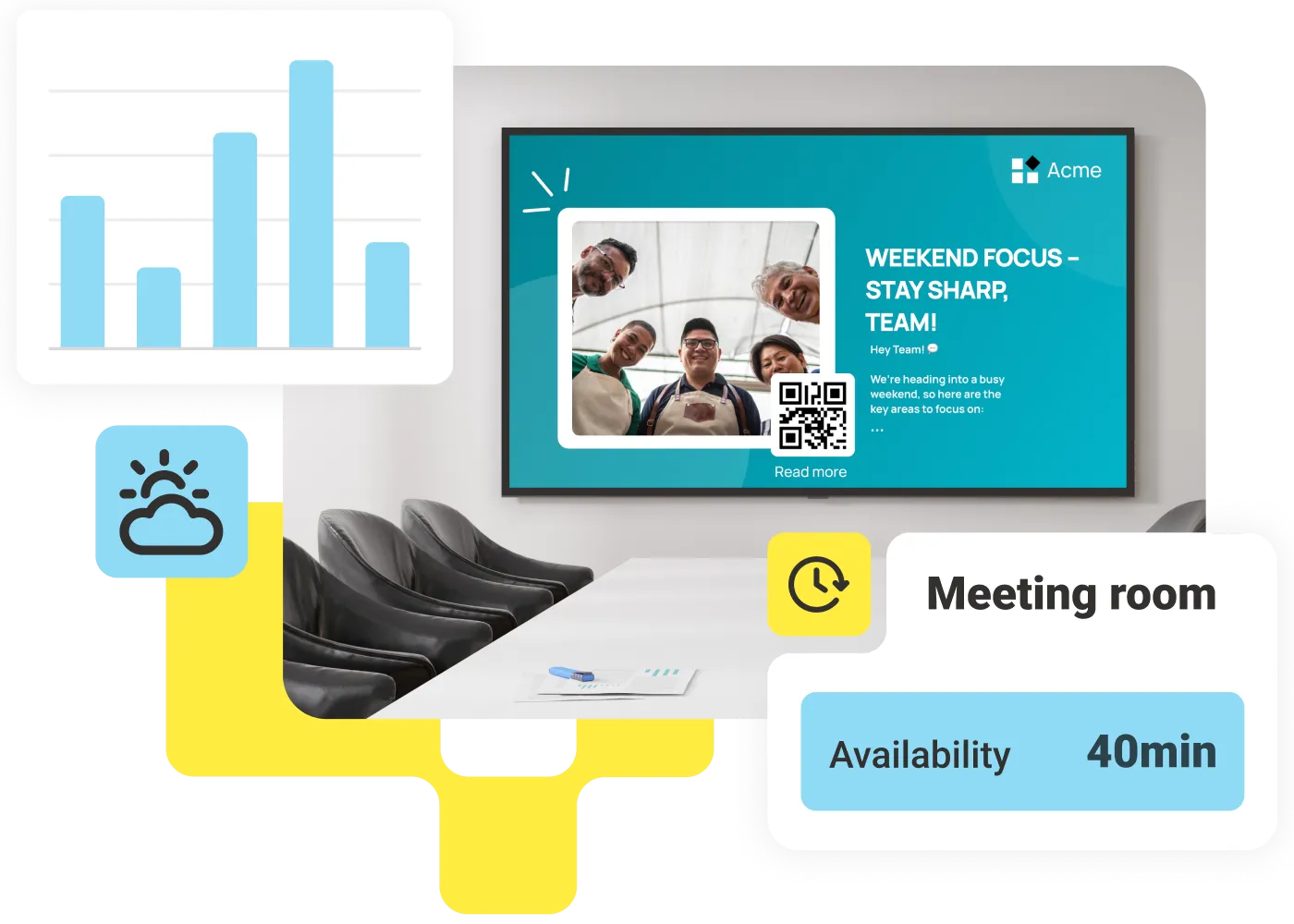
Meeting room screen showing a company announcement with a QR code, a weather widget and a meeting-room availability card.

Extend the value of every room device

When a room sits empty, don't leave the screen dark. Auto-sync intranet news, Google Slides, PowerPoint, and more so that every meeting room display doubles as a communication channel.
Alan Riou
"We have been able to connect our +220,000 employees across 5 continents through digital signage, while optimizing the use of our meeting rooms worldwide with an intuitive solution."
Alan Riou
,
Global Digital Communications Manager
at
Veolia
Jeanne Fomba
“LumApps has transformed how we manage meeting rooms. It's intuitive, effective, and ensures our spaces are used to their fullest potential, thanks to its simple integration with our existing tools.”
Jeanne Fomba
,
Collaborative Tools Domain Manager
at
Dalkia

Get a personalized demo of the AI Employee Hub — built around how your teams actually work.
Request a demo
Watch a video demo
Illustration of a female customer service agent with headset, calendar, and notification bell.
Button Text

From our experts and community

View all blogs
October 21, 2026
Employee working at a laptop in a modern office
Blog Post
Start Simple: AI Agents with High Impact and Low Effort
Resource Card
October 21, 2026
Three engaged colleagues talk and work on laptops together at a round table in a bright, open-plan office.
Blog Post
AI Employee Engagement: How AI Can Improve Engagement at Work
Resource Card
October 21, 2026
Four colleagues review printed reports together at a table in a bright office, agreeing how shared knowledge is organized.
Blog Post
Knowledge Management Governance: A Framework for Trusted Enterprise Knowledge
Resource Card
Two coworkers talking in an office with one taking notes and another wearing headphones around neck.
Checklist
Is Your Intranet Working? Free Legacy Intranet Checklist
Resource Card
September 29, 2026
Four construction workers in safety gear smiling with orange geometric overlay and checklist icon.
Checklist
How to improve communication and compliance on every job site
Resource Card
September 9, 2026
Event readiness timeline planner
Checklist
Event readiness timeline planner
Resource Card
May 21, 2026
The essential HR checklist for healthcare teams
Checklist
The essential HR checklist for healthcare teams
Resource Card
May 21, 2026
Modern office with a group meeting around a table and one woman sitting on a black chair using a laptop.
Checklist
Internal Communication Strategy
Resource Card
September 29, 2026
Smiling woman in white shirt holding an open sign in a bright coffee shop setting.
Checklist
Must-Have Features for Retailers
Resource Card
May 26, 2026
Two construction workers with helmets, one using a walkie-talkie, the other checking a tablet.
Checklist
Modernizing Communications with Frontline Employees
Resource Card
September 29, 2026
Smiling woman with earbuds uses laptop and holds smartphone at wooden table with coffee cup.
Checklist
Hybrid Work Checklist
Resource Card
September 29, 2026
Smiling man in glasses and checkered shirt working on a laptop at a bright home office desk.
Checklist
Data Driven Employee Experience: The IT Leader's To-Do List for Mastering Analytics
Resource Card
September 29, 2026
Two men fist bumping across a table with laptops, notebooks, and coffee cups in a casual workspace.
Checklist
6 ways to improve collaboration with an intranet
Resource Card
September 29, 2026
Four colleagues engaged in a lively discussion holding papers and notebooks near a laptop and window.
Checklist
7 steps to build the business case for an intranet
Resource Card
September 29, 2026
Three coworkers smiling and discussing work in a modern office with a wooden wall background.
Checklist
Battle of the Intranets: Meta Workplace vs LumApps
Resource Card
September 29, 2026
Man working on laptop at a wooden desk with another laptop, mouse, phone, and coffee mug nearby.
Checklist
Is your SharePoint intranet truly meeting your team’s needs?
Resource Card
September 29, 2026