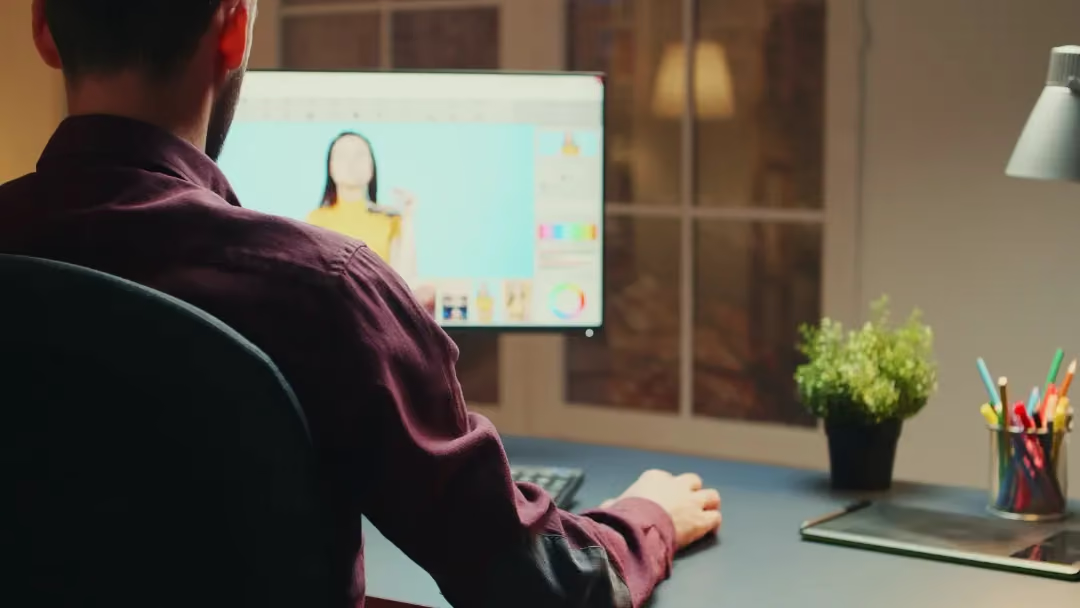
LumApps Integrates Comeen Play (formerly DynamicScreen) Digital Signage Solution
LumApps is proud to announce its new partnership with Comeen Play (formerly DynamicScreen). This new integration is available as of now. Thanks to Comeen Play, you can easily display your LumApps news anywhere on multiple screens.
Why LumApps x Comeen Play (formerly DynamicScreen)?
LumApps and Comeen Play (formerly DynamicScreen) have come together to extend your enterprise communications to new frontiers by providing a simpler, faster, and safer way to display your strategic messages on one or many screens, from anywhere.
Now you can share on your wall-mounted screens your LumApps news, welcome your new hires, promote your upcoming events, and more. Users from all business units and teams can benefit from this integration, which increases information visibility, empowers frontline workers, and improves brand awareness.
— Who’s Comeen Play?
Comeen Play helps you connect your screens with your LumApps intranet so your teams are aligned wherever they are located. No coding or design skills required! It’s Digital Signage. Simpler and smarter.
Comeen Play works with organizations of all sizes and industries worldwide, from fast-growing startups to Fortune 500 companies, including Google, Samsung, Spendesk, and Veolia.
Small paragraph style dolor sit amet, consetetur sadipscing elitr, sed diam nonumy eirmod.
What to expect?
Starting today, you can connect your LumApps intranet to Comeen Play, and share your LumApps news to your screens, so you keep every single employee connected to what matters.
— It’s simple to install—and to use. Set up your screens in no time. Comeen Play is compatible with almost any media player. The user-friendly interface makes it simple to connect your LumApps intranet and start sharing your news.
— It’s blazingly fast. Your LumApps news are instantly shared to your screens. The best part? It keeps in-sync so you don’t have to worry. You can even preview your content and schedule it in advance to display the right content at the right time.
— It’s engaging. Display on-brand screen-ready LumApps news at the speed of the light with our simplest editor. No design skills are required. Choose one of our Templates or create your own and edit it any time for quick and easy content changes.
Small paragraph style dolor sit amet, consetetur sadipscing elitr, sed diam nonumy eirmod.
LumApps / Comeen Play Use Cases
— Increase the visibility of your LumApps news and events: No matter where your employees work, on-site or deskless, every single employee is connected to what matters.
— Welcome your visitors with a personalized experience: Share your company news, and schedule a warm welcome message at the reception desk.
— Inform and Engage your frontline workers: Whether you share company news, key performance indicators, or legal notices, make your LumApps news and documents available anywhere.

“The Kitchen helped us deliver clear, consistent communication during intense change and has become part of everyday life for JETers worldwide.”