Workforce App: The Best Way to Align Your Business
A workforce tools app is especially helpful for companies that employ large numbers of frontline workers . Since these staffers aren’t in-office on a regular basis, a mobile solution ensures that all team members can be reached and given important information at any time.

HR Tech Buyer’s Guide
Table of contents
A workforce app, also known as a workforce management app, is any mobile application that allows a business to better coordinate and supervise its staff members. It allows company leadership to instantly communicate with and engage employees, share shift schedules, make internal documents more accessible, and much more.
A workforce tools app is especially helpful for companies that employ large numbers of frontline workers. Since these staffers aren’t in-office on a regular basis, a mobile solution ensures that all team members can be reached and given important information at any time.
Essentially, a workforce mobile app helps keep frontline teams in touch and on track.
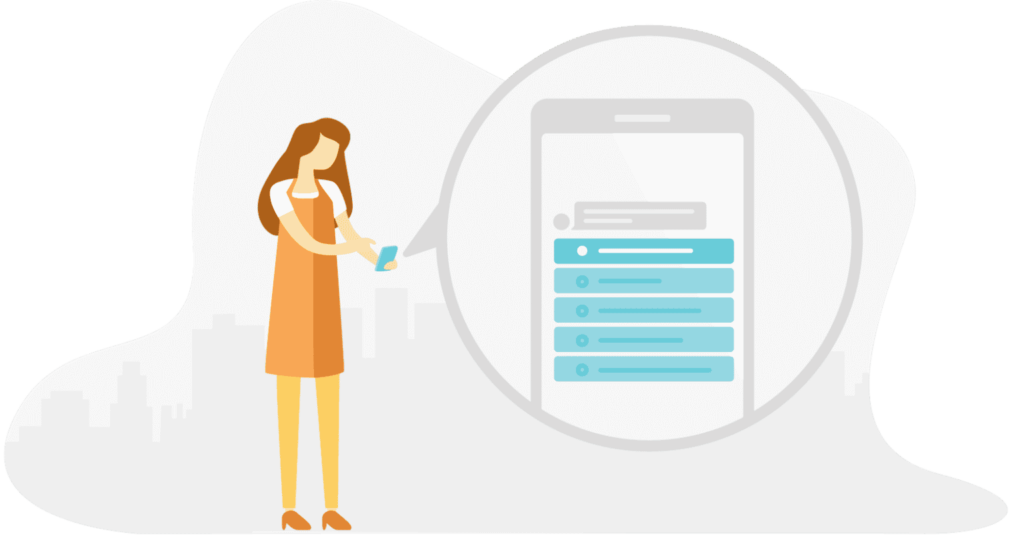
When Can You Use a Workforce App?
Here are just a few ways that companies can use a workforce app to stay aligned.
- Update Your Team: Have an important company announcement to make? A mobile workforce management app will allow you to easily send updates to your team — even if they happen to be working in the field.
- Gather Feedback: Your team’s insight is your company’s secret weapon. Use a workforce tools app to send team-wide surveys to your employees or chat privately with specific staffers. The information you glean will help you improve your business.
- Recognize Employees: Employee recognition has been proven to boost team engagement, individual productivity, and company profitability. A workforce app will enable you to quickly recognize and reward your staff for their efforts.
- Share Shift Schedules: A workforce scheduling app will allow you to easily set work periods for your employees. And since the schedule will be accessible on any mobile device, your team will have access to it regardless of where they are and be able to ask you questions they have in regards to it.
- Create a Document Library: Frontline employees can’t always visit HR’s office if they have questions about company policy. A workforce tracking app enables companies to digitally distribute these kinds of documents to team members, right on their phones.
Popular Workforce Management Apps
Workforce apps are perfect for updating team members, gathering feedback, setting shift schedules, and more. But with so many options on the market, how do you choose the right tool to invest in? The following three solutions are, in our opinion, the top options:
- Workforce: The appropriately named Workforce Software, allows users to easily schedule their workers via a mobile device. Said workers can also monitor their own schedules via the application as well.
- Workforce for ArcGIS: This track my workforce app, called Workforce for ArcGIS, uses the “power of location” to better manage field worker schedules. The result is a reduction in errors, a boost in productivity, and a chance to save money.
- Beekeeper: Beekeeper is a complete employee communication and workforce management app rolled into one. Users can easily schedule their frontline workers, chat with team members, send surveys and documents, and recognize employees — all inside the simple to use mobile application.

Most Frequently Asked Questions
What is a workforce app?
About the author
Top
Related Article
Interested in learning more?



_en_opt.webp)











