No Time to Text? Beekeeper Rolls Out Voice Messaging in Chats
Drumroll please... we’re beyond excited about our newest addition to the Beekeeper platform.
Drumroll please... we’re beyond excited about our newest addition to the Beekeeper platform.
Introducing. . . voice messaging! One of our most-requested features from our customers is here — and it will revolutionize the way that frontline employees receive and send information.
If painstakingly typing out chat messages letter by agonizing letter is jamming up the flow of information for your team then Beekeeper's voice messaging feature will pave the way for smooth, easy, seamless communication — all at the touch of a button.
Keep reading to learn more about Beekeeper’s newest functionality.

What Is Voice Messaging?
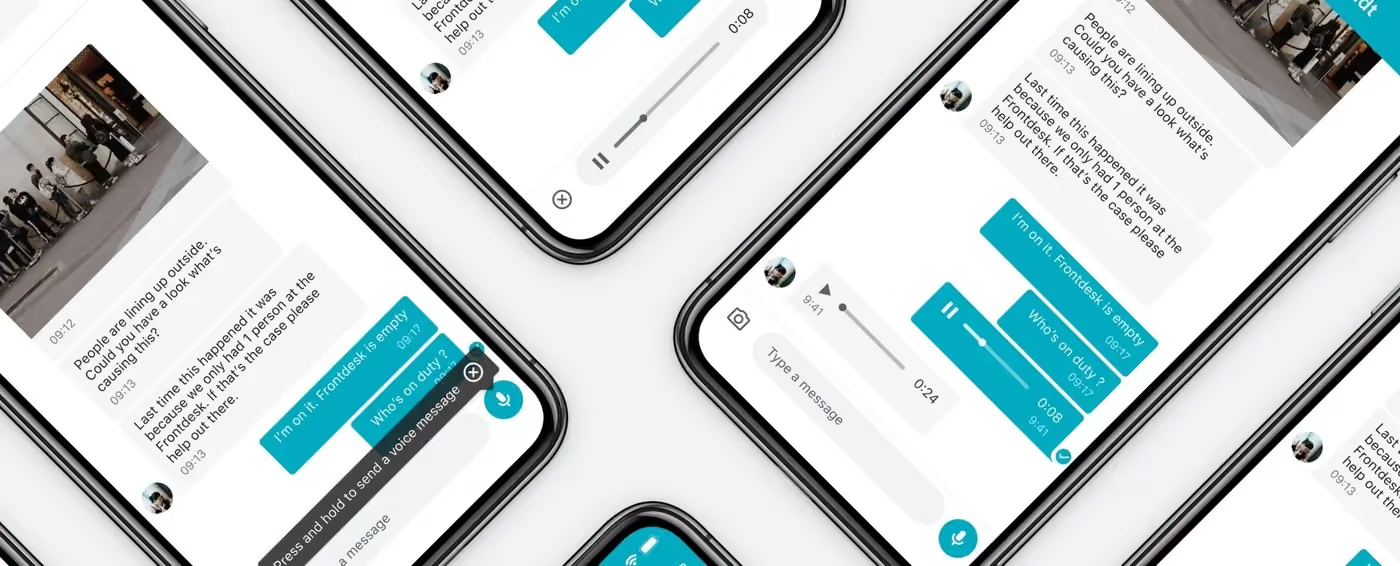
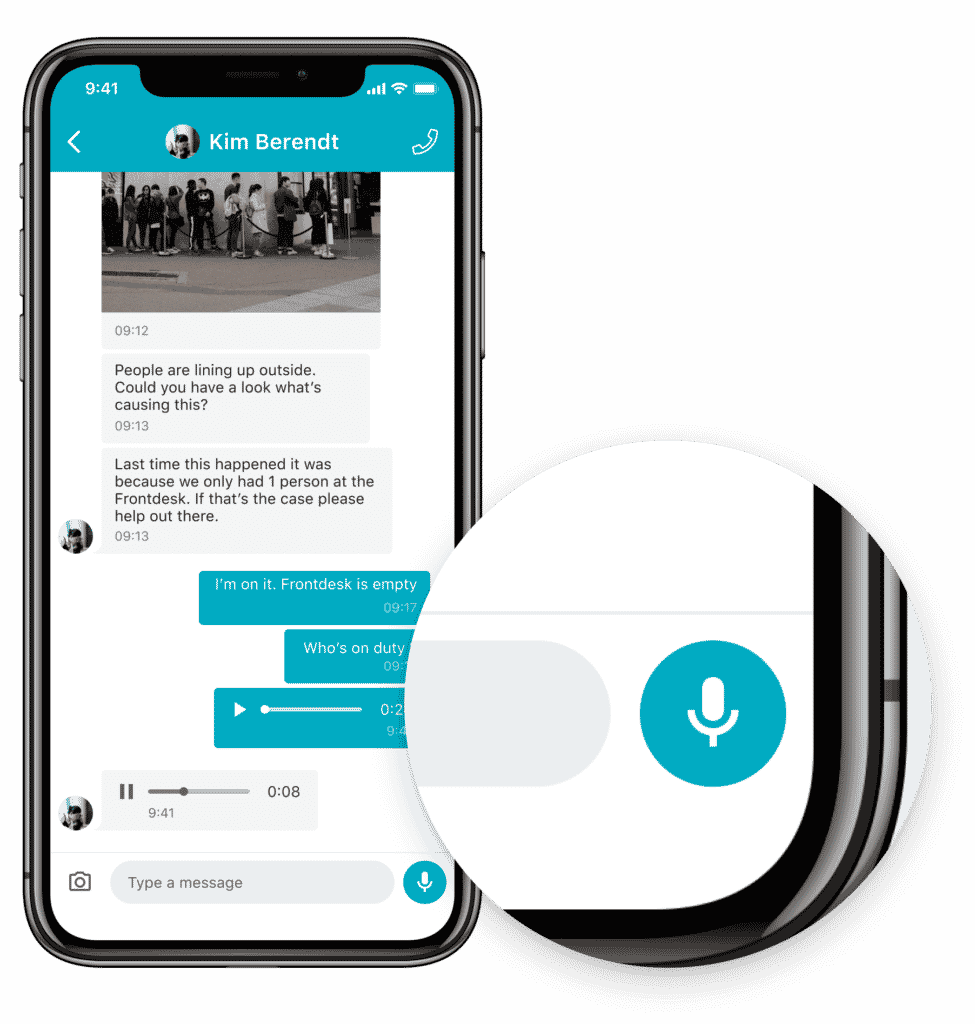
Voice messaging is a new feature in Beekeeper chats that allows people to record, send, receive, and listen to voice messages directly in the Beekeeper app. On the Beekeeper desktop platform, employees are able to receive voice messages from their colleagues.
The best part? People sending a voice message can playback their own recording before they hit send to make sure their message is clear and easy to understand.
What’s more, the people that receive voice messages from their coworkers can actually pause and even rewind the voice messages they receive in case they need to listen to it more than once for reference.
Essentially voice messaging will provide managers and frontline employees who use Beekeeper with another direct line of communication, enabling them to be more successful in their day to day work.
Benefits of Voice Messaging
Our new voice messaging feature offers a little something for everyone who uses the Beekeeper platform.

Here are just a few benefits of voice messaging.
For Frontline Employees
- Easily communicate with their direct manager without having to type out time consuming text messages
- Enjoy different options for message delivery that’s quick and easy
For Managers
- Deliver and receive information more efficiently
- Clearly communicate the tone of their message
- Enable more members of their team to communicate through Beekeeper
- Incentivize employees to use their company-provided, secure internal communication platform instead of unsecure workarounds like WhatsApp
Who Uses Voice Messaging?
The great thing about voice messaging is that it’s useful to anyone who needs a secure, easy way to send direct messages at work.
Voice messaging is especially useful for. . .
- Employees who feel more comfortable speaking than texting
- Employees who may find small text hard to read, making it difficult for them to read and write on their phone
- Employees who frequently multi-task and need a quick, easy way to communicate that doesn’t require them to use both hands
- Visually impaired staff members who find it difficult to read and write on their phone
- Busy managers who don’t always have time to manually type out a message to their employees and need a fast, efficient way to communicate with their team
Our Customers Asked. . . We Listened
Because Beekeeper works so closely with our customers, our users have the unique opportunity to directly impact the evolution of our platform. Voice messaging was one of the most popular new feature requests we heard from our customers — so we built it.
Our mission has always been to give every employee a voice within their organization. We believe that voice messaging will help employees across all levels of the company connect and share information with just the press of a button.
This feature will be available for all our customers very soon! If you’re extra eager to test out voice messaging, you can always contact your Customer Success Manager and inquire about giving this new feature a test drive.
Not a Beekeeper customer yet? Request your free demo today!
About the author
Top