How to reduce application switching at work
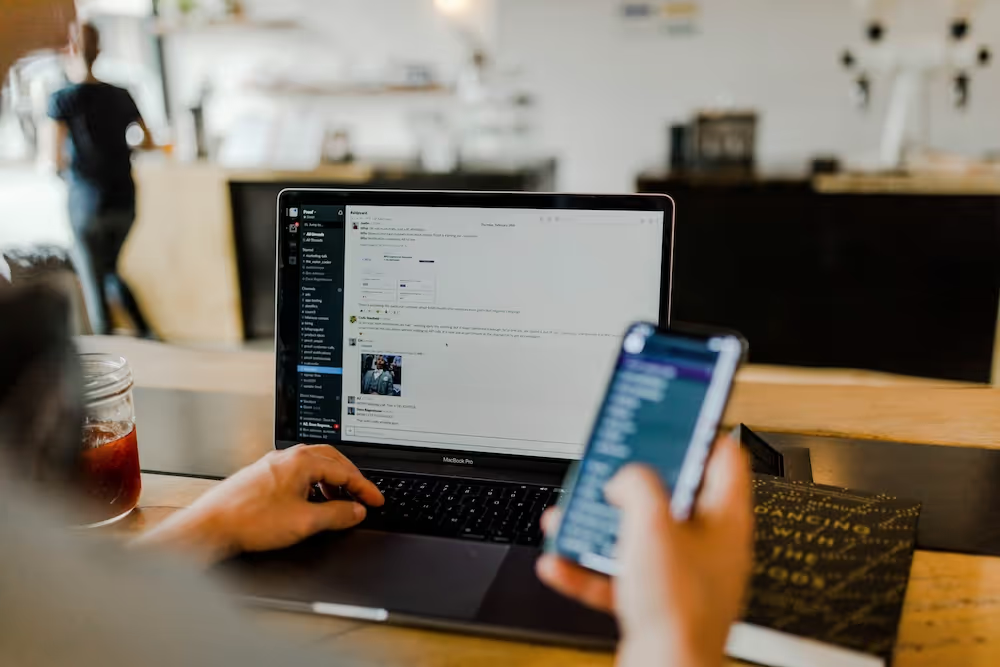
Emails, texts, tweets, reports, white papers – workers in the digital workforce are inundated with comms! Their inboxes are overflowing. They're also having to manage all these incoming messages through an array of applications. This means constantly switching and toggling through several different pieces of software to complete a single action.
According to recent research, 73% of professionals report an increase in the number of communication channels, and 78% report an increase in the frequency of communication. As a result, it's no surprise that your digital workforce spends up to 88% of each day managing comms.
All this 'unnecessary effort an employee spends trying to use data or technology' has a name: digital friction. Digital friction is an important part of why 70% of workers now say their time at work is not productive, not empowering, and not easy.
Inevitably, the frustration and headaches that come from switching between apps (for example, trying to get the paid overtime software to work in harmony with the desktop calendar) are a huge drain on productivity and worker retention. The employee experience suffers, and the consequence is an unfocused and disenchanted workforce. Also, not surprising – diminished productivity.
With so much on their plate, employees need a “one-stop-shop” to find what they need and get work done efficiently. LumApps’ AI-enabled tools harness the power of natural language processing and machine learning technologies to customize dashboard functionality and help reduce all that unnecessary effort and frustration.
Turn Your Intranet into the Place to Get Work Done
Download our free guide to learn about LumApps' AI-powered features that help turn your intranet into a destination workplace.
Enabling Employees with LumApps AI Technology
With the remote-capable workforce now spending 60% less time in the office, leaders must ensure that employees are supported if they work from home or on the road. That's why we've designed the LumApps intranet to go beyond the bounds of a traditional intranet. By pulling everything in your intranet –now company news is combined with streamlined access to business apps – we can reduce app switching so the intranet becomes the singular place to find information, streamlining comms and increasing employee alignment.
More than a simple app director or app launcher, you can complete tasks within those business apps without leaving the intranet.
Our technology reduces digital friction and makes work more meaningful, efficient, and productive. Here are some ways LumApps AI-powered intranet can help:
Reduce application switching with personalized employee dashboards:
Cutting through application sprawl, the LumApps employee dashboard serves as a one-stop shop and delivers a 360˚ view that displays each staff member's data, key company resources, and services. It lets employees get their tasks done in mission-critical apps without leaving their dashboard and personalize their dashboard to suit individual needs.
Simplify time and effort with more robust search results:
By providing quick answers to company-related questions, the powerful natural language search allows staff to find answers from resources across the intranet and connected company databases. It seamlessly integrates into an employee's work environment, supporting them daily and helping increase productivity.
Improve efficiency and limit digital friction with proactive 'nudges':
Sending action-based suggestions through an employee's preferred channel (email, LumApps Intranet, Microsoft Teams, Slack, or Google Chat account), LumApps AI prompts and directs staff to critical elements in their workflow. It also provides personalized recommendations that help team members manage and track important tasks.
Customize your intranet experience by creating a micro app
LumApps comes with pre-built integrations, but if you don’t see the one you need, create your own micro app!
With a bit of coding, you can make your own micro apps in a matter of days. These micro apps allow employees direct access to third-party integrations, within the intranet dashboard, to help streamline processes and reduce application switching.
Micro apps save employees’ time by revolutionizing the ways they search, discover, and employ key software. They also help integrate multi-step processes into singular and smooth workflows. Some examples include:
Surfacing specific, dynamic information from services or tools that are integrated with LumApps, such as Microsoft Teams, Slack, or Google Chat.
Delivering granular tasks, like a specific transaction or operation, without forcing users to switch to the 3rd-party interface to complete that action.
Ensuring consistent application of intranet design and company branding across services and features.
This is just the start. Using our library of pre-built micro-apps, API connectors, and along with the micro-app studio, teams can easily integrate functionality into a range of popular CRM, ERP, and SCM business applications.
LumApps technology enhances the employee experience by turning your team members’ desktops, laptops, or mobile devices into a one-stop shop to get work done. An important new resource in your communication toolset, it cuts through digital friction and application sprawl.
Leaders in the Forrester Wave: Intranet Platforms for 2024 and a Gartner Magic Quadrant Leader, LumApps is the modern intranet solution that centralizes and powers communication for all employees. It creates a human-centric space where you and your teams can learn, grow, and generate meaningful and productive outcomes. Our powerful technology solutions help our clients improve the employee experience and foster a more dynamic and productive workplace culture.
For more information about LumApps AI technology and eliminating application switching and digital friction, download our white paper, Turn Your Intranet into the Place to Get Work Done.
Turn Your Intranet into the Place to Get Work Done
Download our free guide to learn about LumApps' AI-powered features that help turn your intranet into a destination workplace.