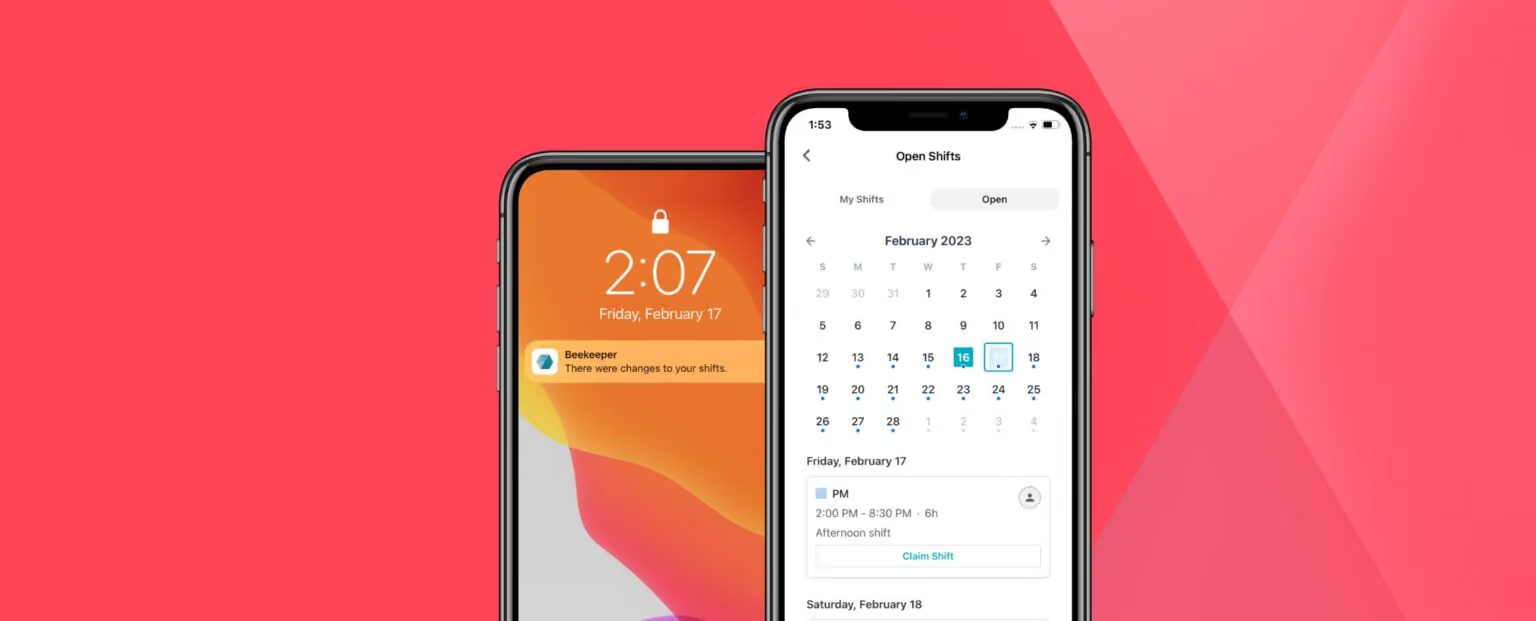
Operations and execution

Enhance efficiency across daily operations

Keep frontline, field, and HQ teams working from the same system so tasks move faster and operations stay on track. With LumApps, work stays coordinated, teams stay aligned, and nothing slips between shifts.
Request a demo
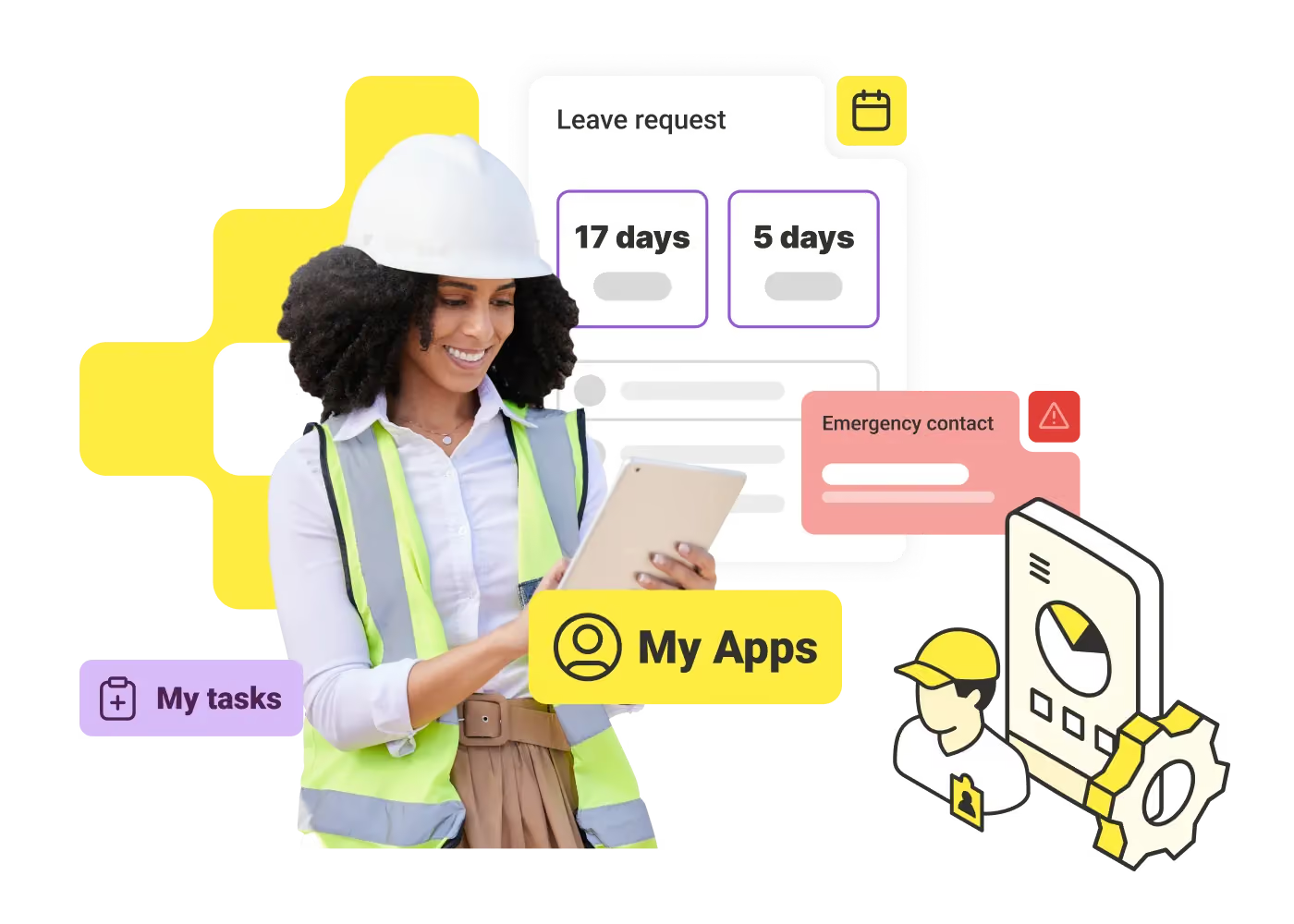
Smiling woman in hard hat and safety vest holding tablet with app icons and data graphics around.

Consistent execution

Standardize work across every shift with fewer manual errors and more reliable outcomes.

Safer work, every day

Keep compliance high and reinforce safe behaviors directly in the flow of work.

Faster operations

Reduce friction in daily execution and help teams move with greater speed and clarity.

Real-time visibility

See progress as work happens and follow up quickly when support is needed.

Reduced downtime

Catch issues earlier and keep inspections and maintenance on track to avoid disruptions.

Secure collaboration

Give every team a trusted, compliant way to get work done, communicate and act in real time.
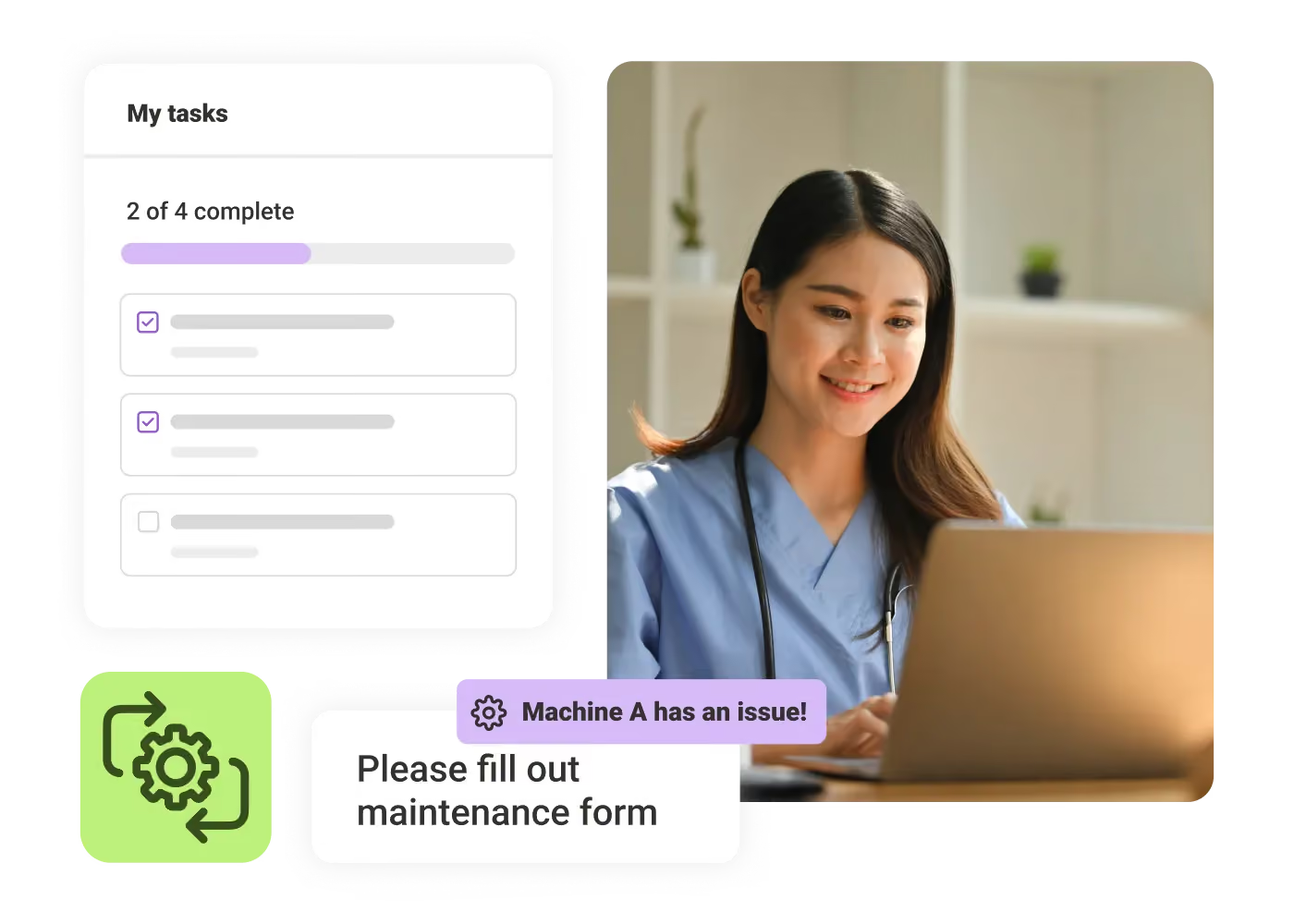
Smiling nurse in blue scrubs working on laptop with a task list and maintenance alert overlay.

Turn paper processes into guided mobile workflows

Turn binders, clipboards, and manual processes into digital forms, checklists, and tasks. Standardize recurring work like inspections, approvals, and shift routines so teams follow the right steps and capture clean, consistent data.
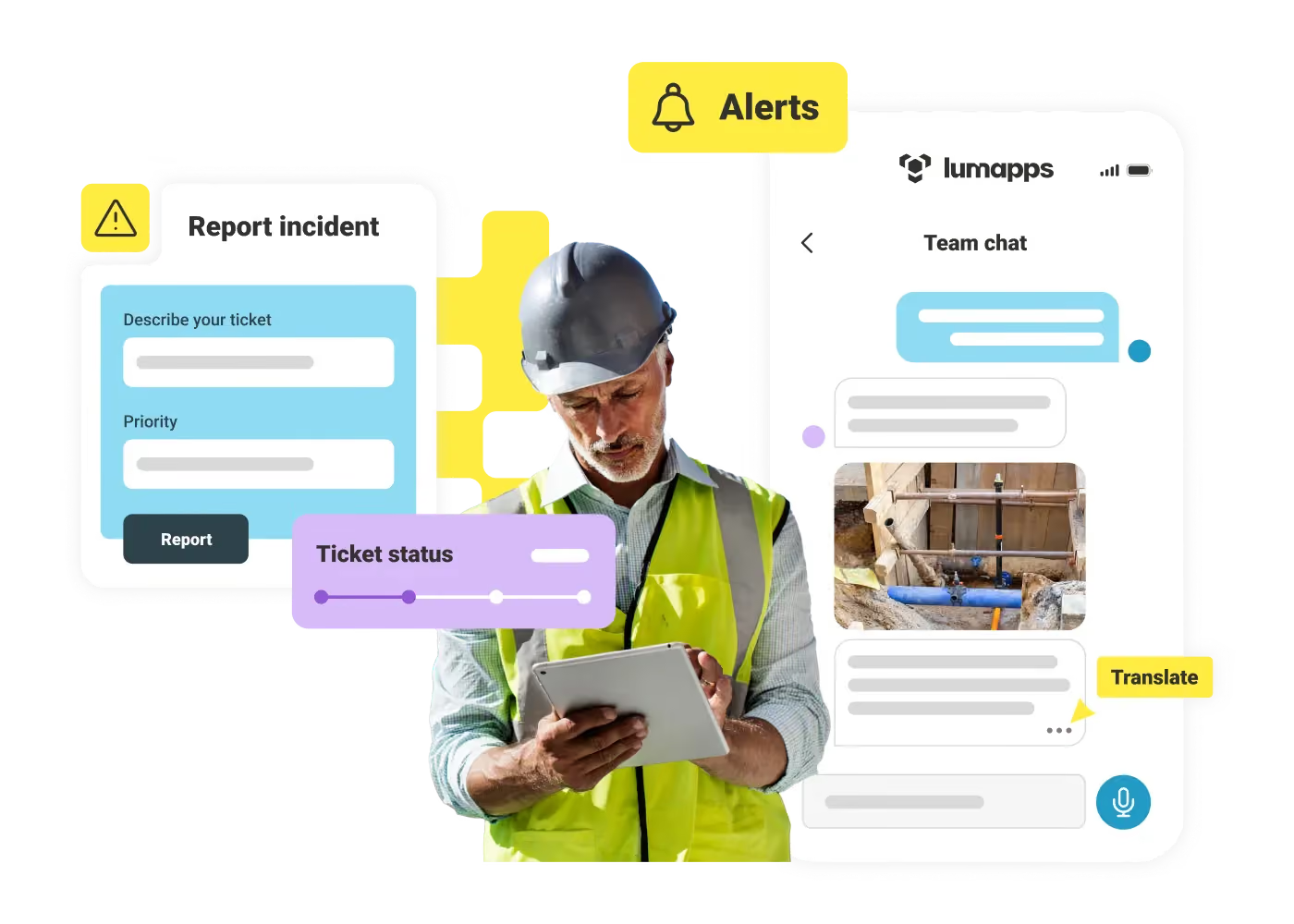
Construction worker using tablet with report incident and team chat app showing alerts and ticket status.

Reach frontline teams in one secure mobile app

Give teams one governed space for chat, alerts, and updates—without personal numbers or corporate email. Push critical information to the right people, support multiple languages, and keep work moving across every shift.
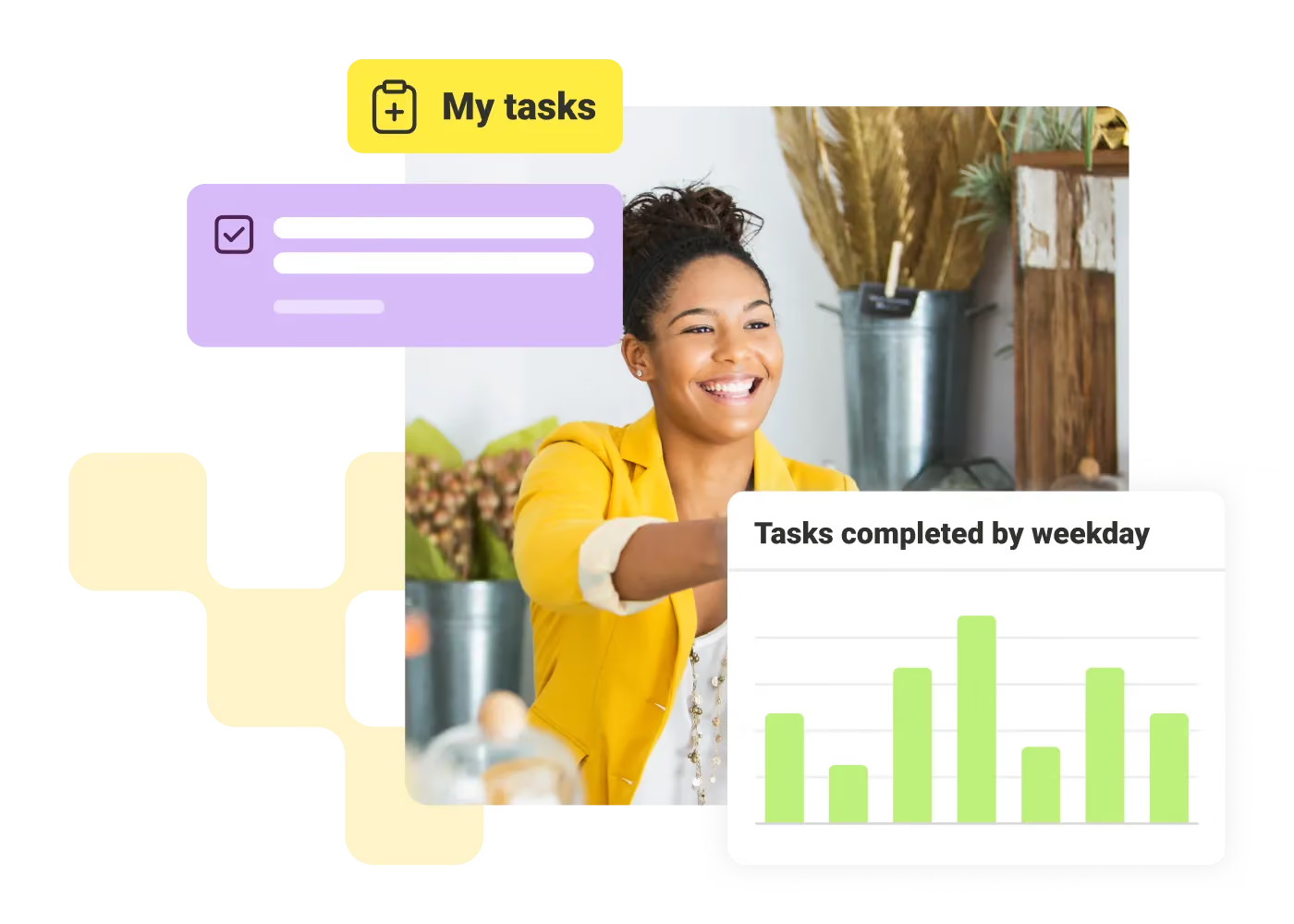
Smiling woman in yellow jacket with task list and bar chart labeled tasks completed by weekday.

Monitor progress live and speed up follow-up

Gain real-time visibility on task completion and shift handoffs. Surface issues early, route submissions into connected systems, and use AI to help teams instantly find policies, SOPs, answers, and next steps, without slowing operations.
Sonja Breuer
"The on-time completion rate of our monthly safety audits has increased significantly, simply because managers can do them on the spot."
Sonja Breuer
,
Senior VP of HR
at
Hamra Enterprises
Daniel Fordyce
"From an in-store operations standpoint, we've seen a tremendous amount of success with employees sharing product knowledge and new product launches."
Daniel Fordyce
,
Regional Vice President of Operations
at
Hudson
Katie Hardy
"Employees now have access to all the information and tools that they need in one place. We're able to seamlessly integrate with Microsoft, Workday, and SAP Concur so that our employees can get what they need and go on about their day."
Katie Hardy
,
Director of Internal Communications
at
Genuine Parts Company

Get a personalized demo of the AI Employee Hub — built around how your teams actually work.
Request a demo
Illustration of a female customer service agent with headset, calendar, and notification bell.
Button Text

From our experts and community

View all blogs
May 27, 2026
Four women engaged in a lively discussion around a wooden table in a bright room.
Blog Post

How IT leaders can support cross-functional collaboration

Resource Card
May 27, 2026
Person with blonde hair resting head on a desk surrounded by open books and a laptop by a window.
Blog Post

Why Do Workers Quit?

Resource Card
May 27, 2026
Person typing on a laptop at a white desk with books, glasses, a phone, notebook, and a cup.
Blog Post

The Future of Employee Communications: AI-Powered Solutions and Trends

Resource Card
Two coworkers talking in an office with one taking notes and another wearing headphones around neck.
Checklist

Is Your Intranet Working? Free Legacy Intranet Checklist

Resource Card
May 29, 2026
Four construction workers in safety gear smiling with orange geometric overlay and checklist icon.
Checklist

How to improve communication and compliance on every job site

Resource Card
May 26, 2026
Event readiness timeline planner
Checklist

Event readiness timeline planner

Resource Card
May 21, 2026
The essential HR checklist for healthcare teams
Checklist

The essential HR checklist for healthcare teams

Resource Card
May 21, 2026
Modern office with a group meeting around a table and one woman sitting on a black chair using a laptop.
Checklist

Internal Communication Strategy

Resource Card
May 26, 2026
Smiling woman in white shirt holding an open sign in a bright coffee shop setting.
Checklist

Must-Have Features for Retailers

Resource Card
May 26, 2026
Two construction workers with helmets, one using a walkie-talkie, the other checking a tablet.
Checklist

Modernizing Communications with Frontline Employees

Resource Card
May 26, 2026
Smiling woman with earbuds uses laptop and holds smartphone at wooden table with coffee cup.
Checklist

Hybrid Work Checklist

Resource Card
May 26, 2026
Two men standing in an office, one using a tablet, the other looking on with arms crossed.
Checklist

9 Steps to Build an Employee Experience Tech Stack

Resource Card
May 26, 2026
Smiling man in glasses and checkered shirt working on a laptop at a bright home office desk.
Checklist

Data Driven Employee Experience: The IT Leader's To-Do List for Mastering Analytics

Resource Card
May 26, 2026
Two men fist bumping across a table with laptops, notebooks, and coffee cups in a casual workspace.
Checklist

6 ways to improve collaboration with an intranet

Resource Card
May 26, 2026
Four colleagues engaged in a lively discussion holding papers and notebooks near a laptop and window.
Checklist

7 steps to build the business case for an intranet

Resource Card
May 26, 2026
Three coworkers smiling and discussing work in a modern office with a wooden wall background.
Checklist

Battle of the Intranets: Meta Workplace vs LumApps

Resource Card
May 26, 2026
Man working on laptop at a wooden desk with another laptop, mouse, phone, and coffee mug nearby.
Checklist

Is your SharePoint intranet truly meeting your team’s needs?

Resource Card
May 11, 2026