Whitepapers

Google Workspace + LumApps: Where work comes together

More than 13 million customers rely on Google Workspace to collaborate and stay productive. LumApps helps organizations get more from that investment by creating a connected employee experience around the Google tools their people already use.

As an AI Employee Hub, LumApps adds an employee experience layer to Google Workspace. Out of 1,000+ apps on the GCP Marketplace, LumApps is the only employee experience platform officially recommended by Google. It makes work easier for your entire workforce — from corporate teams to frontline workers — while opening the door to more agentic ways of working.

Download this white paper to see how LumApps extends the value of Google Workspace, and why they work better together.

Legend
Legend
Submit
Thank you! Your submission has been received!
Oops! Something went wrong while submitting the form.

You’ll learn how to:

  • Make Google Drive content easier to find and keep up to date with LumApps
  • Keep important communications visible across channels
  • Use LumApps AI agents to find information and take action across systems
  • Extend the Google Workspace experience to frontline employees
  • Get more control over content, permissions, and design in Google Sites
  • Set up LumApps provisioning, authentication, and Google Workspace integrations

Why LumApps for Google Workspace?

LumApps works with Google Workspace to give employees a single place to find information and get work done. Deep, native integrations bring Google Workspace content and tools into the LumApps intranet, reducing the need to constantly switch between applications.

Employees can search Google Drive content, access files based on their existing Google permissions, view Calendar information, and start Google Chat conversations directly from LumApps. AI agents can also use employee context and Google Workspace permissions to complete tasks across systems, from processing a time-off request to updating a shift status.

LumApps has been repeatedly recognized as a “Recommended by Google Workspace” app and continues to develop new integrations with Google product teams. It’s also recognized as a Leader in Intranets by both Gartner® and Forrester®.

Get the guide to see what LumApps can add to your Google Workspace investment.

Trusted by customers who choose Google Workspace + LumApps

“It was the combined value of Google Workspace plus the portal built by LumApps that convinced the senior leadership team at Finish Line that they chose the right solution.”

Matt Swikoski
Google FSR
at
Finish Line
Button Text

From our experts and community

Visit Resource Center
September 24, 2026
Two garden center workers in aprons stand among potted flowers in a sunlit greenhouse while one checks inventory on a tablet.
Blog Post
Connected Worker: What It Is, Benefits, and Best Practices
Resource Card
September 24, 2026
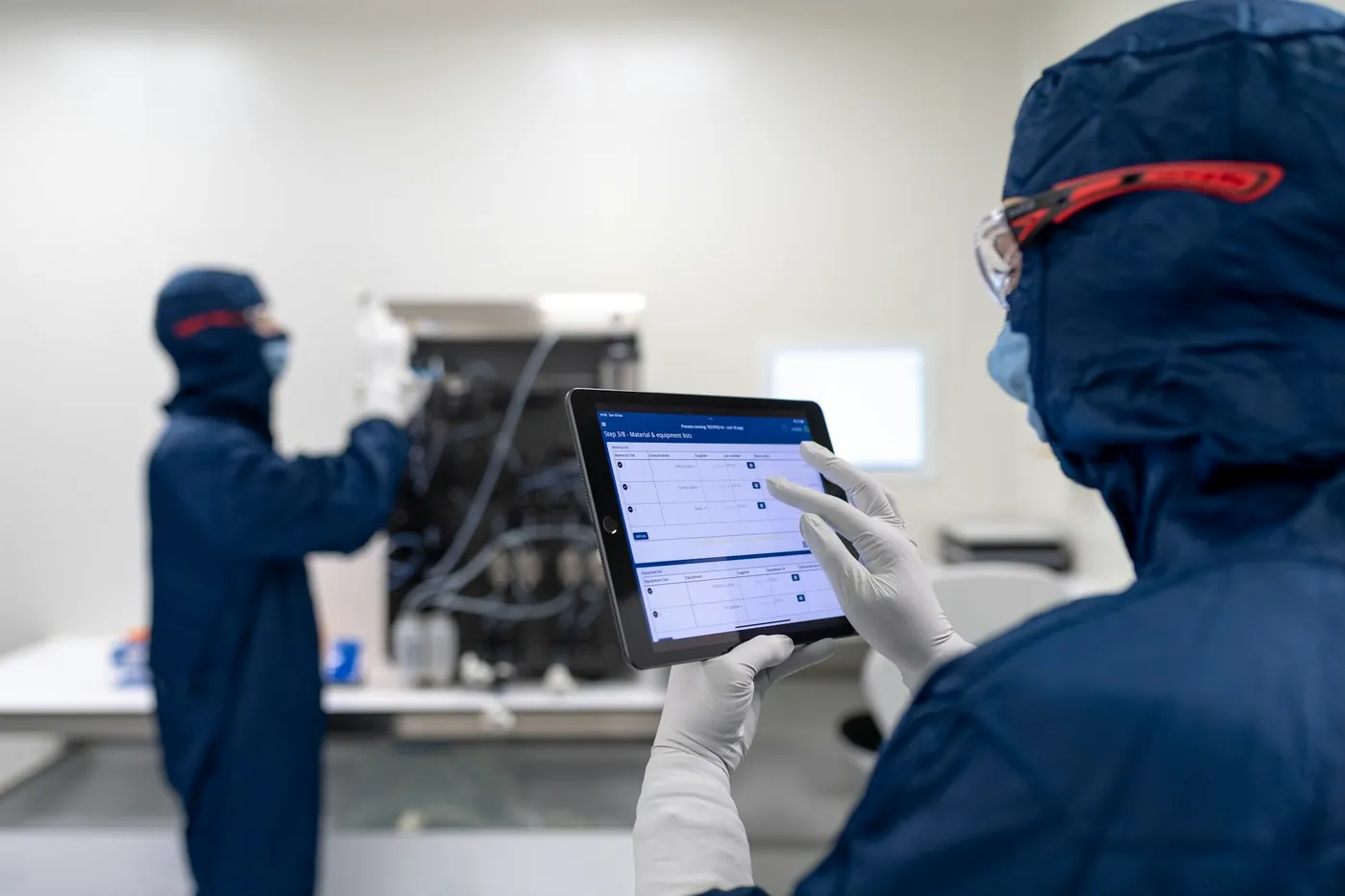
A lab technician in a cleanroom suit and gloves follows a step-by-step procedure on a tablet while a colleague works at equipment in the background.
Blog Post
AI Knowledge Base: How AI Improves Enterprise Knowledge Management
Resource Card
September 24, 2026
Three women seated and engaged in conversation against a backdrop of white curtains.
Blog Post
How LumApps Customers are Using AI to Work Smarter
Resource Card
Two coworkers talking in an office with one taking notes and another wearing headphones around neck.
Checklist
Is Your Intranet Working? Free Legacy Intranet Checklist
Resource Card
May 29, 2026
Four construction workers in safety gear smiling with orange geometric overlay and checklist icon.
Checklist
How to improve communication and compliance on every job site
Resource Card
September 9, 2026
Event readiness timeline planner
Checklist
Event readiness timeline planner
Resource Card
May 21, 2026
The essential HR checklist for healthcare teams
Checklist
The essential HR checklist for healthcare teams
Resource Card
May 21, 2026
Modern office with a group meeting around a table and one woman sitting on a black chair using a laptop.
Checklist
Internal Communication Strategy
Resource Card
September 24, 2026
Smiling woman in white shirt holding an open sign in a bright coffee shop setting.
Checklist
Must-Have Features for Retailers
Resource Card
May 26, 2026
Two construction workers with helmets, one using a walkie-talkie, the other checking a tablet.
Checklist
Modernizing Communications with Frontline Employees
Resource Card
September 24, 2026
Smiling woman with earbuds uses laptop and holds smartphone at wooden table with coffee cup.
Checklist
Hybrid Work Checklist
Resource Card
September 24, 2026
Smiling man in glasses and checkered shirt working on a laptop at a bright home office desk.
Checklist
Data Driven Employee Experience: The IT Leader's To-Do List for Mastering Analytics
Resource Card
September 24, 2026
Two men fist bumping across a table with laptops, notebooks, and coffee cups in a casual workspace.
Checklist
6 ways to improve collaboration with an intranet
Resource Card
September 24, 2026
Four colleagues engaged in a lively discussion holding papers and notebooks near a laptop and window.
Checklist
7 steps to build the business case for an intranet
Resource Card
September 24, 2026
Three coworkers smiling and discussing work in a modern office with a wooden wall background.
Checklist
Battle of the Intranets: Meta Workplace vs LumApps
Resource Card
September 24, 2026
Man working on laptop at a wooden desk with another laptop, mouse, phone, and coffee mug nearby.
Checklist
Is your SharePoint intranet truly meeting your team’s needs?
Resource Card
May 11, 2026

Get a live walkthrough for your team

Request a Demo
Watch a video demo
No items found.