Modern ways to get work done

Create digital checklists and track progress

From the desk to the frontline, replace paper and manual processes with modern ways to get work done—all from LumApps. Digitize opening & closing checklists, safety inspections, quality checks, and more.
Request a demo
Watch a demo
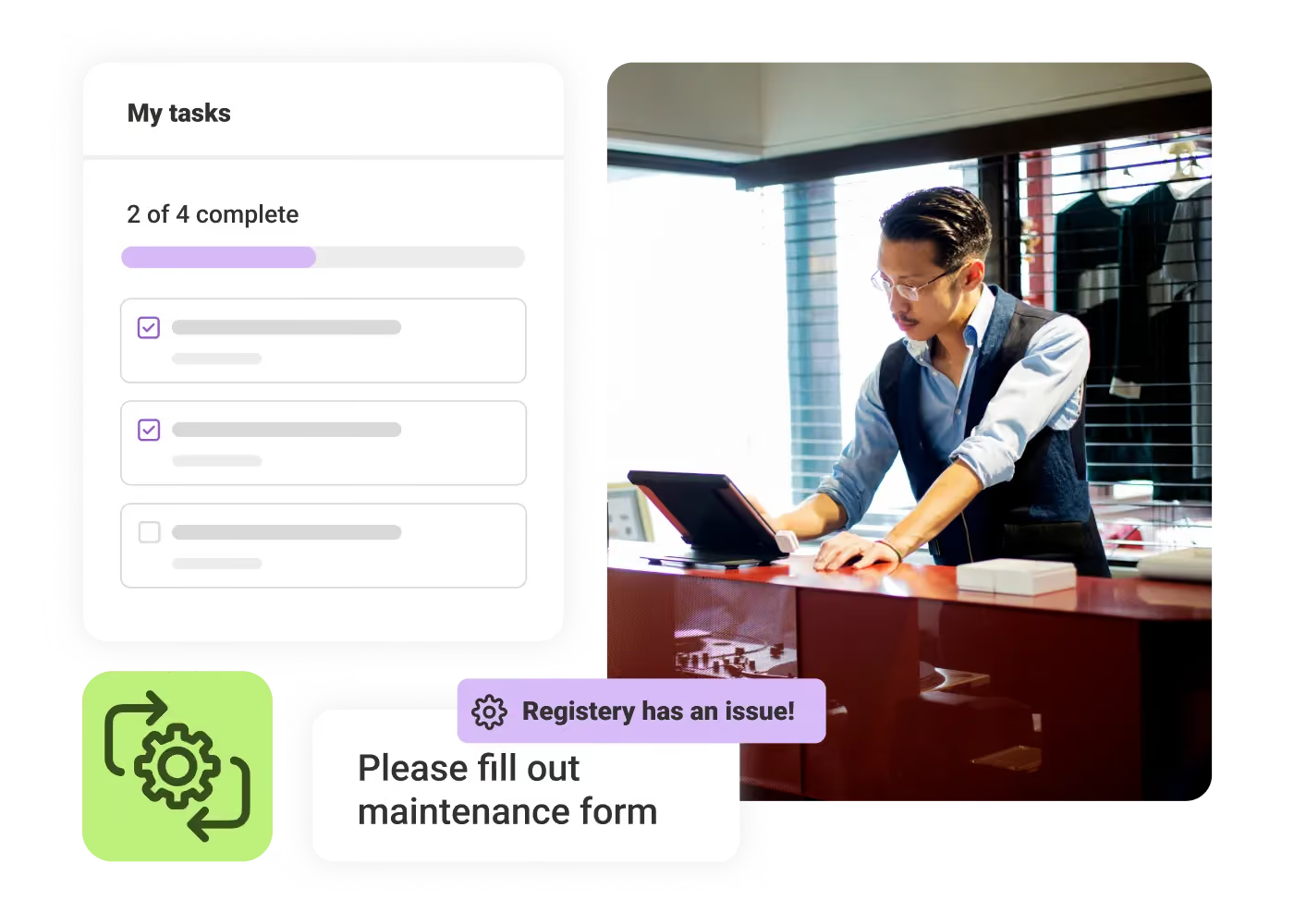
Man in glasses working on tablet at desk with tasks list and maintenance alert overlays.

Higher efficiency

Streamline daily operations by replacing manual work and paper trails with digital, mobile-friendly tools.

Better accountability

Track task ownership, deadlines, and progress across teams, and make your audit trail easier.

Consistent workflows

Ensure mission-critical data collection, operational tasks, and workflows are executed uniformly across the organization.
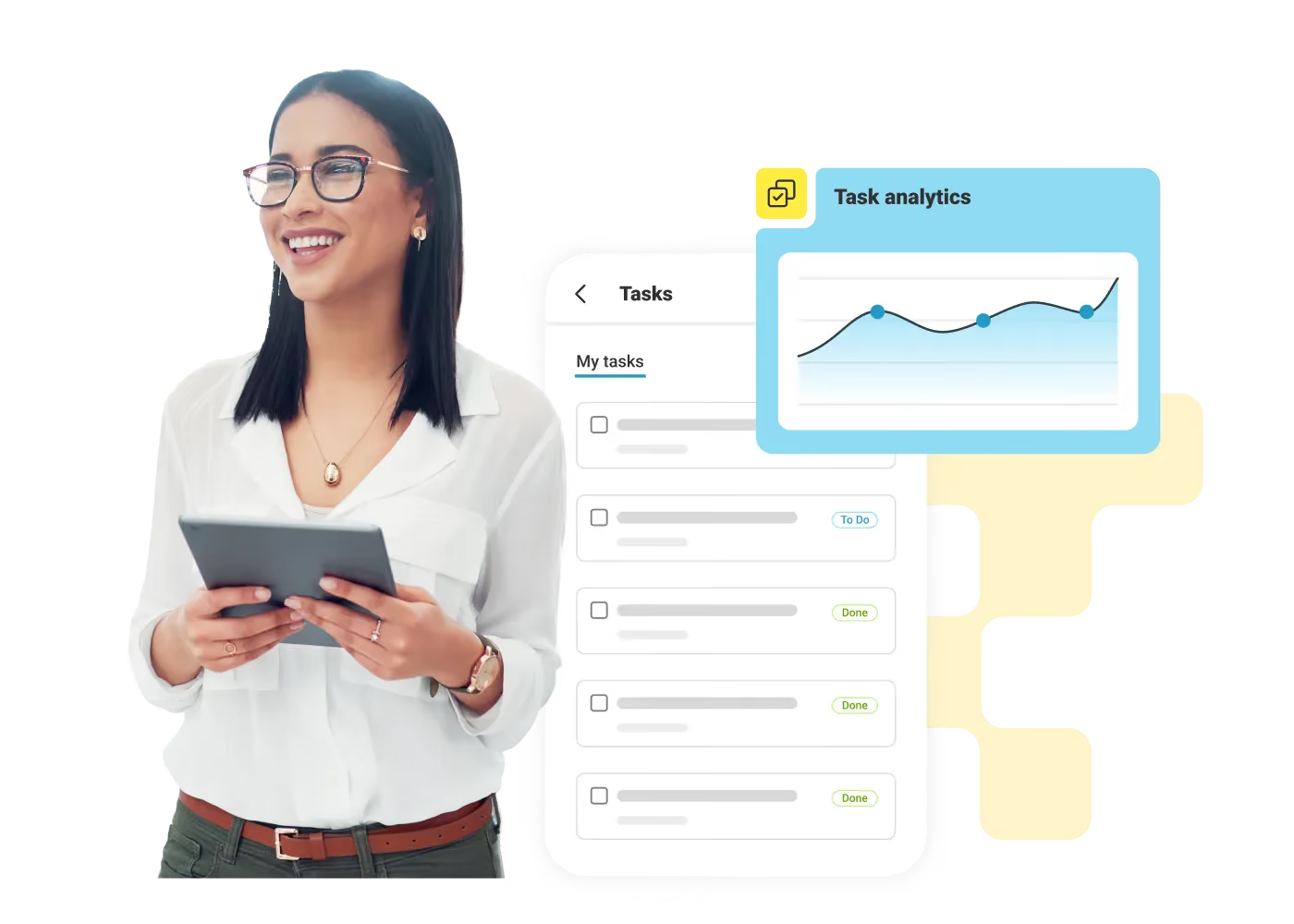
Structure your data collection across the organization

Create, edit, and share forms with your team to digitize key processes like maintenance checks, safety inspections, opening checklists, and more. You can then track form submissions, export results, and trigger automated workflows.
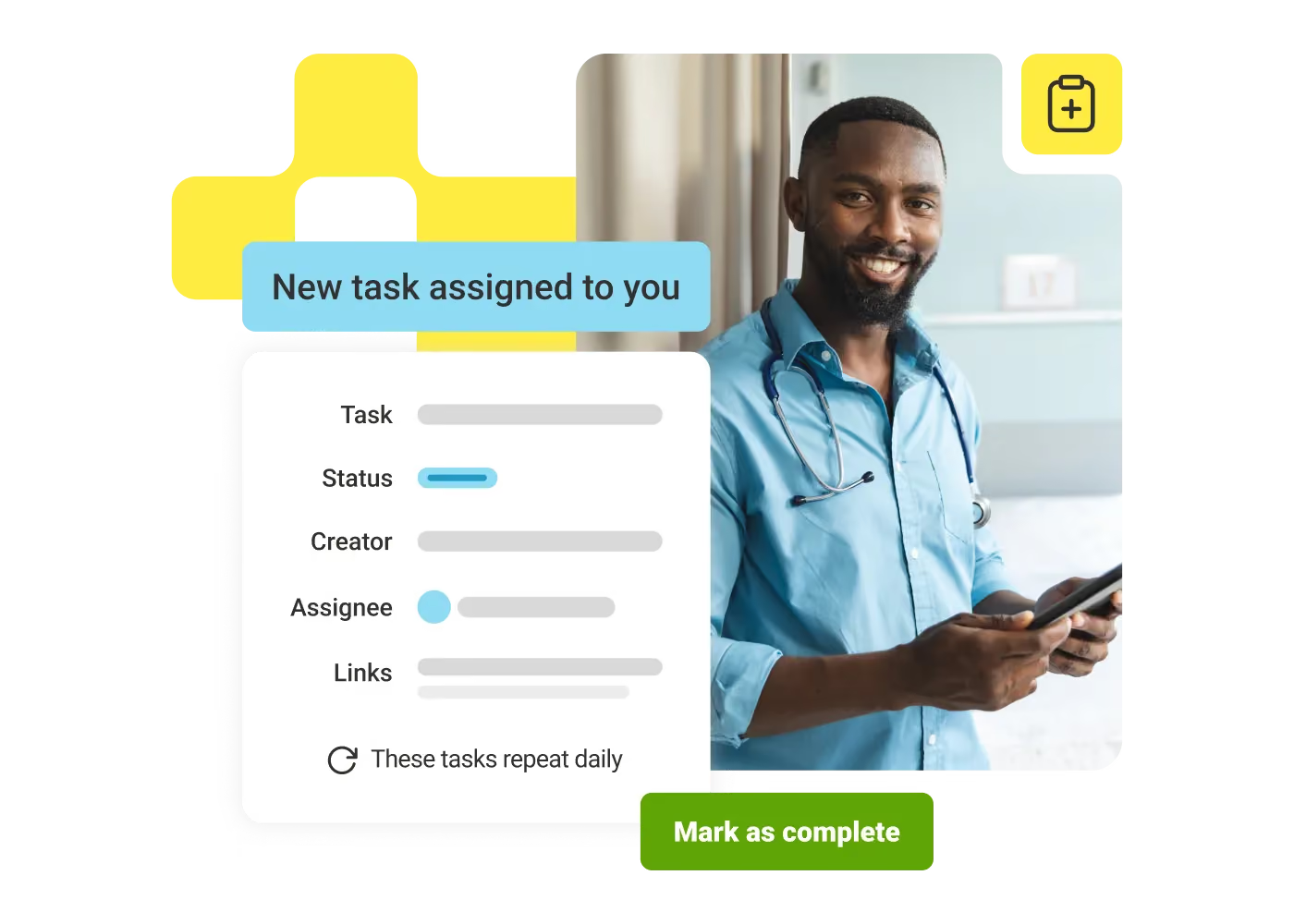
Smiling male healthcare worker in blue shirt with stethoscope holding a tablet next to task notification.

Keep teams on track with assignments and due dates

Create and assign tasks to your team. You can view tasks assigned by your manager and check them off when they're done. Create to-do lists and checklists. Track your deadlines and progress for a clear audit trail.
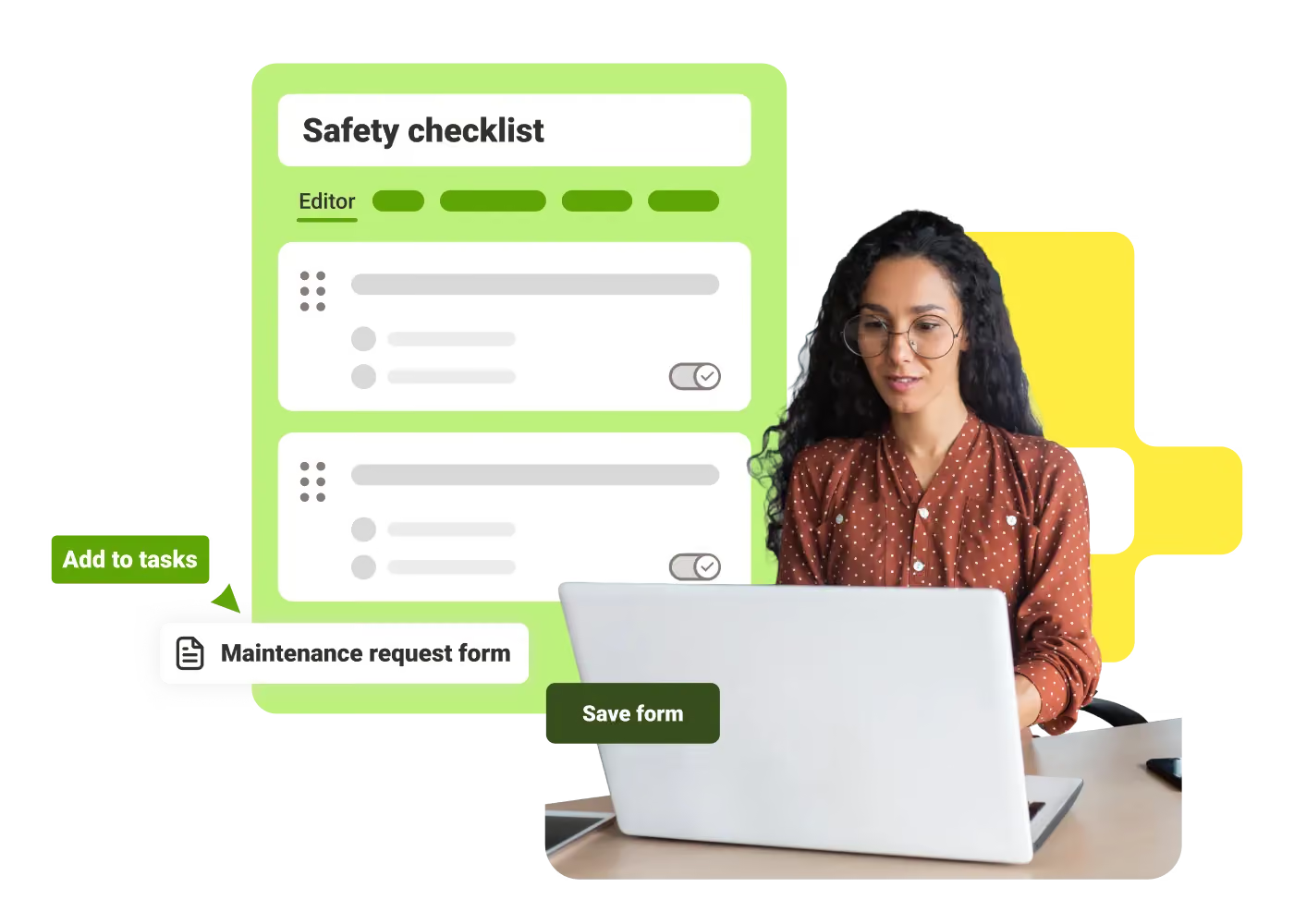
Woman with glasses using laptop, next to digital safety checklist and maintenance request form interface.

Save time and effort with ready-made templates

Deploy faster with LumApps extensive template library supporting the most common use cases. Access ready-to-use forms, checklists, and surveys to quickly implement industry best practices.
Sonja Breuer
"The on-time completion rate of our monthly safety audits has increased significantly, simply because managers can do them on the spot."
Sonja Breuer
,
Senior VP of HR
at
Hamra Enterprises
Marlin Smith
"We've been able to eliminate many paper processes, making life a lot easier for employees and HR."
Marlin Smith
,
Director, Human Resources, Operations
at
Conmet Monroe
Matthew Coxall
"This tool has proven instrumental in optimizing operations, ensuring that tasks are completed more efficiently."
Matthew Coxall
,
Grocery Manager
at
Pak'nSave Blenheim

Get a personalized demo of the AI Employee Hub — built around how your teams actually work.
Request a demo
Illustration of a female customer service agent with headset, calendar, and notification bell.
Button Text

From our experts and community

Visit Resource Center
September 18, 2026
What is mobile workforce management? It’s a systematic, tech-driven way to replicate the benefits of in-office workflow and communication while offering autonomy, distance, and safety.
Blog Post
How to Master Mobile Workforce Management
Resource Card
September 18, 2026
A woman in a grey turtleneck leans against a glass office wall while reading a message on her phone, with colleagues working in a meeting room behind her.
Blog Post
AI for Internal Communications: Use Cases, Tools, and Best Practices
Resource Card
September 18, 2026
Two healthcare workers in scrubs and a white coat look together at information on a tablet in a bright hallway.
Blog Post
What Is Enterprise Search? How It Works and Why It Matters
Resource Card
Two coworkers talking in an office with one taking notes and another wearing headphones around neck.
Checklist
Is Your Intranet Working? Free Legacy Intranet Checklist
Resource Card
May 29, 2026
Four construction workers in safety gear smiling with orange geometric overlay and checklist icon.
Checklist
How to improve communication and compliance on every job site
Resource Card
September 9, 2026
Event readiness timeline planner
Checklist
Event readiness timeline planner
Resource Card
May 21, 2026
The essential HR checklist for healthcare teams
Checklist
The essential HR checklist for healthcare teams
Resource Card
May 21, 2026
Modern office with a group meeting around a table and one woman sitting on a black chair using a laptop.
Checklist
Internal Communication Strategy
Resource Card
May 26, 2026
Smiling woman in white shirt holding an open sign in a bright coffee shop setting.
Checklist
Must-Have Features for Retailers
Resource Card
May 26, 2026
Two construction workers with helmets, one using a walkie-talkie, the other checking a tablet.
Checklist
Modernizing Communications with Frontline Employees
Resource Card
May 26, 2026
Smiling woman with earbuds uses laptop and holds smartphone at wooden table with coffee cup.
Checklist
Hybrid Work Checklist
Resource Card
July 31, 2026
Smiling man in glasses and checkered shirt working on a laptop at a bright home office desk.
Checklist
Data Driven Employee Experience: The IT Leader's To-Do List for Mastering Analytics
Resource Card
August 12, 2026
Two men fist bumping across a table with laptops, notebooks, and coffee cups in a casual workspace.
Checklist
6 ways to improve collaboration with an intranet
Resource Card
May 26, 2026
Four colleagues engaged in a lively discussion holding papers and notebooks near a laptop and window.
Checklist
7 steps to build the business case for an intranet
Resource Card
May 26, 2026
Three coworkers smiling and discussing work in a modern office with a wooden wall background.
Checklist
Battle of the Intranets: Meta Workplace vs LumApps
Resource Card
May 26, 2026
Man working on laptop at a wooden desk with another laptop, mouse, phone, and coffee mug nearby.
Checklist
Is your SharePoint intranet truly meeting your team’s needs?
Resource Card
May 11, 2026