The LumApps mobile app

From every desk to every shift

Fragmented tools leave frontline workers behind. LumApps brings communications, tasks, and resources into one secure, branded mobile app — built for the way your whole workforce actually works.
Request a demo
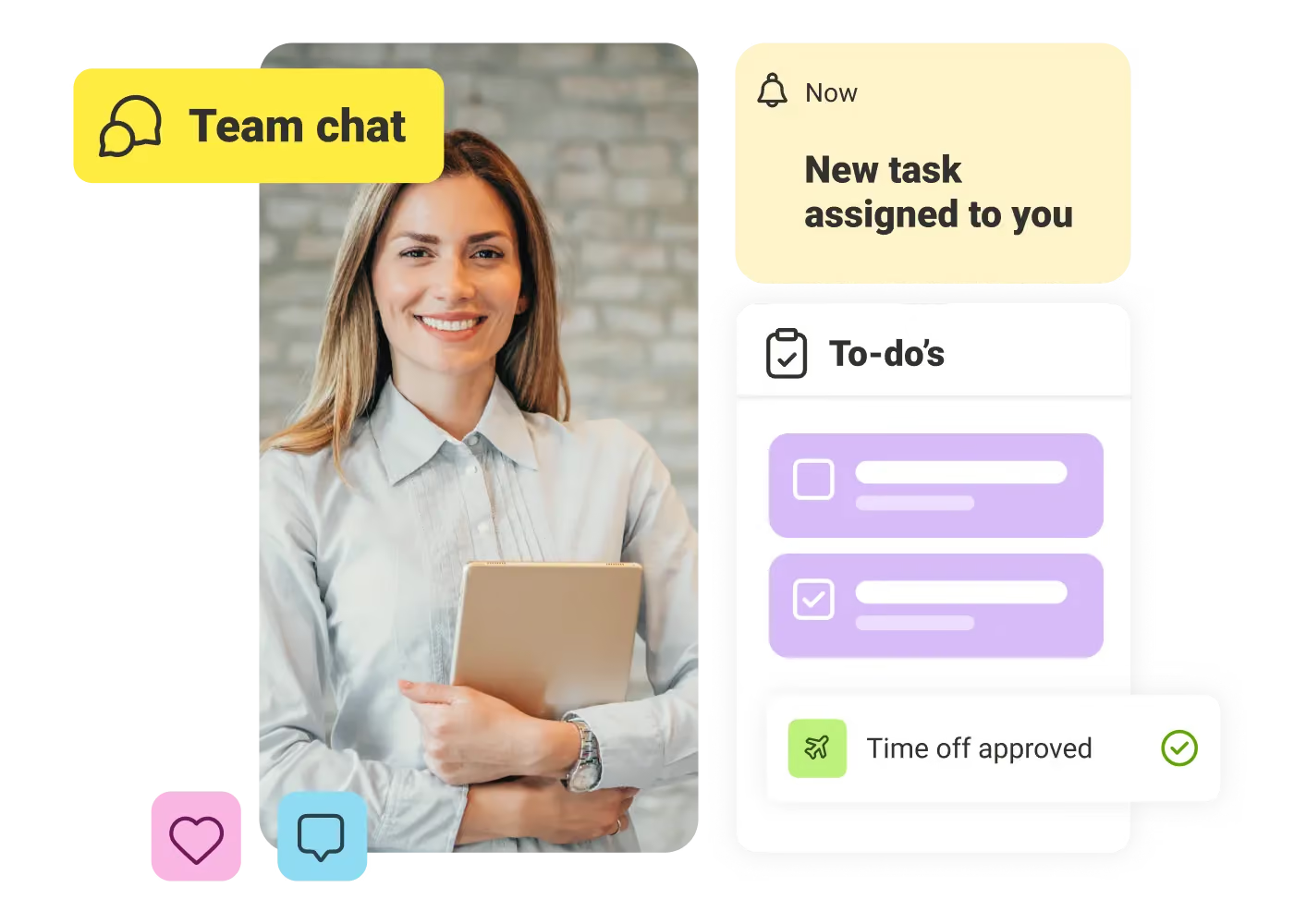
Smiling woman holding tablet with task notifications: team chat, new task, to-dos, and time off approved.

Reach every worker

Connect desk, frontline, and field teams in one app with targeted updates and chats.

Work happens here

Use Micro-Apps, tasks, and forms to take action and get work done without leaving the app.

Answers, instantly

Ask AI gives employees fast, trusted answers to policies and processes right when needed.

Built for daily work

Access learning, checklists, and workflows in one place so teams move through the day faster.

Secure by design

QR code logins, SSO, and enterprise-grade governance keep your workforce connected and your data safe.

Tailored to each team

Configure experiences by role, location, or shift so every team sees what matters most.

Critical updates that reach everyone

A plant manager sends a "stop work" alert. A comms team pushes a CEO announcement. With LumApps, every message is targeted by role, location, or shift — and employees confirm they've seen it. No guessing. No gaps.

Doctor with glasses and stethoscope using phone next to June calendar and shift swap and handover panels.

Workflows that follow your team to the floor

A frontline worker opens their shift, checks a digital safety checklist, and swaps a shift — all without leaving the app. No paper. No WhatsApp workarounds. Just the tools they need, exactly when they need them.
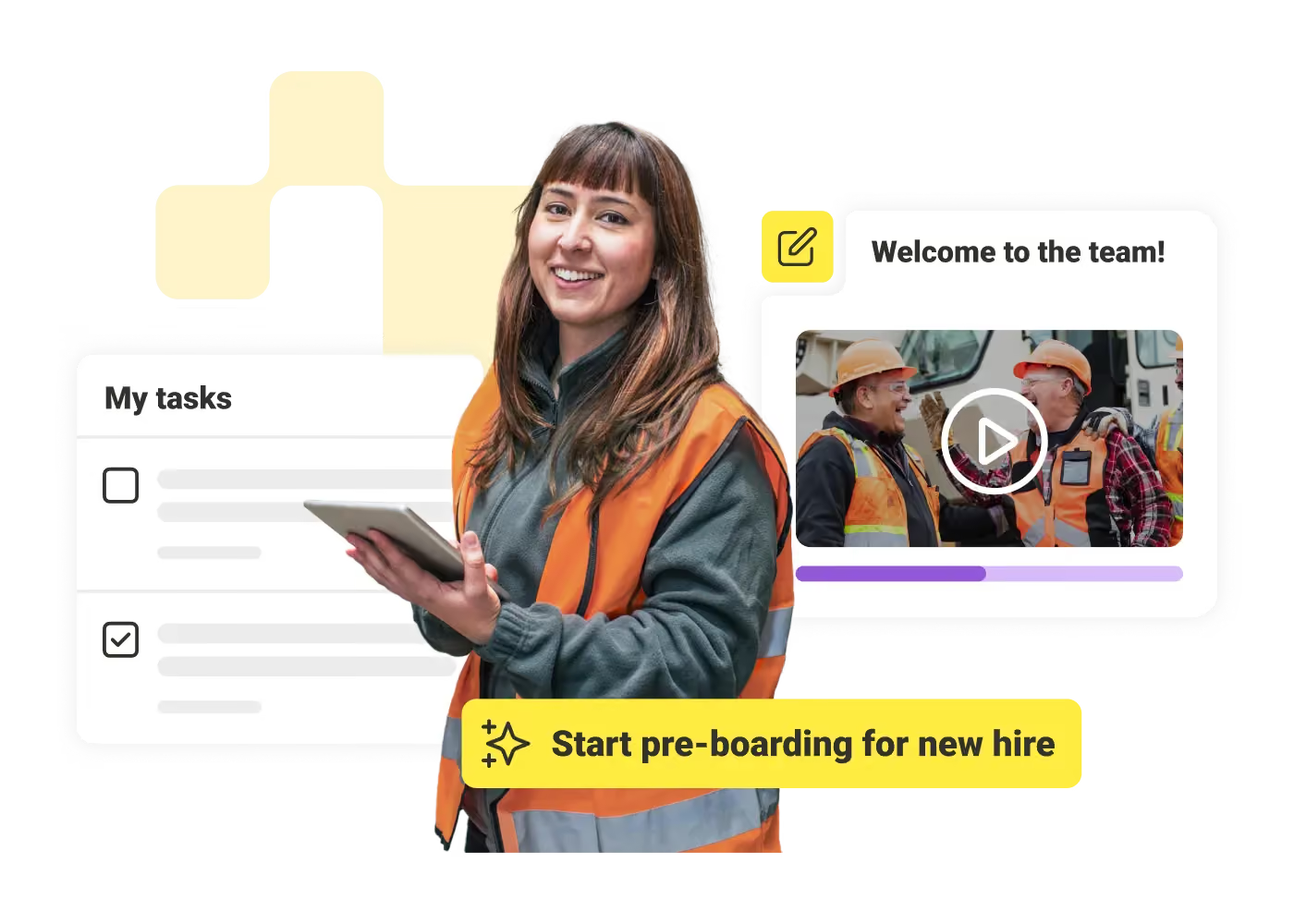
Smiling woman in orange safety vest holding tablet with task list and welcome video for new hire.

Onboarding that fits in your pocket

A new hire gets a day one push notification with their schedule, a team intro, and a welcome video — all in one app. No inbox overload, no chasing down HR. Just a clear, connected start that builds confidence early.
Gunther Soetinck
"The LumApps mobile app is very easy to use, and everything is close to you on your smartphone without having to open a laptop. Always being up to date with the latest news. For IT and mobility support also very easy to look up and find resources."
Gunther Soetinck
,
Shop Manager
at
Proximus

Get a personalized demo of the AI Employee Hub — built around how your teams actually work.
Request a demo
Illustration of a female customer service agent with headset, calendar, and notification bell.
Button Text

From our experts and community

Visit Resource Center
May 21, 2026
Beekeeper's employee dashboard guide
Blog Post

Employee Dashboard 101: Centralized Communication for a More Productive Workforce

Resource Card
May 21, 2026
employee turnover
Blog Post

8 Simple Ways to Reduce Employee Turnover In Frontline Businesses

Resource Card
May 21, 2026
Beekeeper's guide to time off requests
Blog Post

The Manager’s Guide to Creating an Effective Time Off Requests Policy

Resource Card
Four construction workers in safety gear smiling with orange geometric overlay and checklist icon.
Checklist

How to improve communication and compliance on every job site

Resource Card
May 26, 2026
Event readiness timeline planner
Checklist

Event readiness timeline planner

Resource Card
May 21, 2026
The essential HR checklist for healthcare teams
Checklist

The essential HR checklist for healthcare teams

Resource Card
May 21, 2026
Modern office with a group meeting around a table and one woman sitting on a black chair using a laptop.
Checklist

Internal Communication Strategy

Resource Card
May 26, 2026
Smiling woman in white shirt holding an open sign in a bright coffee shop setting.
Checklist

Must-Have Features for Retailers

Resource Card
May 26, 2026
Two construction workers with helmets, one using a walkie-talkie, the other checking a tablet.
Checklist

Modernizing Communications with Frontline Employees

Resource Card
May 26, 2026
Smiling woman with earbuds uses laptop and holds smartphone at wooden table with coffee cup.
Checklist

Hybrid Work Checklist

Resource Card
May 26, 2026
Two men standing in an office, one using a tablet, the other looking on with arms crossed.
Checklist

9 Steps to Build an Employee Experience Tech Stack

Resource Card
May 26, 2026
Smiling man in glasses and checkered shirt working on a laptop at a bright home office desk.
Checklist

Data Driven Employee Experience: The IT Leader's To-Do List for Mastering Analytics

Resource Card
May 26, 2026
Two men fist bumping across a table with laptops, notebooks, and coffee cups in a casual workspace.
Checklist

6 ways to improve collaboration with an intranet

Resource Card
May 26, 2026
Four colleagues engaged in a lively discussion holding papers and notebooks near a laptop and window.
Checklist

7 steps to build the business case for an intranet

Resource Card
May 26, 2026
Three coworkers smiling and discussing work in a modern office with a wooden wall background.
Checklist

Battle of the Intranets: Meta Workplace vs LumApps

Resource Card
May 26, 2026
Man working on laptop at a wooden desk with another laptop, mouse, phone, and coffee mug nearby.
Checklist

Is your SharePoint intranet truly meeting your team’s needs?

Resource Card
May 11, 2026