Share Secure Company Videos on Any Device
Want to boost your employee experience? Since 49% of employees retain more information from video than text, it's a powerful way to get your message across. LumApps Play is built right into the LumApps platform, giving you complete control over your video content—no technical skills required.

Centralized videos
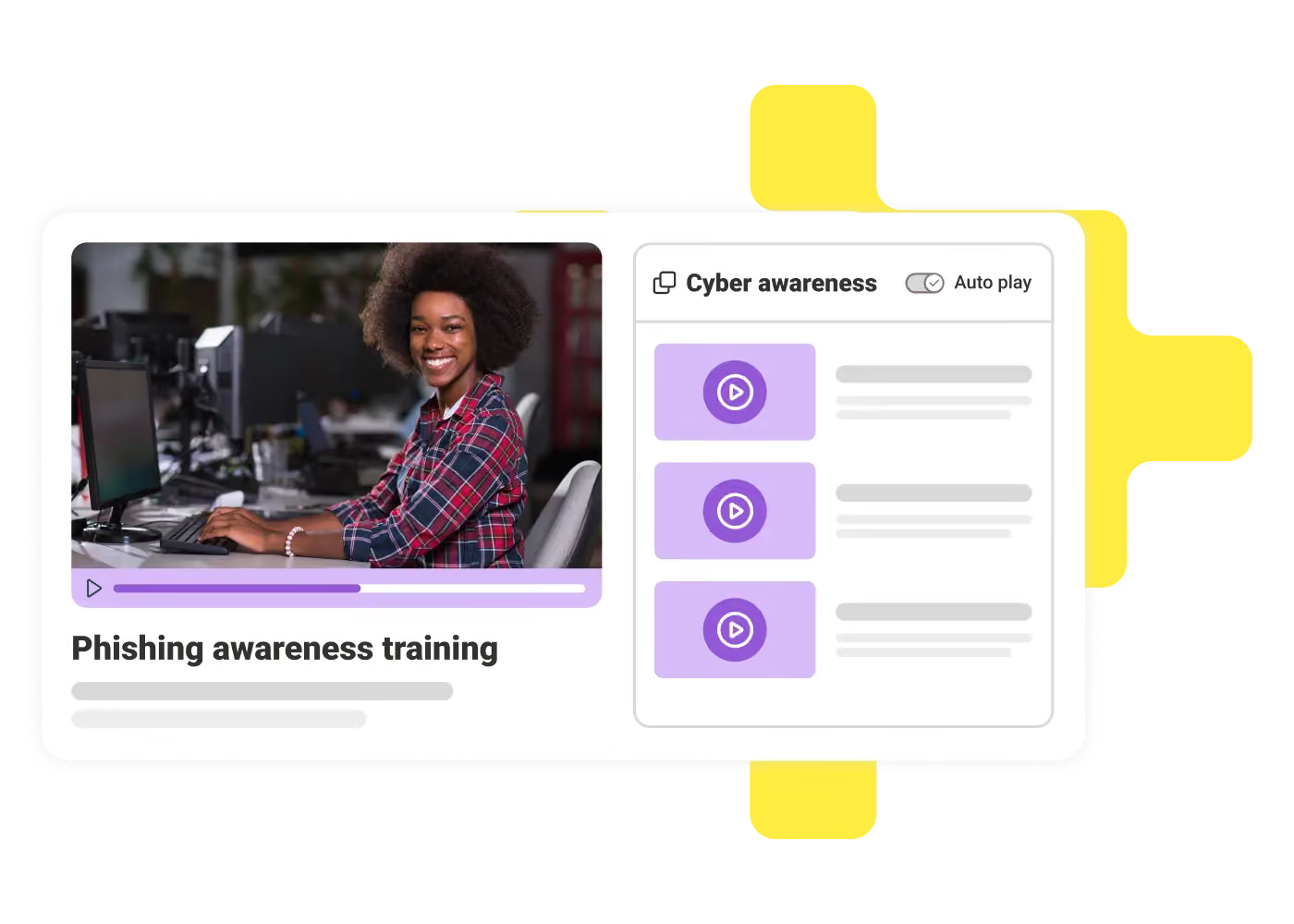
Pull from various sources like file management systems, public websites, and even user-generated content, all in one place.

Ultimate security
Hosted on trusted platforms like Google Cloud or Microsoft Azure, it protects your videos with strong encryption and gives you full control over who sees them, right from LumApps.

Broadcast at scale
Embed videos into your intranet with a native player for web and mobile. Organize content into channels, set visibility for specific user groups, and ensure smooth playback with adaptive streaming.

Native integration
Find and watch videos right within LumApps. The native player works seamlessly on web and mobile. No need for third-party tools or shadow IT for video management.

Enriched data
Organize and enrich your video content with features like libraries, metadata, thumbnails, chapters, and calls-to-action to improve accessibility and boost employee engagement.

Extended analytics
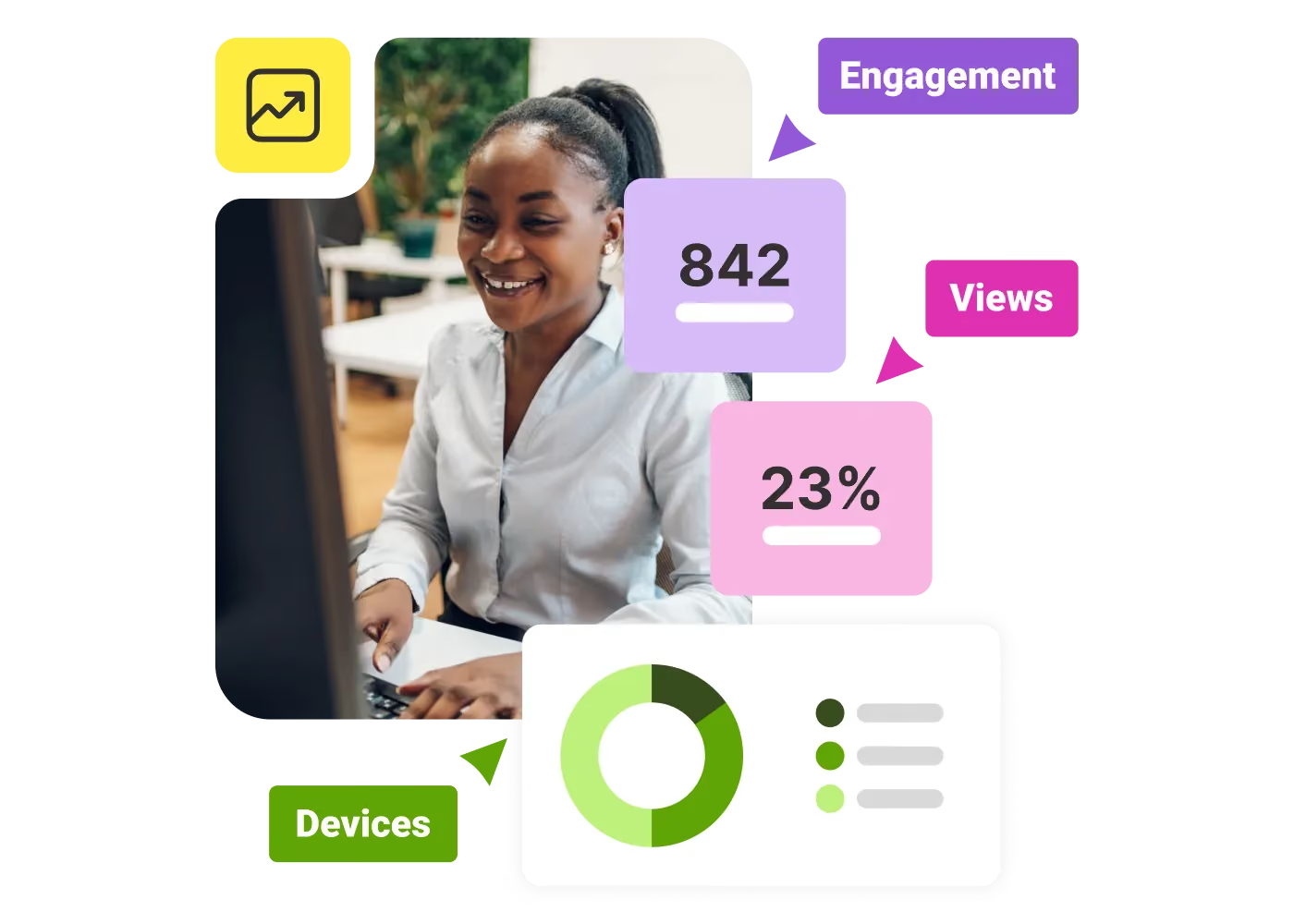
Gain insights into your video performance with dedicated analytics dashboards. Track trending videos and analyze key metrics like views, devices, and engagement to refine your strategy.
Improve user experience
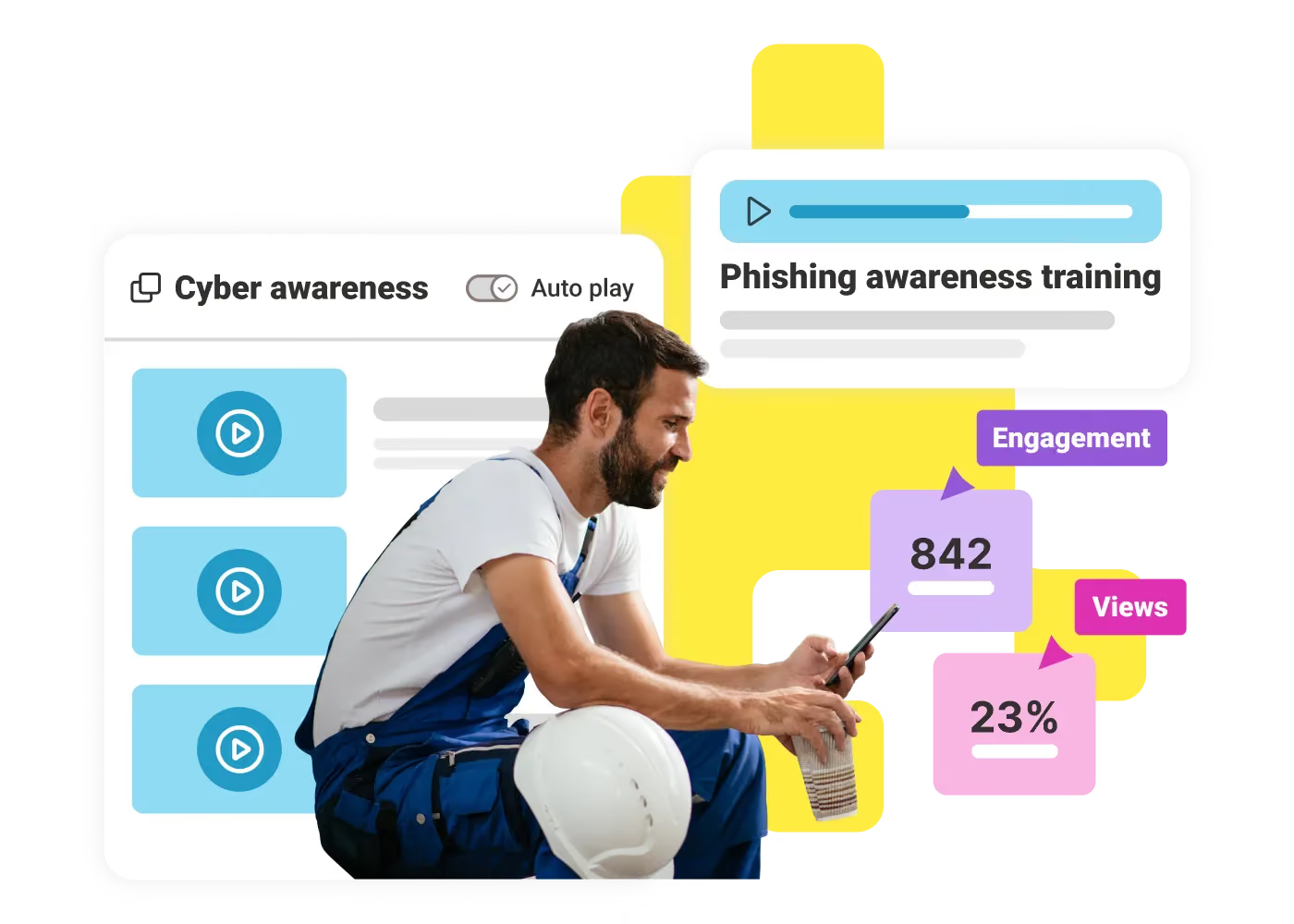
Our video manager makes it easy to create and organize videos into playlists. It also uses automated adaptive streaming to ensure a smooth viewing experience for your audience.

Streamline publishing
Generative AI features help streamline publishing by creating video titles, descriptions, tags, chapters, and multi-language subtitles, making your content more accessible and manageable.
Increase views
Your videos automatically encode in four quality levels, ensuring an optimal viewing experience for every employee. You can also add tags, chapters, subtitles, and automated transcriptions to make your content more inclusive.
"LumApps is well thought-out, intuitive, easy to use and, above all, effective, enabling companies of all sizes to create a digital workplace without too much effort or time."
"Simple to update, to prioritize content and to access, our LumApps platform is the obvious choice for communications in extraordinary times like these."
Questions
Video communication refers to the use of video technology to connect people in real-time or asynchronously, enabling face-to-face interaction regardless of location. It's commonly used in virtual meetings, webinars, training, and more.
Video communication enhances collaboration, improves employee engagement through visual interaction, reduces travel expenses, and provides a more personal communication experience compared to text or audio.
Look for features such as high-quality video and audio, screen-sharing capabilities, integration with existing tools, ease of use, scalability, and security to meet your specific needs.
You need a stable internet connection, a device with a camera and microphone, and compatible software. For optimal performance, ensure sufficient bandwidth and check hardware compatibility with the chosen tool.
Video communication fosters real-time discussions, encourages participation and engagement, and allows remote team members to build stronger connections, enhancing trust and collaboration.
Most modern video communication tools use encryption protocols to secure calls. Look for platforms that offer end-to-end encryption, user authentication, and privacy controls to protect data. LumApps video communication security covers: AES128 video file encryption, video access based on LumApps platform governance, and local hosting on Google Cloud Platform or Microsoft Azure. It is also covered by the LumApps' cloud security package.
- Test technology beforehand to avoid technical issues.
- Use good lighting and a quiet space for clarity.
- Mute your microphone when not speaking.
- Use an agenda to keep meetings on track and efficient.
- Use a secure video hosting solution like LumApps.
LumApps video communication integrates seamlessly with project management software, calendars, and collaboration tools like Microsoft Teams and Google Workspace, streamlining workflows.
Use metrics like attendance rates, meeting engagement, task completion, participant feedback, and the frequency of tool usage to evaluate effectiveness. LumApps video communications includes built-in analytics and performance tracking.
Get a personalized demo of the AI Employee Hub — built around how your teams actually work.